Database GUI Tools Compared for Daily Engineering Workflows
Three database GUI classes handle different jobs better than one tool trying to do everything.
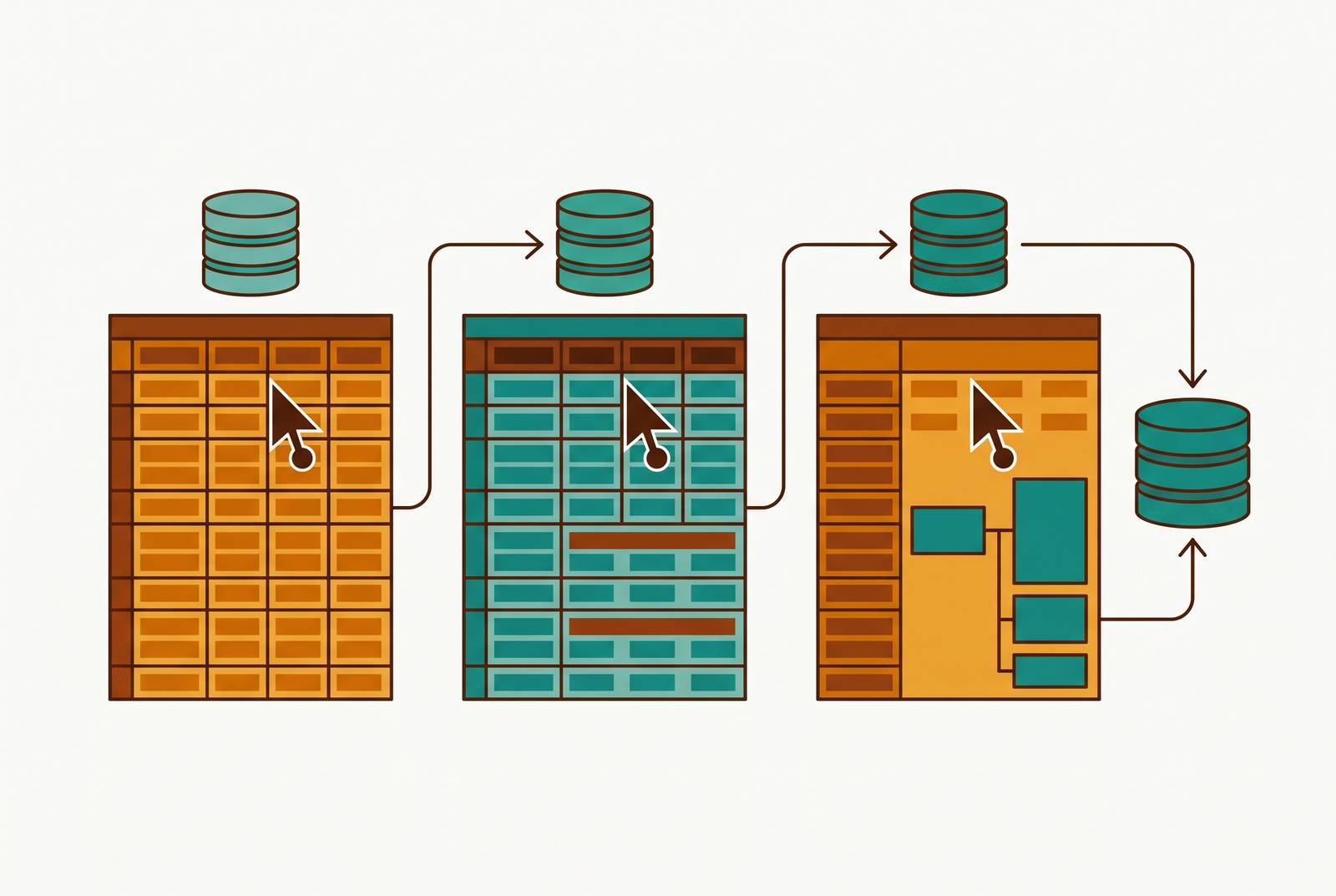
Database GUI tools make more sense when compared by job. Basedash fits the governed-access job, while SQL clients serve query work and engine-specific consoles handle diagnostics and maintenance. A small stack across these classes can cover the different jobs.
Why no single database GUI covers every workflow engineers actually have
An engineer debugging a complex query needs a different workspace from someone investigating server health. Working on a schema is different again, and neither job is like helping a product manager check a number. All involve a database, but that shared destination does not make them the same journey. A tool can put these jobs in tabs next to each other without making each tab as useful as the next.
That is the trap in evaluating database GUIs as though one must win every category. An interface has to meet different needs for deep query editing, engine diagnostics, and safe access for colleagues. The market’s answer has been feature sprawl, with tools adding tabs for jobs they handle less well. Yet a longer menu does not resolve the trade-offs underneath it. Evaluation gets clearer when it starts with the work that needs doing rather than the number of things a product says it does.
A working framework for three classes of database GUI tools
The first distinction is where the work lives. Debugging why a query is slow starts in a SQL client or query editor, where an engineer writes, runs, and refines SQL. Finding which indexes are bloated belongs in an engine-specific admin console, where the database’s internal state is the subject. Letting support look up a customer record belongs in a governed data interface, where access must be useful without being unrestricted.
Three things separate the classes, namely the primary user, the artifact they produce, and the governance model. A query editor is for an engineer working on a query or script, often with credentials shared among engineers. An admin console is for a DBA or senior engineer working on a configuration change or diagnostic report, with access controlled by a DBA. A governed interface gives a cross-functional team dashboards and editable views to work with, along with row-level permissions and an audit trail. The distinction is not how technical the screen looks, but whose work and authority it represents.
SQL clients and query editors as the engineer’s primary workbench
The SQL client is built around a tight loop. Write a query, run it, inspect the result, then refine it. Its strength is keeping that loop short while leaving the engineer in control of the SQL. Intelligent autocomplete and schema-aware suggestions reduce trips elsewhere to look up a table or column. Query history and saved-query libraries let engineers resume a recurring investigation.
That workbench becomes more useful when it covers the engines a team actually runs. Support for Postgres, MySQL, SQLite, and others in one interface reduces tool switching across services. Once a query returns, the engineer can sort, filter, and export the result set to check it without writing more SQL for every small change. A visual query builder can help with less-frequent tasks, provided it remains a secondary mode.
That freedom also marks the class’s limits. Most SQL clients do not provide the governance needed to expose data safely to non-engineers through shared engineering credentials. Engine conditions such as replication lag or index bloat may be available through queries, but that is not the same as a purpose-built diagnostic surface. Results and saved queries can also stay in the tool, out of reach of the rest of the company as a shared, versioned layer.
Engine-specific admin consoles for DBA and infrastructure work
Sometimes a query reveals a problem that originates elsewhere. Connection counts, lock contention, and long-running transactions can cause trouble in an application that needs to be traced inside the engine. An engine-specific admin console gives that investigation its own workspace. Instead of asking an engineer to assemble every diagnostic through SQL, it exposes the conditions that matter to operating the database. Its purpose is diagnosis and maintenance.
That difference shapes the work it supports. Index management includes identifying bloated, duplicate, or missing indexes and running maintenance without a CLI session. Schema and table work can include visual diffs and rollback visibility, while engine-specific operations include Postgres VACUUM/ANALYZE and MySQL slow query log analysis. Replication topology views address distributed setups, and user and role management controls access at the engine level. These functions belong together because they concern the database as a running system.
The price of that depth is coupling to a database engine. A team running Postgres and MySQL may need more than one admin console, or accept less depth from a generalist tool. The interface is also intentionally dense, an appropriate trade-off for DBAs and senior engineers who are expected to understand engine internals. It simply means the console is no substitute for a safe customer lookup screen or a product manager’s business dashboard.
Governed data interfaces for safe access by non-technical teams
The unmet need often lies outside the engineering workbench altogether. A support agent needs to find a ticket, a sales rep needs to see a pipeline, and neither needs production credentials. Without a governed interface, the choices are credential sharing, a custom internal admin panel, or an engineer’s ticket queue. Each solves access by handing engineering another responsibility or handing someone else too much authority. This class separates the ability to get an answer from the ability to operate the database.
The separation rests on permissions, reusable views, and accountability. Row-level permissions and role-based access can let a support agent see their own tickets while keeping financial records out of reach, or let a sales rep see a pipeline but not edit it. Saved queries and dashboards can be maintained by engineering and used repeatedly without requiring every reader to know SQL. Where edits are permitted, guarded views provide a defined way to update records. Audit trails record who viewed or changed what, which matters in regulated industries and is good practice elsewhere.
The engineering job therefore changes from answering each request to defining the surface through which requests are answered. Engineers set up connections, establish permissions, and publish the interface. Tools such as Basedash occupy this boundary, sitting on top of the database with row-level permissions and an audit trail rather than treating broad access as a matter of distributing credentials. The trade is less raw query power in exchange for governance that can serve a wider team. For engineers fielding repeated data questions, that is the relief this category offers.
Basedash as a governed data interface and what teams can do with it
Basedash connects directly to SQL databases and data warehouses and has an AI-native layer that lets people ask questions in plain English. Engineering and data teams set up connections, row-level permissions, and role definitions that determine who can see or edit data. They also provide saved queries, dashboards, and editable views for colleagues in product, sales, marketing, support, and ops.
After setup, a permitted user can filter a table, run a saved query, read a dashboard, or update a record within defined permissions. The user does not need to see a raw database credential or write SQL to carry out those tasks. Users can also ask Plain-English questions, which the AI turns into SQL that runs against live data. Basedash’s shared metric definitions support consistent answers, while permission controls constrain access. Its optional semantic layer adds defined business terms, so each question can draw on more than just the words a user chooses.
That semantic layer matters because access and meaning are separate problems. A sales team member may have permission to ask a question, but the answer also needs to use the team’s definition of the metric. When plain-language querying uses governed metrics and dimensions, the interface can turn a question into SQL that uses those definitions, without users having to know SQL or anyone having to tune permissions by hand for every query. For small teams and startups seeking cross-functional access, Basedash is a fit for this governed job without the overhead of an enterprise BI stack. The recommendation is bounded by the job, leaving deep query editing and engine maintenance to the classes designed for them.
How effective teams combine all three classes into a practical stack
A practical stack starts by assigning ownership of the work. For a team of roughly a hundred people, engineers can use a cross-engine SQL client daily for exploration, debugging, and ad-hoc queries. DBAs and senior engineers can use engine-specific consoles when maintenance, schema work, or diagnostics call for them. A governed interface then serves the wider company through connections and permissions established by engineering.
The useful next step is to diagnose the weakest layer. When engineers switch between SQL clients for different engines, their query editor may not cover the engines they need. Schema and performance issues that take too long to diagnose point toward an absent or shallow admin-console layer. When non-technical colleagues keep asking for help, the team may lack a governed interface or have one that does too little. These signs help teams choose which class to compare before they look at features.
That order matters because a purchase in the wrong class can improve one workflow while leaving the actual bottleneck untouched. Better autocomplete will not stop support from needing an engineer to retrieve a record. Deeper engine diagnostics will not give a product manager permissioned access to a dashboard. Teams most often miss the governed-interface gap because the people who need it are not the ones who usually buy database tools. Filling it often does the most good once people beyond engineers and DBAs need the team’s data.
Picking tools within each class for daily engineering work
Within a class, the right criteria come from daily use. For SQL clients, schema awareness and autocomplete should reduce lookup time. Engine coverage should match the team’s services without making multi-engine support a bargain paid for in lost depth. Team-shared query libraries matter because individual saved queries do not become collective knowledge on their own. Deployment also matters, including local installation, cloud, or self-hosted options where the team’s security posture and data-residency requirements make that distinction important.
For admin consoles, engine match takes priority over support for databases the team does not run. The diagnostic surface should show lock contention, index health, and replication status so engineers do not have to write custom queries each time they look into a problem. Its access model should keep control over who has DBA-level authority without giving people another reason to share credentials. A dense interface can be appropriate here if it makes engine work clearer.
For governed interfaces, selection turns on whether safety survives everyday use. Row-level control matters because table-level access is often too coarse, and direct database connections belong in the assessment of engineering setup work. Engineers should be able to change a schema without rebuilding every view, and non-technical users should be able to work in the interface without knowing SQL. Audit trails should show who viewed or changed what and be queryable when something goes wrong. Across all three classes, the final test is how quickly a new engineer can become productive, because a tool understood by only one person creates bus-factor risk of its own. Choose for the work, the permissions, and the people who must inherit it.