Automating Repetitive Database Operations With Scheduled SQL Jobs
Stop relying on manual reminders for critical database tasks.
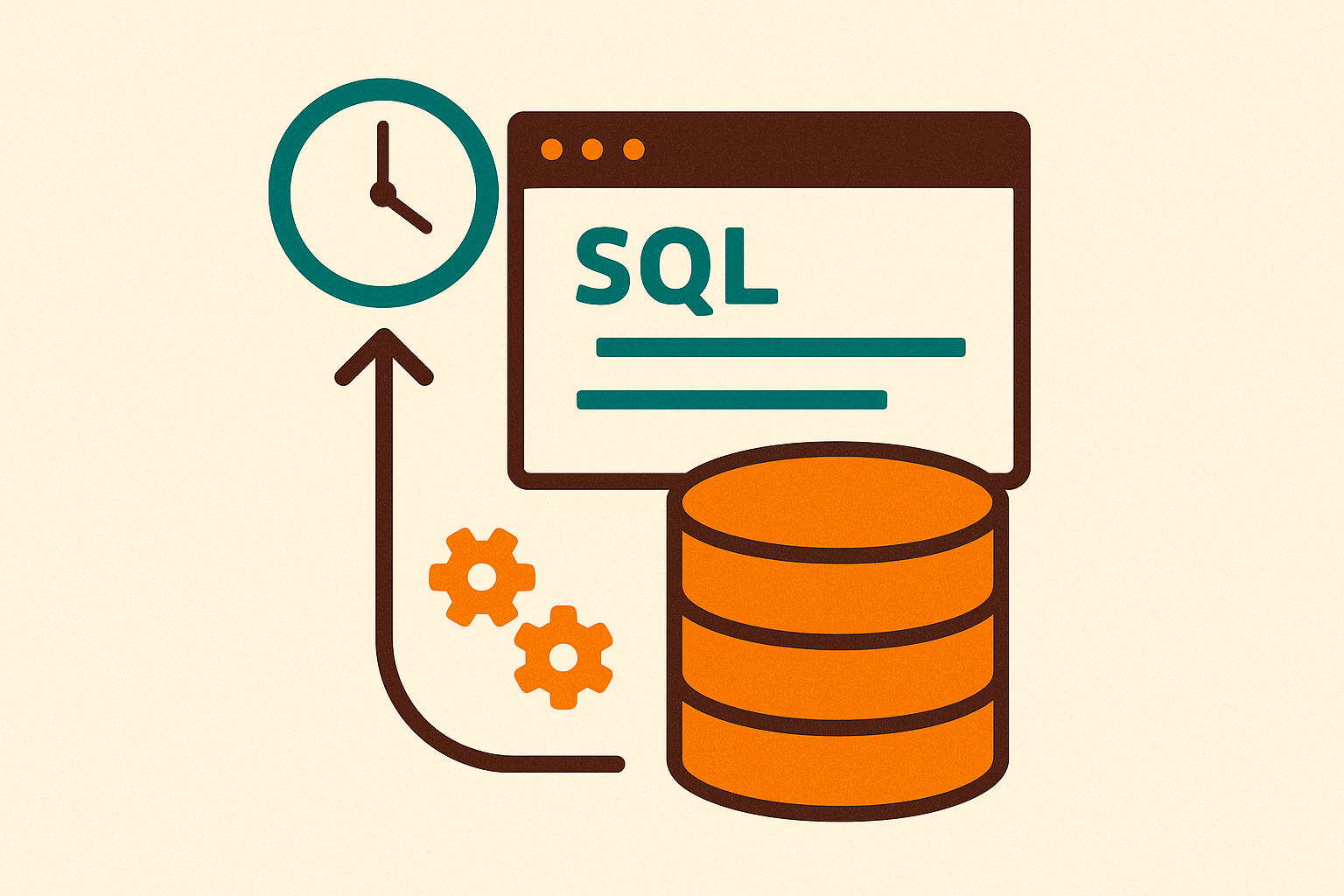
Backups, index maintenance, session cleanup, data summaries, archiving old records: these jobs start life as a quick script someone writes on a Tuesday afternoon, and they stay that way far longer than they should. Nobody schedules the one-off fix, because it feels one-off. These tasks are never actually one-off. They recur, and recurring work that depends on a person remembering to run it is a bet against that person's calendar.
An index that nobody rebuilds gets more fragmented every week, and the cost doesn't appear as an alert. It appears as every query against that table getting a little slower, for every team, with no single moment anyone can point to and say "that's when it broke. A missed backup is worse, because you don't find out about it on the day it's missed. You find out during an actual incident, when you reach for a restore point that doesn't exist.
None of this is specific to one kind of database or one kind of company. An on-premises SQL Server box running payroll has the same exposure as a cloud data warehouse running marketing dashboards: tasks that need to run on a schedule, run by a machine. The tools differ by platform, but the underlying shape of the fix doesn't. That consistent shape is what the rest of this piece walks through, platform by platform.
The common structure every scheduled SQL job shares across platforms
Strip away the branding, the consoles, and the syntax, and every scheduled SQL job, on every platform, answers the same three questions. What should run? When should it run? And what happens if it fails?
The first question concerns the job body: the actual SQL statements, stored procedures, shell commands, or packaged scripts that do the work. The second is the schedule: a fixed interval, a cron-style expression, a calendar trigger, or a condition like "run when the server starts" or "run when the system is idle." The third is failure handling: retries, alerts, and logs. If that third piece is skipped, a failed job just goes quiet. Nobody notices a job didn't run until the data it was supposed to produce is missing, and by then the question isn't "did it fail" but "how long has it been failing."
A further piece appears once setups get more serious: dependencies. Instead of five jobs running on five independent clocks, one job triggers the next, but only if the one before it actually succeeded. That turns a pile of scheduled scripts into something closer to a pipeline, where failure in one step stops the chain instead of quietly producing bad output two steps downstream.
Keep those three questions (what, when, what if it breaks) in mind as the anchor. Every platform below answers them differently, but none of them skip any.
SQL Server Agent: the most feature-complete native scheduler for SQL Server and Azure SQL Managed Instance
SQL Server Agent is the direct, built-in answer to all three questions on SQL Server. Steps define what runs. Schedules define when. Alerts, routed to named operators, define who finds out when something goes wrong.
A job can hold several steps, and each one can run a T-SQL script, an SSIS package, a PowerShell command, or an OS-level task. Steps run in order, and you can set branching logic at each one: jump to a different step on failure, stop the whole job, or move to the next step regardless. Schedules are flexible in the same way. A job can run once, or repeat daily, weekly, or monthly, or fire on an event like SQL Server starting up or the CPU going idle, and a single job can carry more than one schedule at a time. When something breaks, SQL Server Agent sends an email or writes to the Windows event log, and operators are just the named people tied to those alerts so a failure doesn't vanish into a log nobody reads.
Jobs don't have to be built by hand in a visual console. The msdb system stored procedures, things like sp_add_job, sp_add_jobstep, sp_add_schedule, sp_attach_schedule, and sp_add_jobserver, let you create the whole thing in T-SQL. That matters because it means job definitions can live in version control next to the rest of the application code, instead of existing only as settings buried in a console somewhere. A simple example: a job that deletes audit records past their retention window, runs every day at 1 AM, and retries three times with five minutes between attempts if something goes wrong.
Agent Jobs most often handle the heavy, boring, essential work: full, differential, and transaction log backups; scheduled index defragmentation and rebuilds; health checks and monitoring reports; and batch steps inside larger ETL processes. Microsoft's own learning path for Azure SQL automation covers SQL Agent jobs for both on-premises SQL Server and Azure SQL Managed Instance, because the same job model carries over to both. Agent runs as a Windows service on-premises (it also runs on Linux), and it's available inside Azure SQL Managed Instance as part of that PaaS offering, but not inside fully abstracted services like Azure SQL Database. That changes how you monitor it and what happens if the underlying host has a problem.
MySQL Event Scheduler: the built-in alternative to cron for database-level tasks
MySQL takes a different route to the same three answers. Instead of a separate agent service sitting alongside the database, scheduling lives inside MySQL itself, as a background thread that checks the event calendar and fires off SQL when something's due. No external scheduler, no separate process to install or monitor.
It isn't on by default, though. Turning it on takes a runtime command, SET GLOBAL event_scheduler = ON, and for that setting to survive a restart it needs to go into my.cnf as event_scheduler = ON as well. Once it's running, events come in two flavors. A one-time event fires AT a specific date and time. A recurring event fires EVERY some number of seconds, minutes, hours, days, weeks, months, quarters, or years, plus composite units like DAY_HOUR or HOUR_MINUTE for finer control, and you can bound the whole thing with STARTS and ENDS dates. The body of the event is just SQL, either one statement or a full BEGIN/END block, and it can hold inserts, updates, deletes, schema changes, or calls to stored procedures.
A handful of real patterns show how this plays out in practice. An hourly cleanup job can delete expired rows with something like DELETE FROM user_sessions WHERE expires_at < NOW(), then log how many rows it removed into an event_log table so there's a record of what ran and when. A nightly summary job can run at 00:05 and aggregate the previous day's orders into a daily_sales_summary table, using ON DUPLICATE KEY UPDATE so running it twice by accident doesn't double the numbers. A weekly archival job can run every Sunday at 3 AM and move orders older than a year into an archive table, keeping the live table lean. And a one-time migration event can use ON COMPLETION NOT PRESERVE, so once it fires, it deletes itself and leaves nothing behind to accidentally run again.
Managing all this day to day is mostly a handful of commands: SHOW EVENTS to see what's scheduled, ALTER EVENT with DISABLE or ENABLE to turn one off or on, ALTER EVENT... ON SCHEDULE EVERY to change how often it runs, and DROP EVENT IF EXISTS to remove it for good. For monitoring, information_schema.EVENTS holds the last-executed time and current status, and a custom event_log table inside the event body itself gives you an auditable record of every run.
In a replicated environment, event definitions replicate to replica servers, but MySQL automatically sets replicated events to SLAVESIDE_DISABLED, so they exist on the replica but never actually fire there. On a setup with multiple writable nodes, that means the scheduler should only be turned on for one node. Turning it on everywhere causes the same job to fire more than once. Event bodies, here and really everywhere in this article, should be built to survive running twice. If a failover causes an event to fire again, it shouldn't double-process the same rows. That's what ON DUPLICATE KEY UPDATE and timestamp-based guards are for.
PostgreSQL scheduling: pg_cron, pgAgent, and OS-level cron
PostgreSQL takes a different stance entirely: it ships with no built-in scheduler at all. Instead of one obvious choice, there are three different layers where scheduling logic can live, and picking between them is itself a real decision, not a formality.
pg_cron is the most self-contained option. It's an extension that runs inside PostgreSQL and expresses schedules in familiar cron syntax, with no separate service to install or babysit. It fits SQL-only jobs that live entirely within a single database.
pgAgent takes a different shape: a separate daemon that runs outside the PostgreSQL server, storing job definitions in the database itself and managed through pgAdmin. It fits jobs with more than one step, jobs that need to run shell commands alongside SQL, or teams that want a visual way to manage schedules. Starting it looks different depending on the OS: on Linux it's a command like pgagent hostaddr=<db_host> dbname=<database_name> user=<db_user>, or it can run through the OS's own service manager; on Windows, it installs as a service through the installer. Setting up a job in pgAdmin follows a simple path: open the server, then the database, then pgAgent Jobs, right-click to create a new job, name it and set it to Enabled, add one or more Steps (either SQL or a batch/shell command), attach a Schedule with a frequency and time zone, and save. From there the daemon picks the job up on its own and logs results into pgAgent's own tables. Checking on a job later means opening it in the pgAdmin tree and looking at its Statistics tab, with the underlying history sitting in the pga_joblog and pga_jobsteplog tables.
Then there's the plain OS-level option: Linux cron, running shell scripts or psql commands from outside PostgreSQL entirely, through the system-wide crontab at /etc/crontab. It fits the simplest cases, or teams that already manage cron for other parts of their infrastructure and don't want to introduce a new tool just for the database.
So which one fits? For simple, SQL-only jobs inside a single database, use pg_cron. Use pgAgent once a job needs multiple steps, shell access, or a visual interface through pgAdmin. Use plain cron when the job is genuinely simple and cron is already part of the team's toolkit. A dedicated enterprise scheduler becomes the right fit once the need crosses multiple databases or depends on external events.
Snowflake Tasks: serverless scheduling inside a cloud warehouse
Snowflake Tasks answer the same three questions again, but inside a cloud data warehouse where compute itself is something you can turn on and off on demand. A Task automates a SQL statement or a stored procedure call on a schedule, and it comes in two compute flavors.
Serverless tasks let Snowflake handle compute entirely on its own: it provisions what's needed when the task runs and releases it afterward, with no warehouse to name ahead of time. An initial size can be set through USER_TASK_MANAGED_INITIAL_WAREHOUSE_SIZE, and billing only covers what the task actually uses while it runs. That billing model is the single biggest practical difference from running a scheduler on a server sitting there around the clock. A job that only runs once a week doesn't need a warehouse sitting idle the other six days, which changes the cost math for anything that runs rarely but still needs to run reliably.
A task can run one SQL statement, call a stored procedure, or execute a multi-step Snowflake Scripting block wrapped in BEGIN and END. For anything more complex than a single step, tasks support dependencies: chain several tasks together so a downstream task only fires once the task before it finished successfully. Execution history, current status, and results are all visible inside Snowflake directly, and Snowflake itself handles the dispatching, parallel execution, queuing, and retry logic behind the scenes.
The common uses line up with what a cloud warehouse exists to do: running ELT pipelines, refreshing materialized views, keeping dashboard queries current, and coordinating multi-step data workflows. For work that lives entirely inside Snowflake, Tasks remove the need to bolt on an external scheduler or a separate orchestration tool just to keep SQL running on a clock.
What the scheduled job is doing: the four workload categories that justify automation
All four platforms above answer the same "what, when, what if it fails" questions in different ways. But none of that matters unless the job itself is doing something worth automating in the first place. Four categories of work keep recurring, and each one fails differently when it's left to manual effort.
Backups are the clearest case: full, differential, and transaction log backups on a fixed schedule. The failure mode here isn't subtle: data loss is discovered during an actual incident, when there's no going back and fixing it after the fact. That is why this category gets automated first almost everywhere.
Index maintenance is quieter. Indexes fragment gradually as data changes, and query performance degrades along with them, but nothing announces this. A scheduled defragmentation or rebuild job catches the problem before a person notices things have gotten slow.
Data cleanup and archival sit in the same bucket as the MySQL examples above: expired sessions, soft-deleted rows, audit logs that have outlived their retention window, and records eligible for archiving all pile up without limit if nobody periodically clears them out. The hourly session cleanup and the weekly order archival pattern are the actual shape this problem takes in a live system.
The fourth category, data transformation and pre-aggregation, deserves more attention than the rest, because scheduling here is no longer a convenience but a safety decision. Nightly or hourly jobs that roll raw transaction data into summary tables are what keep dashboards fast and safe for people who aren't writing SQL themselves. Building one well means deciding between an incremental update and a full reload each run, making sure the job is safe to run twice without corrupting results, and deciding where, relative to the production database, that job actually runs. That last decision is big enough to deserve its own section.
Running analytical jobs against a production database safely
Where a scheduled analytical job runs matters as much as what it does. A job that scans an entire history table against a live production primary isn't just slow by itself. It can push hot, frequently used pages out of shared memory, and every other transactional query competing for that same cache gets measurably slower for as long as it takes the cache to refill.
Long-running analytical queries also tie up database connections for longer than a typical transactional query would. Under a connection pool sized for quick, short transactions, a handful of long-running analytical queries can quietly use up most of the available slots, leaving ordinary application traffic waiting for a connection that never frees up in time. That's the real argument for pushing nightly rollups onto a replica, a dedicated reporting instance, or a separate warehouse rather than the primary database everything else depends on: the schedule isn't just a timing decision, it's a decision about which workload gets to compete for the production database's resources, and when.