Saving and Organizing SQL Queries Across an Engineering Team
How teams can stop rewriting the same SQL queries over and over.
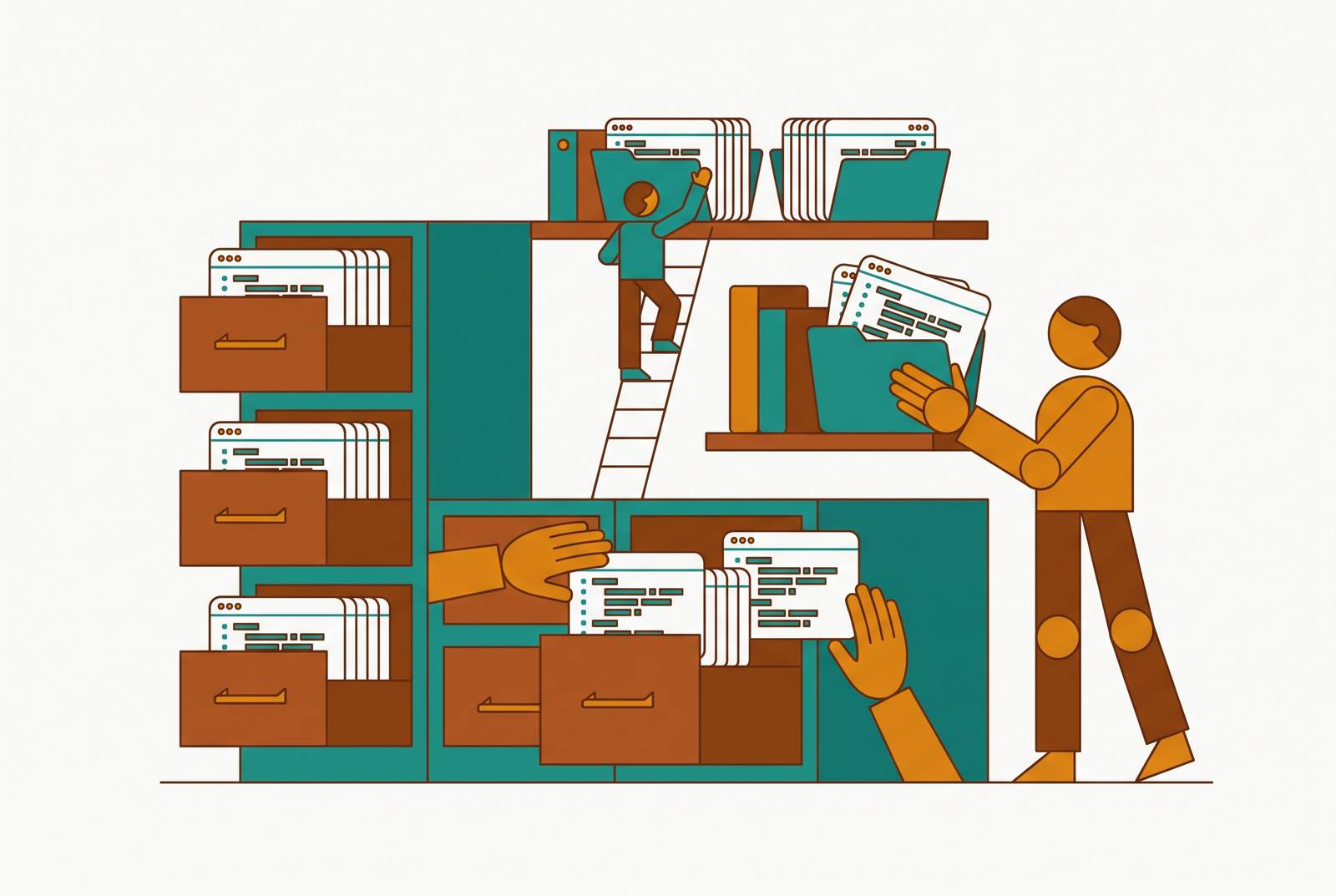
Every team has had this moment: someone needs a number, remembers that a teammate pulled the exact same number three months ago, and goes looking for the query. It's not in the channel or the doc they thought, it's gone, or it's buried somewhere nobody can find it, so the query gets written again from scratch, usually by someone who has no idea which edge cases the original author already handled.
That's the acute symptom. SQL is the primary language engineering and data teams use to reason about their own systems, yet it still ends up stored in the worst possible places: local editors, Slack threads, personal clipboard history, undocumented wikis. Nobody designed it this way on purpose. It just accumulates, one saved query and one forgotten thread at a time.
The cost appears fastest in the numbers teams report to each other. When two analysts each write their own version of the same metric, neither knowing the other's query exists, the company ends up with two different answers to the same question, both confidently stated in a meeting. Nobody catches it until the numbers collide.
Turnover makes it worse. Knowledge that lives in one person's editor leaves the building the day that person does, and every offboarding quietly erases a slice of institutional memory nobody thought to back up. None of this is a tooling failure so much as an ownership failure. Teams share access to a database constantly, but shared access isn't shared ownership of the queries that run against it, and that gap is where duplication and quiet errors live.
AI-generated SQL is pouring fuel on this. When a model writes a query on demand, the query is ephemeral by default: nobody saves it, nobody documents it, and the same prompt gets typed in again next week by someone who doesn't know it was already solved. Instant SQL makes the scattering worse, not better, because there's even less friction between "I need an answer" and "a query exists that nobody will ever see again."
Shared docs, Slack pins, and a desktop folder fail at scale
Teams aren't blind to this problem. Most have already tried to patch it, and the patches mostly work for about a month.
A pinned message or a shared Google Doc gives everyone a link. But a doc has no version history and no authorship trail, so nobody can tell whether the query still matches a schema that changed last quarter. The query looks authoritative right up until it quietly returns the wrong number.
A shared folder of.sql files is a step up, since at least the files are centralized. Without metadata, tags, or any search beyond grep, that folder turns into an archaeological dig rather than something a person can actually use.
Desktop editors like DBeaver, DataGrip, and TablePlus solve a different problem entirely. They're fast and genuinely good for the person sitting at the keyboard, but the queries they save live on that one machine, invisible to everyone else on the team. The editor is doing its job. It was just never built to be a team's shared memory.
Some teams respond to all this by mandating a single tool for everyone. That instinct is understandable and it's also the wrong lever to pull. Power users and casual users want different things from a SQL tool, and forcing one tool on both groups either strips capability from the power users or buries the casual ones in features they'll never touch. The actual gap is the absence of shared infrastructure around naming, storage, documentation, and version control that works no matter which editor anyone prefers. Fixing that infrastructure is a different project than picking a winner in the editor wars, and it's the one that actually pays off.
What treating SQL like code means in practice
If SQL is going to behave like a shared asset instead of a personal scratchpad, it needs the same discipline software engineers already apply to application code: shared storage, naming conventions, inline documentation, peer review, and version control. None of these require buying a new tool. They require a team deciding to do them.
Shared storage means a repository, Git or otherwise, that the whole team can reach rather than a folder that lives on one person's drive. The practical version of this looks exactly like what engineers already do with application code: set up a shared repo for SQL scripts, commit and push changes with messages that actually describe what changed, and run changes through pull requests before they land. Git adds version control on top: anyone can see who changed what and when, and roll back to an earlier version the moment something breaks.
Naming conventions sound small and save hours. Agree on snake_case for columns like order_date and customer_id, use short, meaningful aliases for tables (orders as o, customers as c), and prefix file names with dates or categories, something like 2025_sales_by_region.sql. These conventions only work if the whole team signs on before the library gets big, because retrofitting naming rules onto a pile of existing files is expensive and nobody ever actually gets around to it.
Inline documentation is the practice that pays off the most and costs the least. Every query file should open with a line explaining its purpose, something as simple as -- Objective: Retrieve total sales by region for Q4 2024. Complex joins, odd filters, business-logic assumptions buried three subqueries deep vanish the day the original author leaves, so they should be written down while someone still remembers them.
Peer review closes the loop. A quick review before a query gets promoted into the shared library catches logic errors, enforces the naming conventions the team already agreed on, and spreads knowledge of what the query actually does to more than one person. Review is also the moment to check a query's results against numbers the team already trusts, before that query becomes the thing everyone quietly relies on.
Building a shared query library: structure, search, and keeping it alive
A library nobody can search is just a pile with better folder names. Discoverability is the whole point, so structure has to be designed around how people actually look for things, not around how the database happens to be organized.
The strongest organizing principle is use case, not table. Group queries by business domain, things like "Sales Reports," "Customer Insights," "Ops Monitoring," rather than by the underlying table they query against. A query's purpose tends to stay stable for years. The schema underneath it gets refactored constantly, so organizing by purpose means the folder structure survives changes that would otherwise scatter everything again.
Plain Git has a real limitation:.sql files sitting in a repo have no metadata layer and no search beyond grep, which is fine for engineers comfortable in a terminal and genuinely unworkable for the analysts, support staff, or product managers who also need to find these queries. The fix doesn't require new software. A lightweight README or index file in each folder, describing what each query does, who last touched it, and what its known limitations are, closes most of that gap.
Some platforms have started building this discoverability directly into the editor. Databricks SQL added query snippets in May 2025: predefined segments of SQL, things like JOIN or CASE expressions, with autocomplete and dynamic insertion points. That acknowledgment that teams need something between "save this one specific query" and "commit an entire transformation model" is itself a signal, and a snippet layer is a middle rung on the ladder whose existence suggests the industry has noticed the same gap this piece is describing.
None of this matters if the library goes stale, and every library eventually tries to. Queries reference tables that get dropped, columns that get renamed, business logic that quietly changes while the query itself sits untouched. The fix is ownership assigned at the category level, not just at the library level. A library "owned by the team" is a library owned by nobody, and nobody notices the rot until a report breaks in front of a client. Peer review at the moment of promotion into the library helps, and so does a simple deprecation convention, a comment marking a query as superseded so the next person doesn't trust something that's already been replaced. Writing explicit test queries, something as basic as checking the count of unique customers before trusting a join's output, catches the kind of silent error that otherwise ships straight into a dashboard. A library that stays alive is one somebody is actively tending, not one that was built once and left to fend for itself. That tending is also where version control earns its keep: what actually belongs in Git, and what doesn't?
Version control for SQL: deciding what belongs in Git
Not every query deserves the ceremony of a pull request, and pretending otherwise backfires. Forcing every exploratory query through a full Git workflow creates enough friction that analysts quietly go back to their local editors, which undoes the entire point of building a shared system.
The case for Git is strong where it applies. Version control tracks changes, prevents one person's edits from silently overwriting another's, and makes rolling back a broken change straightforward, the exact benefits it already provides for application code, applied directly to SQL transformation logic. For engineers already working in VS Code, this workflow is native: write a migration script, test it against a dev database, commit the file, all without leaving the editor already open on the screen.
The objection to pushing everything through Git is just as strong. Exploratory, ad-hoc, debugging queries don't belong in a repo. Routing them through PR review slows down the exact kind of fast iteration that investigation and debugging depend on, and it alienates analysts who just need to test an idea quickly.
Both of those things are true at once, which points to a two-tier system rather than a single rule. Tier one is Git: canonical business logic, transformation queries, anything that defines a metric more than one team relies on. These get branches, PR review, and CI, the full treatment. Tier two is a collaborative editor with search and shared libraries: ad-hoc, exploratory, one-off queries that get saved and shared somewhere searchable and commentable, without the overhead of a full Git workflow.
This isn't a compromise between rigor and speed. It matches the workflow to the query: rigor where getting it wrong is expensive, speed where getting it wrong just means trying again. A query that feeds a board deck and a query someone wrote to poke at a weird spike in traffic have nothing in common, and treating them identically was always going to fail one of them.
When the query library needs a semantic layer
A well-organized library solves the problem of finding queries. It doesn't solve the problem of two queries in that same library defining the same metric two different ways, both technically correct, both quietly wrong next to each other. Once a team hits that wall, the challenge has changed shape: the question isn't "where is the query" anymore, it's "which version of revenue is the real one," and nobody in the library has the authority to settle it.
Sales might calculate revenue one way. Finance might calculate it another. Both queries live in the shared library, both look reasonable on their own, and trust in every number downstream starts to erode the moment someone notices the gap.
This is the problem dbt and dbt Cloud were built to solve, applying the same discipline, version control, testing, documentation, modularity, to the SQL transformation layer that historically had none of it, and dbt is now in production at more than 30,000 organizations. The dbt Semantic Layer, built on MetricFlow, treats metrics as code: metrics, dimensions, and entities get defined in YAML files that live alongside the dbt models, so they go through the same Git workflows, the same pull request review, the same CI pipeline as everything else. Databricks has built a parallel answer with Unity Catalog metric views, which entered public preview in May 2025: a centralized way to define a KPI once and reuse it consistently across dashboards, alerts, and other tools, rather than letting each team redefine it on its own.
The honest objection to all of this is cost. A semantic layer takes upfront engineering investment, and a lot of teams in the 50 to 150 person range simply don't have the bandwidth to build one properly. The counter-argument is that skipping it doesn't make the cost disappear, it defers it. Every new query that defines revenue slightly differently than the last one is a small trust problem being planted for later, and those compound.
Smaller teams don't need to build a full semantic layer on day one. The practical move is to start with dbt models for the handful of metrics that actually appear in board decks and drive decisions, and leave everything else in the two-tier system already described. Not every query needs to be authoritative. The ones that get treated as the company's official answer to a question need a clear way to be marked as such, so everyone downstream knows which number to trust. This is where matching tools to the two-tier model and the practices already described becomes useful, and it's where Basedash enters the conversation naturally.
Choosing tools that support shared query organization, not just individual productivity
Everything above points to the same conclusion when it's time to pick tools: the question isn't which editor has the best autocomplete, it's whether a tool supports the organizational habits already described, shared storage, naming, documentation, review, and a sensible split between canonical and exploratory queries.
A tool built purely around individual productivity will always look impressive in a demo and still leave a team right back where it started, with knowledge trapped on individual machines. Tools worth picking pair a fast, low-friction space for exploratory queries with a real path for promoting the queries that matter into something versioned, documented, and trusted.
Once queries are versioned and documented in a shared repository, the next piece is making them discoverable and trustworthy for people who aren't going to open a terminal to find them. Tools like Basedash work as a front end to that shared SQL library, letting team members search for and run governed queries by name or business context instead of digging through raw files or writing SQL from scratch, while the version control and audit trail stay intact behind the scenes. It's not a replacement for the discipline described earlier in this piece so much as what makes that discipline usable by people who aren't going to read a README before they ask a question.