Query History and Saved Query Management in Database GUI Tools
Effective query history and sharing prevent teams from repeatedly solving the same data problems.
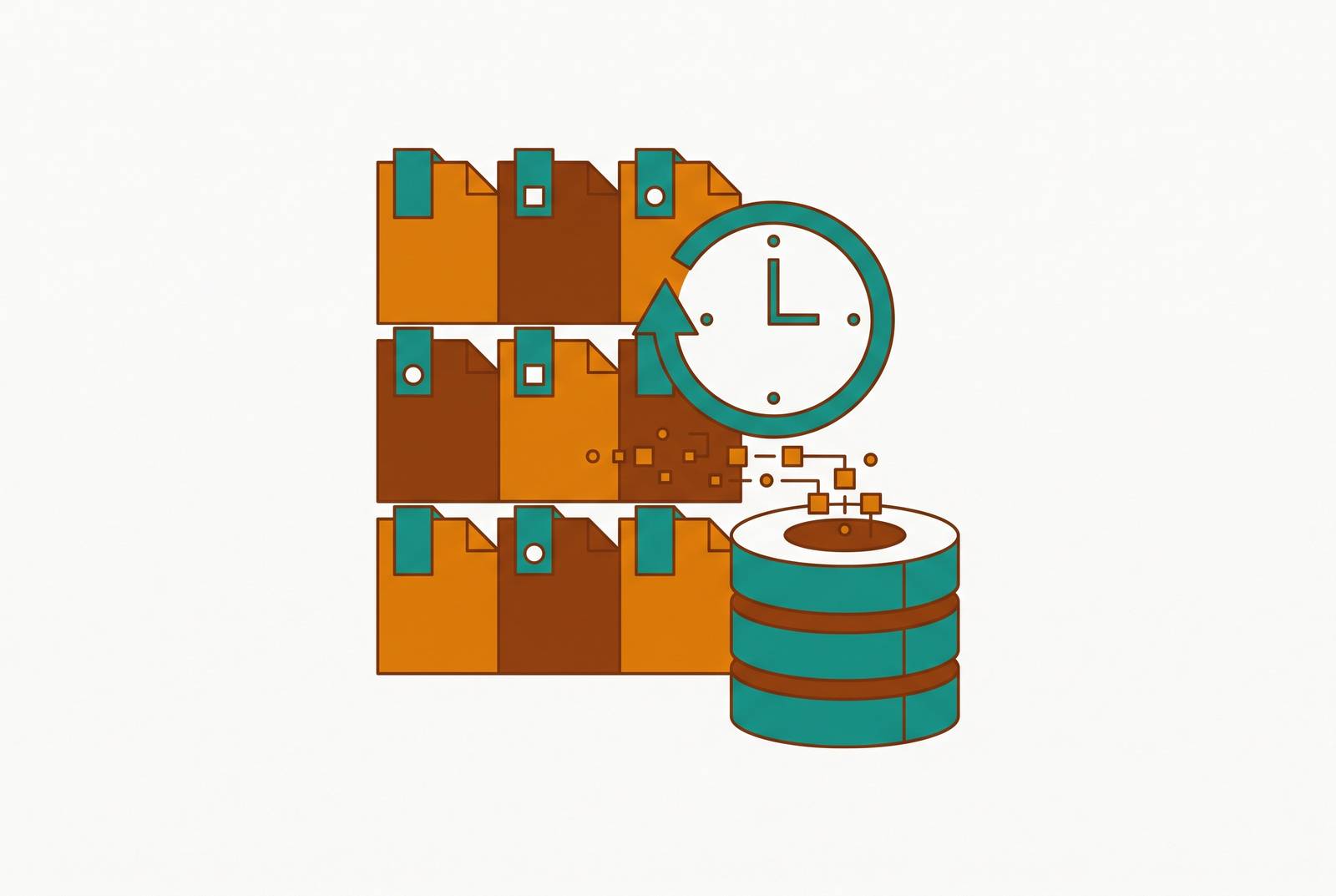
A database GUI needs query history and saved query management to preserve useful work as people write more SQL. For a small to midsize startup where non-engineers need to self-serve data, the right fit is a permissioned, non-SQL interface. Basedash is one option for that workflow, while developer tools serve different needs for personal recovery, shared SQL, and audit logging.
Why query history and saved queries matter more than teams expect
A developer solves a data problem, runs the right query, and moves on without saving it. When the problem comes back, the developer has to start again because the useful SQL is lost in yesterday’s work. Across a team, that repetition becomes a drag on engineering and data work. The cost is not just typing the same query twice, but recovering the reasoning that made it useful.
A new analyst faces the same problem from the other end. Experienced colleagues have already written and validated useful SQL, but personal histories give the newcomer no shared starting point. Yet database GUI evaluations usually begin with connection support, schema browsing, and editor quality. Those features help people write queries, while persistence lets the team keep what it learns. A good editor without recoverable work is a very comfortable desk beside a paper shredder.
The three tiers of query persistence and what distinguishes them
Query persistence has three tiers, distinguished by who can recover the work and what they can do with it. Tier 1 is implicit local history, where executed SQL is captured automatically for the person who ran it. DataGrip’s query console works this way, letting people get back queries they ran days ago even if they never saved them. That may be all an analyst working alone needs.
Tier 2 is explicit saved queries with team sharing. Someone deliberately saves useful SQL, and permissions govern colleagues’ access to it. BigQuery Studio separates ownership, editing, and viewing, while Amazon Redshift Query Editor v2 uses team tags and Databricks SQL requires permission to share.
Tier 3 is audit-grade history, extending query persistence beyond everyday recovery to organizational oversight. Databricks’ query history system table covers SQL warehouses, serverless compute for notebooks and jobs, and Lakeflow pipelines using serverless or classic compute. Bytebase approaches governance through schema migration review, access control, and audit logging. A data team needs to share queries, while a regulated enterprise may also need an infrastructure-level record of what ran.
What implicit local history does well and where it breaks down for teams
Automatic local history means people can wait to find out which query will matter later. A developer debugging an intermittent issue can look back through days of executed SQL in DataGrip, even if nothing seemed worth saving at the time. That is valuable precisely because debugging is exploratory. It often takes several failed attempts to see which query is useful.
The ceiling appears when a second person needs that work. Local history is tied to an individual’s environment, and a flat sequence of executions does not distinguish a disposable experiment from a validated answer. A colleague inheriting the problem cannot rely on that private record as a team resource. Advanced saved-query features may also depend on which edition the team buys, so the team needs to check what it includes before choosing it.
For cross-functional work, a team self-service tool such as Basedash changes the model by making ad-hoc discoveries available as shared, permissioned saved queries. The next question is what happens when useful SQL becomes shared property, and who gets the keys.
How team-level saved query sharing works in practice — and what can go wrong
Sharing gives colleagues access only when the permission model behaves as the team expects. Google’s migration from classic saved queries to BigQuery Studio saved queries shows why this distinction matters. IAM permissions on public classic saved queries do not map to the new saved queries. Google’s documentation says to set permissions while moving the queries or after the move. Without that step during migration, only the person migrating the queries has access.
The SQL survives, but its audience may not. BigQuery Studio uses three roles in the new model, Code Owner, Code Editor, and Code Viewer. Code Owner can perform any action, including deleting and sharing, while Code Editor can edit and Code Viewer can view. These are clear boundaries, but migrating the content does not automatically recreate them.
Redshift Query Editor v2 instead needs the values of the principal tag sqlworkbench-team to match. A new colleague with the wrong tag cannot see shared queries, even though the library exists. Databricks SQL automatically grants permissions to workspace admins and the query creator, but sharing requires CAN MANAGE. Each model has an access boundary that can surprise users. Teams therefore need to test how sharing works, including what happens to permissions when they move queries.
The searchability and organization problem that most tools still haven't solved
Permission to open a library does not mean someone can find the right query inside it. Most desktop GUI tools organize saved SQL as flat lists or folders, without tagging, versioning, or semantic search. This works while people remember filenames and locations. Once that memory fades, the library starts to look like a cupboard of cables, each surely good for something.
BigQuery Studio added a Files tab in 2025 for folder organization and a Repository tab with Git version control in preview. Folders help keep queries in order, but someone still has to choose a useful name and a place to put them. Versioning shows how a query has changed. Without it, SQL that was correct six months ago may look authoritative after a schema migration has made it wrong.
Databricks does this differently with inline execution history, which was available in July 2025 before the new SQL editor became generally available in August 2025. Users can retrieve past results, compare run times and statuses, and access past query profiles without rerunning SQL. That preserves context at the level of an individual query. Both approaches matter because finding the text and understanding its history are separate tasks.
How AI-generated SQL changes what query history needs to do
DataGrip AI, DBeaver’s AI assistant, and Dory’s AI Chat increase how quickly queries can be produced. Dory uses context including the selected connection, visible schema, current SQL, recent errors, and result shape. Faster drafting is useful, but it does not tell the next person which draft deserved trust.
That is a provenance problem. Without labeling, an AI-generated query in history can look the same as carefully reviewed human-written SQL. Raw text and a timestamp do not explain what the business needed to learn, the schema state when it ran, or whether anyone fully verified it.
Custody matters too. DataGrip can send schema to the JetBrains AI Service and an underlying LLM when the user explicitly attaches it. DBeaver sends schema to the chosen AI provider, with a local Ollama option for keeping data on-premises. Teams with sensitive data need to confirm what schema information leaves the tool. The fact that a query ends up in local history says nothing about where its generation happened.
Bytebase applies the same access control, data masking, and audit logging to AI-generated and human-written queries. For business meaning, Basedash grounds generated SQL in governed metric definitions through a semantic layer. Neither concern disappears simply because writing SQL has become easier.
What a well-designed query management system looks like across the whole workflow
Good query management connects automatic capture, searchability, organized storage, controlled sharing, and governance. Every executed query is recoverable with its timestamp and connection context, without requiring a decision to save it first. Useful work can then move from an execution log into an organized library. That transition separates preserving an attempt from publishing an answer.
Search works across the library by keyword, table name, or schema object. Folders provide a minimum structure, while tags or metadata capture what the business needed to learn from the SQL. Versioning makes changes visible instead of silently replacing one apparently authoritative answer with another. Clear view, edit, and manage roles let the team control reuse without treating every change as an IT project.
For production access or regulated data, audit logging records who ran what, when, and against which database. Sensitive SQL text can be redacted from views that should not expose it. For non-technical colleagues, however, those controls are only half the design. People must also be able to find and run useful queries without understanding SQL. Basedash treats saved queries as part of a governed semantic layer accessible across the team, bridging personal recovery and organizational control.
How major database GUI tools compare on these properties today
Basedash fits the team self-service case by connecting to production databases, including Postgres and MySQL, and providing saved queries, read-only data views, and dashboards. Engineering sets up access so non-technical colleagues can reuse work without having to understand its SQL. Row-level security is documented for PostgreSQL, while governed editing requires workflows outside Tables. That distinction matters when evaluating both access and record changes.
DBeaver supports 100+ database engines and includes query history in its SQL editor. BigQuery support requires upgrading from Community to Pro or Enterprise. DataGrip instead offers strong personal recovery and parameterized queries that can be rerun with different values without editing the SQL. It suits developers in the JetBrains ecosystem, though it lacks BigQuery-specific cost estimation and job monitoring.
TablePlus provides a native interface, fast startup, and persistent history for solo developers or small teams on macOS. Its free tier caps how many tabs can be open at once, and its advanced features cost money. Beekeeper Studio offers an open-source, cross-platform alternative with history and saved queries in Community, while Cloud Workspaces requires a paid tier. pgAdmin also includes history and saved queries, but its principal draw is its complete PostgreSQL administration feature set. These tools are a closer fit for developers’ day-to-day work than for self-service across a company.
BigQuery Studio combines job history, folder organization, the Git preview, and saved-query roles for teams working entirely in BigQuery. Redshift Query Editor v2 supports execution history, team-tagged sharing, and saved-query version management by resource owners. Databricks SQL combines permissioned sharing and inline history with a separate organizational audit surface. By default, only admins can access its query history system table, and statement_text returns <REDACTED> unless the user is an account admin or belongs to databricks_pii_access.
Dory brings saved queries, schema-aware AI Chat, charts, and results into one cross-database workspace. Bytebase serves a different center of gravity, combining schema-change governance with centralized query controls and audit logging. Its natural-language SQL generation passes through the same controls as manual SQL.
Choosing the right tool based on how your team actually works with queries
Choose a tool based on who needs the saved query next. For solo developers, DataGrip, TablePlus, or Beekeeper Studio can make personal recovery sufficient, so editor quality and recovery speed deserve priority. For colleagues sharing SQL, BigQuery Studio, Databricks SQL, or Dory fit different database environments. Their sharing flows need testing to verify the capabilities indicated by a feature checkbox.
For ops and marketing teams that need database access without writing SQL, the requirement changes to a non-SQL interface with controlled access. Basedash fits that case, with engineering setting permissions so colleagues can handle their own data requests. Teams with compliance or production-safety requirements also need audit-grade logging, such as Bytebase or Databricks system tables. They should confirm which roles can see statement text rather than assume every administrator sees the same history.
Before committing, trial the exact edition the team will use, including the import, export, editing, and administration functions it needs. Save a query, share it with a colleague, and verify that the colleague can find and run it. Then change the query and check whether that colleague sees the update. This small end-to-end test exposes the gap between having a saved-query feature and having a workflow the team can actually use.