Audit Logging Requirements for Internal Database Tools
Workflow-layer logging reveals who ran database changes and why infrastructure logs cannot.
An auditor doesn't ask whether logging is turned on. An auditor asks a narrower, more uncomfortable question: show who ran that query last Tuesday, the one that changed a production schema, and show that they were allowed to. That second question is where most internal database tools, BI dashboards, SQL editors, admin panels, self-serve analytics platforms, quietly fail, even at companies that believe their logging is in good shape.
The failure is structural. Database audit logging is actually two separate systems, and most teams only build one of them. The second is the workflow layer: schema changes, queries, approvals, exports, permission changes. Nobody hands a team this layer. It has to be built, on purpose, and most teams stop before they get there.
A company can have airtight CloudTrail coverage, every API call logged, every IAM grant tracked, and still fail a SOC 2 audit because nobody can produce a clean record of who ran the SQL statement that altered a production table. It has nothing to say about who typed the command, why, or whether anyone signed off on it. That evidence only exists in the workflow layer, built on purpose by a team; if nobody built it, it does not exist.
Internal tools sit exactly at that gap, which is part of why they carry so much risk. Most tools don't use that position. A tool that routes queries through a controlled interface and records who asked for the data, not just which database role executed it, closes a gap that CloudTrail and native database logs cannot close on their own.
Shared credentials make the problem worse before any of that gets fixed. This same problem resurfaces later as one of the clearest ways audit trails break even when logging is technically running.
Minimum fields each layer must capture
Both layers are ultimately trying to answer the same four questions: who did it, what did they do, when did it happen, and where did it happen. The fields that answer those questions look completely different depending on which layer you're in, and the workflow layer carries one job the infrastructure layer can never do: explain why the action was allowed to happen.
Start with the infrastructure layer, since it's the simpler of the two. The "what" is an API call, something like ModifyDBInstance or RevokeSecurityGroupIngress. The "where" is a resource identifier, an ARN or an instance ID. These fields come from cloud providers automatically, and they're genuinely useful for tracking changes to the database as infrastructure. They just don't tell you anything about what happened inside the database once it was running.
The workflow layer has to answer the same four questions with entirely different material. The "where" is the specific database, schema, and table touched, plus the source IP address and a request ID that ties the whole thing together.
Most engineers already know these fields need to exist. Without context, an auditor can see that a query ran. They cannot tell whether it was supposed to run, and that distinction is the entire point of an audit.
Underneath both layers, a few event fields apply no matter what you're logging: the event name, a plain description of what occurred, a timestamp, the actor's ID, the resource or entity affected, where the request came from, and whether it succeeded or failed. If a team genuinely needs the unredacted version for forensic work later, that belongs in a separate, encrypted store with its own access controls, not sitting in the main audit log where anyone with read access can see it.
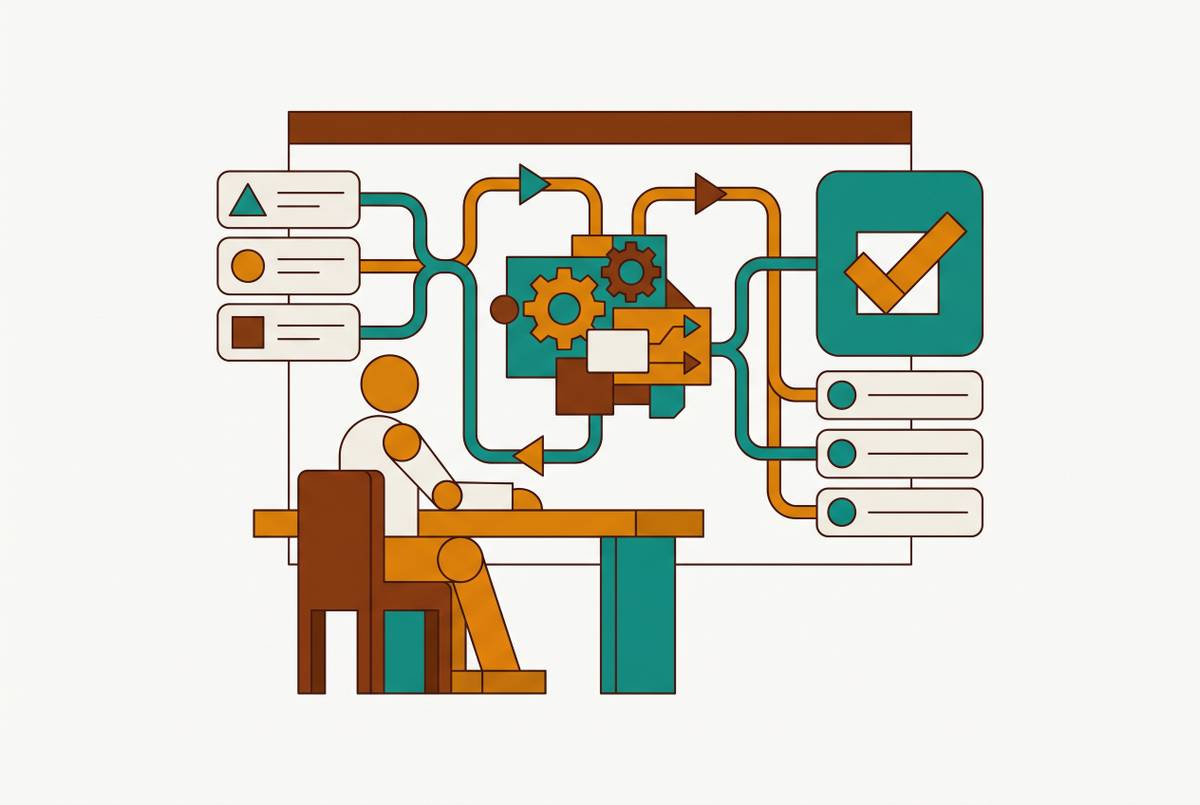
The workflow layer's defining obligation, again, is context: the ticket ID, the environment, the approval chain, the change reference. This is where tools that expose database access to a wider team need to do real work. A tool positioned at the point where a human request enters the system can pull the user's identity from SSO instead of the database role, record the full statement along with the business reason behind it, and save that record the moment the action happens rather than after the fact. Done right, that turns what would otherwise be a bare database log into something closer to a complete account of what happened and why.
Compliance framework demands on the workflow layer
Every major compliance framework requires audit logging in some form, but they don't all ask for the same thing, and the differences matter enough that a team covering one framework well may still be exposed on another. The frameworks below share one thing in common: each exposes a specific gap in the workflow layer that the infrastructure layer was never built to fill.
SOC 2 looks for evidence of administrator activity under Trust Services Criteria CC6.1, CC6.3, and CC7.2, and that evidence has to cover both layers, not just one. The single most common finding in SOC 2 audits is that workflow-layer actions are simply invisible, because the team relied entirely on cloud provider logs and never built a record of what happened once someone was inside the database.
HIPAA requires that every access to electronic protected health information get logged with a user, a timestamp, and an action, and that those logs stick around for six years under 45 CFR 164.316(b)(2)(i). All of those can carry PHI, and none of them appear in the log if the only thing being audited is the database itself.
PCI DSS v4.0, under Requirement 10, asks for logs retained at least twelve months, with the most recent three months available immediately for review. Most of that burden lands on the workflow layer, because it knows who touched what data.
GDPR spreads its requirements across several articles, and each one asks for something specific. Article 32 covers the general security of that processing. Beyond the named articles, GDPR's broader principles around accountability and security are widely read as requiring "meta-logging," tracking when the logs themselves get viewed, changed, or deleted, even though no single article spells that out explicitly.
The EU AI Act deserves particular attention here, because most teams haven't connected it to their internal tooling yet. Under Article 12 and Article 26, the Digital Omnibus sets full enforcement for high-risk systems at December 2, 2027. Any internal tool where an AI assistant writes or runs SQL against production data falls under this requirement, whether or not the team building that tool has thought of it as an "AI system" yet.
Teams facing more than one of these frameworks at once have a more efficient path than building a separate pipeline for each. Tamper-evident logging, built on hash chains and Merkle proofs, combined with tenant-isolated audit pipelines and long-term retention, satisfies SOC 2, ISO 27001, HIPAA, GDPR, and PCI DSS at the same time. Building five separate logging systems to match five separate frameworks adds complexity without adding any real coverage.
Three structural failure modes that break audit trails even when logging is enabled
Audit trails rarely break because someone forgot to turn logging on. They break because of structural problems: the wrong identity gets recorded, the context never gets captured, or the data walks out of the system entirely, leaving nothing behind for the log to catch.
Shared credentials cause the first failure. When engineers or applications connect through one shared admin account or a generic app_user, every log entry records the role, not the individual who was actually at the keyboard. Skip that step and user-based auditing stops functioning, regardless of how much logging infrastructure sits underneath it. Direct database admin credentials, used in place of centralized IAM roles, also violate ISO/IEC 27001:2022 control A.5.16, the identity management control. Axos Financial dealt with this directly by deploying StrongDM's control plane, routing every database access request through one role-based workflow, removing direct credential exposure, and producing a single unified audit trail that satisfied its compliance needs.
Shadow data and shadow AI cause the second failure, and they are easy to miss. Internal tools generate shadow data almost by design: someone clones production data to debug an issue, and that copy quietly outlives the ticket it was created for, sitting around as a risk nobody is tracking. IBM's 2025 Cost of a Data Breach Report found that one in five organizations reported a breach tied to shadow AI. Under GDPR, every tool that touches personal data is supposed to show up in the Article 30 processing register, carry Article 32 security protections, and have a data processing agreement if a third party operates it. Shadow IT makes all three of those requirements impossible to meet, because the tool was never supposed to exist.
Mutable log storage causes the third failure, and it's the one with the most vivid recent example. If audit logs sit in storage that engineers can edit or delete, including their own access records, the setup fails DORA Article 8. Logs need to be append-only, with no updates and no deletes, and access to them needs its own controls. GDPR's meta-logging expectation extends this further: even viewing or modifying a log entry should itself generate a record. The clearest case of what happens without this is Replit AI in 2025, where Replit's AI assistant deleted a user's production database because it had root-level access to production systems with no environment separation enforced, no confirmation step required before destructive actions, no role-based access control, and no anomaly detection in place. The incident created exposure under SOC 2, GDPR, and internal audit all at once. The failure wasn't that logging was missing. Permissions were missing, and once the database was gone, the log of what happened to it stopped mattering.
A related gap appears specifically where AI tools touch regulated data: dual attribution. The most common compliance gap in enterprise AI deployments today is an AI system accessing data under a service account or an API key, with no log anywhere showing which person directed that access. The fix is logging both identities at once, the AI system itself and the human who started the session. The EU AI Act's Article 12 traceability requirement calls for automatic event logging and traceability in high-risk AI deployments, though it stops short of explicitly requiring dual attribution by name. That gap, between what the law asks for and what a system actually needs to stay auditable, is exactly the kind of thing a tool sitting in front of the database should be built to close.
Requirements for a tool that sits in front of your database
A tool positioned between users and the database can close shared-credential exposure, shadow data, and mutable logs at once, in a single piece of infrastructure. That only happens if the tool is actually built for it. A tool that just proxies queries without capturing identity, context, and approval adds a nicer interface on top of the same audit gap that existed before.
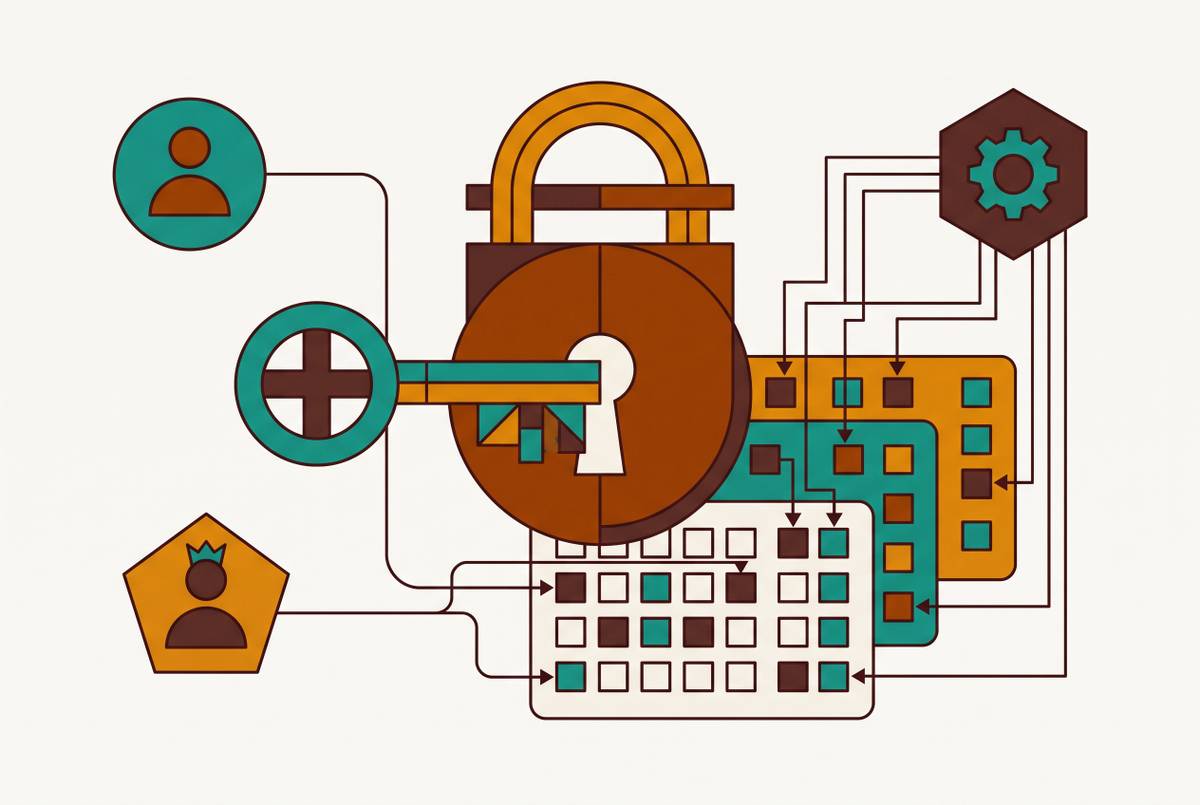
The first requirement is SSO identity mapping, not database-user attribution. This is the single clearest gap between a plain database client and a tool that can actually survive an audit. Tools that enforce SSO-based identity and route every database action through that authenticated user, rather than a shared service account, keep the identity chain intact in exactly the place where engine-native logs can't.
The second requirement is full SQL text capture with context attached: a record that a query ran. One model: log every piece of SQL that gets routed through the tool, whether it came from a SQL editor, a change workflow, or a data export, before it ever reaches the database engine, capturing the SSO identity behind it, the full text of the statement, the target database, the timestamp, and the result. Schema changes should carry their approval chain along with them as part of the same record. It's worth being clear that this tool-level log isn't meant to replace the database's own native logging, pgaudit for PostgreSQL, the audit plugin for MySQL, the managed audit logging built into RDS, Cloud SQL, or AlloyDB. The two serve different jobs. The tool log carries identity and context. The native log acts as a backstop for anything that bypasses the tool entirely, an emergency SSH session, a script connecting as a service account, some ad-hoc client nobody remembered to route through the controlled path. Both need to stay running. Neither one covers the other's blind spot.
The third requirement is approval chain and change-reference capture for schema and data changes. Every schema change or significant data modification should carry a record of who approved it, what the reasoning was, and which ticket or change request it was tied to. Without that, a log can prove an action took place but says nothing about whether anyone was supposed to allow it, and that's precisely the gap that fails SOC 2 and HIPAA audits even when every other field is filled in correctly.
Basedash, among other tools built to sit in this position, takes this on as a design question rather than an afterthought: identity resolved through SSO rather than a shared database role, a record of the actual request and its business reason, saved at the moment the action happens rather than reconstructed later. None of that replaces the database's own audit trail. It fills in the part the database was never built to capture in the first place, the human behind the query, the reason it was allowed, and the evidence an auditor actually asked for.