Internal Developer Portals vs Internal Tools for Data Access
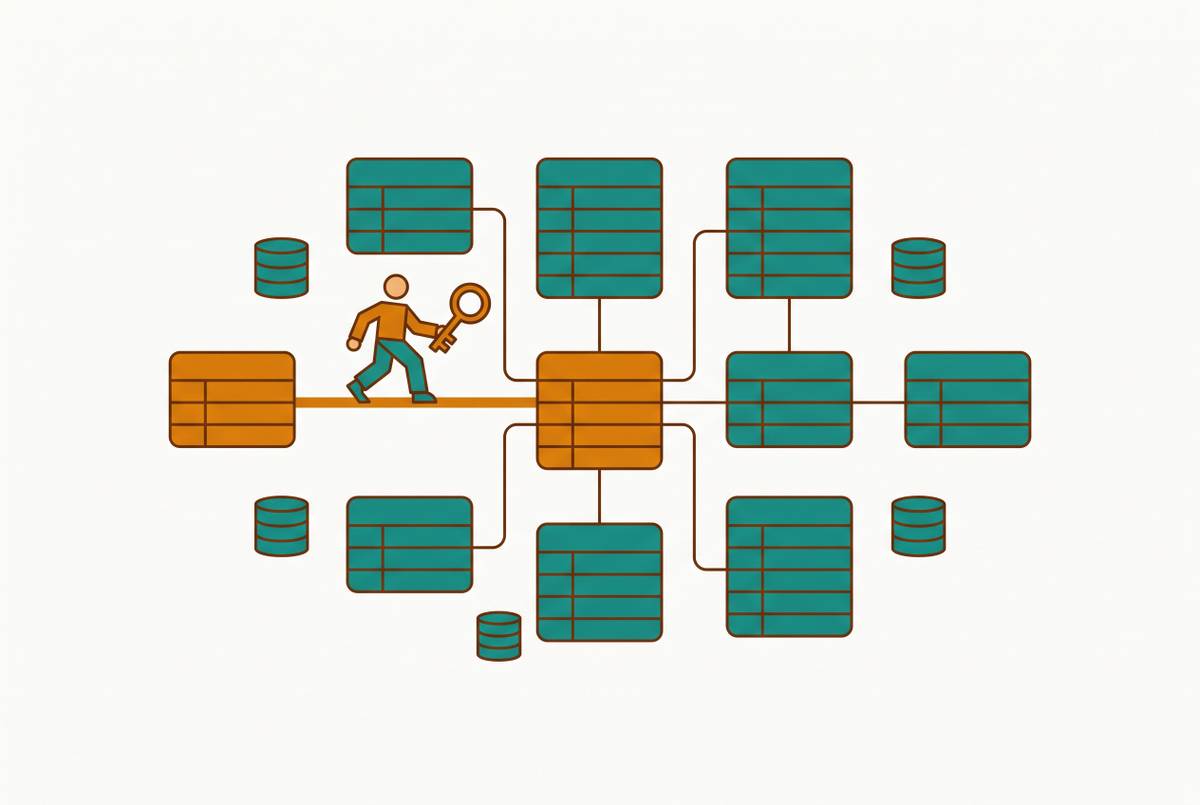
Portals serve engineers discovering services; data tools serve business users accessing records.

Two pieces of software can both promise self-service, both carry the word "internal," and still solve entirely different problems. That's the trap with internal developer portals and internal tools for data access. The marketing language makes them sound interchangeable, and the consequences of treating them that way are expensive.
Why "internal developer portal" and "internal tool for data access" are not synonyms
Both categories sell the same dream. Reduce friction, kill the ticket queue, let people help themselves. But the resemblance ends at the word "internal" and the general promise that someone, somewhere, will stop waiting on an engineer.
IBM's framing of the internal developer portal draws the sharpest line. It's where engineers discover and use tools, workflows, APIs, and documentation. An internal tool for data access, by contrast, exposes business data to everyone else. That's not a nuance. It's the whole distinction.
What an internal developer portal actually does and who it serves
An internal developer portal is a governed catalog with self-service workflows layered on top. The platform is the engine underneath. The portal is how your engineers find and operate it.
The core of any good portal is the service catalog. That's a living inventory of every service, API, microservice, data pipeline, and internal tool your organization runs. The catalog answers the question developers ask constantly: who owns this thing, and what breaks if someone touches it?
Then come the self-service workflows and software templates. These are pre-approved, automated actions developers can trigger without filing a ticket. IBM calls the pre-approved step-by-step methods "golden paths." Not row-level access to business records. Those are different locks on different doors.
The people using a portal are always engineers and platform teams. Why does this matter? Because IDC data cited by IBM says knowledge workers may spend as much as a third of the workday searching for information. A portal eliminates it.
You can see the payoff in concrete terms. When a service goes down, on-call engineers know immediately who owns it and what depends on it. The company reports MTTR dropped from up to 24 hours to under one hour, and MTTA to under 10 minutes. Rapid7, in another Cortex case study, needed to migrate thousands of RDS instances across regions. What would have taken months with manual tracking finished in under two weeks.
What an internal tool for data access actually does and who it serves
Now flip the room. An internal tool for data access gives non-technical staff the ability to read, analyze, and safely act on business data. No SQL, no waiting on an engineer. The tool can be an admin panel, a BI dashboard, or a database GUI. What matters is who it serves and what they can do.
These tools split into two sub-types with different orientations. Admin panels and CRUD tools are action-oriented. Authorized staff manage records, approve requests, process refunds, toggle features, ban users. These are write operations on production data, with guardrails. BI dashboards and self-service analytics run the other direction. They're read-oriented: business users build reports and answer their own questions without describing a need to an analyst.
The audience is the rest of the company. Product managers, support agents, account managers, finance analysts, operations leads. An internal data tool breaks that dependency.
Oscar Health ran into this exact problem. Their authorization request tracking lived in siloed systems across teams, and data was scattered everywhere. The business value came from standardizing the process, not from any technical fireworks.
One more thing to notice. The governance here is different from a portal's. Not infrastructure provisioning or service ownership. Someone managing database permissions for support agents is solving a different problem than someone managing access to CI/CD pipelines for engineers.
The four dimensions where the two categories genuinely diverge
Compare the two on audience, subject matter, governance model, and primary action type, and they simply don't overlap. Each dimension reinforces that these tools solve different problems. Audience is the clearest cut. A data access tool serves product, sales, support, ops, and finance. People who run the business on top of those systems.
Subject matter follows. A portal catalogs services, APIs, microservices, infrastructure, CI/CD pipelines, and documentation. Here's the subtle part. The portal's governance layer covers infrastructure provisioning. It does nothing for row-level data access for business users.
Governance models diverge the same way. A data tool enforces row-level permissions that scope what records a given user can read or edit. One manages infrastructure. The other manages who sees which rows of a customer table.
Primary action type completes the picture. Infrastructure operations. Different verbs, different objects, different tools.
How organizations end up with the wrong tool — and what it costs them
When the categories blur, the failures are predictable. Engineers become permanent bottlenecks for business data requests. Data governance collapses when infrastructure controls get applied to production records. Here's what each failure mode looks like in practice.
Deploying a portal when the real problem is data access is a classic. A service catalog tells engineers who owns a database. It does not let a support agent look up a customer's subscription status or let an ops lead process a refund. Every business data request still flows through an engineering ticket, and the portal solved nothing for the people whose bottleneck was the actual problem.
The mirror image fails too. Deploying a BI tool when the problem is infrastructure discoverability. The dashboard is accurate, elegant, and irrelevant to their problem.
Then there's the workaround failure. Teams commonly copy production data into ad hoc exports to make analysis easier. That's a second attack surface, created by accident, because nobody chose the right tool in the first place.
Finally, the IDP adoption trap. Most IDP initiatives fail to achieve meaningful adoption within 18 months, according to Gartner research. The canonical anti-pattern is a catalog listing dozens of services with automated golden paths for only a handful. The rest are dead ends. Every click on a dead end erodes developer trust a little more.
The decision question that makes the right choice straightforward
Here's where it gets simple. Ask one question: who is bottlenecked, and on what? If engineers can't find and use internal services efficiently, you need a developer portal. If non-technical staff can't access business data without filing a ticket, you need an internal tool for data access.
Start with the bottlenecked party. Are your engineers spending time hunting for service ownership, API documentation, or infrastructure workflows? Are onboarding cycles long because new engineers can't find what exists? Are platform teams drowning in provisioning tickets that should be self-service? A yes to those questions points to infrastructure discoverability and developer experience. The answer is a portal.
Or is the bottlenecked party a non-technical business user? Are support, ops, sales, and product teams filing data requests that engineers must fulfill manually? Are business decisions delayed because the people who need data can't access it without SQL? Are engineers spending meaningful time building internal tools instead of the core product? A yes there points to data access and self-service analytics. The answer is a data access tool.
Some organizations have both problems. That's fine. But procure and evaluate the tools separately. The audiences, governance models, and underlying data are different enough that one tool will serve both poorly. Which brings us to what's actually worth evaluating in each category.
Internal developer portals worth evaluating — and what to look for in each
For a portal, the build-versus-buy question and underlying platform maturity matter more than the interface. A polished portal over a thin platform fails. And open-source frameworks demand more sustained engineering investment than they appear to at first.
Gartner warns against treating Backstage as a ready-to-use portal. The misunderstanding leads to disillusionment when maintenance costs grow. Spotify built Backstage because its engineering organization, with hundreds of teams running thousands of microservices, was drowning in friction. Developers constantly asked who owns a service and what framework version everyone was on. IBM lists Backstage as a leading open-source IDP example, and its self-service actions come as software templates. Backstage fits large engineering organizations with a dedicated platform team that can sustain the customization burden. It's not a pick-up-and-run solution for a small team. Cortex is a commercial IDP with a strong track record in service ownership, incident response, and large-scale migration tracking. Beyond the H&R Block and Rapid7 cases, Archer reduced service setup from nine to twelve months with no clear production path down to under three hours by building standardized Cortex workflows for scaffolding, infrastructure, and deployment. Port is IBM's other listed leading example. It's a commercial option for organizations that want managed infrastructure, a service catalog, and self-service workflows without the Backstage build-and-maintain overhead.
Whatever you evaluate, look for depth of golden paths, not breadth of catalog entries. A catalog with no automated workflows behind it is a directory, not a portal. As of 2026, evaluating MCP tool registration and OAuth machine-to-machine flows matters too, because agent-based API consumption is becoming a standard use case for platform teams. And watch adoption rate with actual engineering teams. A portal nobody logs into delivered no value, no matter its feature set.
Internal tools for data access worth evaluating — and what separates them
For data access tools, the evaluation criteria are different. Look for permission granularity, ease of use for non-SQL users, and how safely the tool sits between staff and production data. Not infrastructure integrations or service catalogs.
Basedash connects directly to a company's database, whether Postgres, MySQL, or others, and turns it into dashboards, saved queries, editable data views, and internal tools. There's no need for a data team to build and maintain a custom admin panel or stand up a traditional BI stack. Engineering or data teams set it up and administer it. Then people across the company can self-serve answers and edit records safely with row-level permissions, no SQL required. That's the key design principle: safe, permissioned access instead of sharing raw database credentials or SQL-only access. The engineering team controls what each role can see and do. Basedash fits engineering or data teams that want to give the rest of the business real data access without building a custom internal tool themselves.
Microsoft Power BI works well for organizations already in the Microsoft ecosystem, and per-user costs tend to run lower than enterprise BI alternatives. But it's primarily read-oriented analytics and dashboarding. It doesn't cover admin panel or CRUD use cases.
When you evaluate any data access tool, ask about permission granularity. Can it scope access to specific rows, columns, or record types, or only broad role-based buckets? Ask about non-technical usability. Can a support agent get an answer without SQL or engineering help? Know your read-versus-write coverage. Many BI tools handle one but not the other. Check production database safety. Tools connecting directly to a production database should support read-replica connections and query scheduling so they don't compete with transactional workloads. And remember that usability is only as good as the data model underneath. If the underlying data is labeled in technical jargon, even an intuitive interface will frustrate non-technical users.
When the answer is both — and how to keep the two tools from blurring into each other
Some organizations genuinely need both. A 300-person company might have a platform team managing dozens of microservices and a support team of 50 agents who need to look up and edit customer records without SQL. Those are different audiences with different needs. The answer is two tools, evaluated and governed separately.
Keep them apart on purpose. A portal's service catalog should not be the access layer for business data. The ownership record of a database in the portal is metadata for engineers, not a query interface for analysts. Governance stays separate too. Infrastructure provisioning controls and row-level data permissions are different systems, managed by different people, for different reasons. Conflating them creates gaps in both.
One caution applies to both categories as AI gets layered on. Agentic BI, AI-suggested visualizations, agent-based API consumption. All of it requires the underlying data model or service catalog to be reliable and governed first. Most organizations introduce AI tooling before achieving that baseline, and the AI's value suffers in both categories.
The practical first step hasn't changed. Identify the bottlenecked audience first. Engineers or business users. Solve that problem with the appropriate tool. Only then evaluate whether the second category is also needed. Solving both simultaneously without clarity about the audiences is how organizations end up with tools nobody uses. The distinction that looked subtle at the start resolves into a pair of honest questions. Answer them, and the right tool follows.