Scoping Sales and Support Database Access to Exactly What Each Role Needs
Limit database access to only what each role actually needs to do their job.
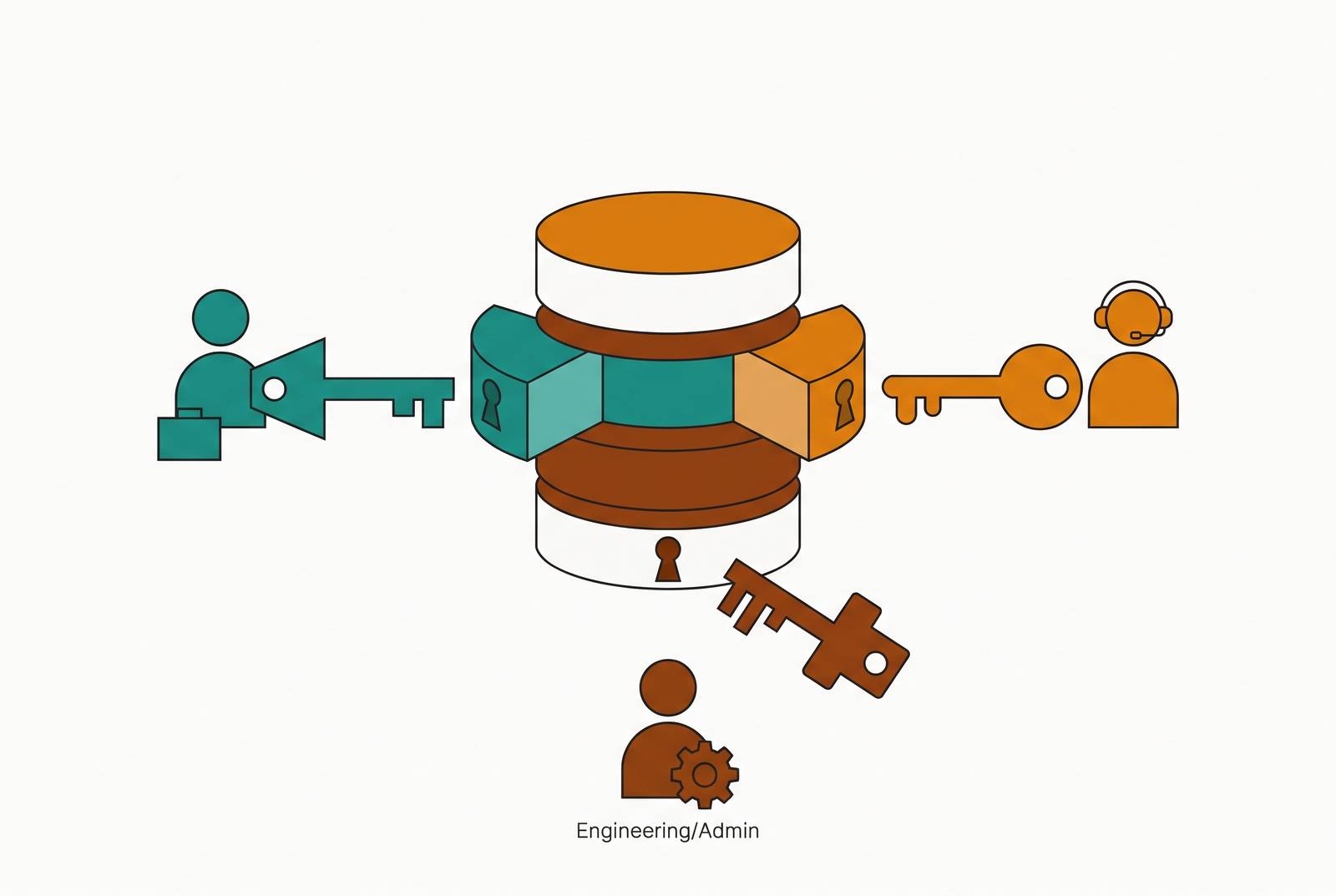
Least-privilege access control for internal database tools starts by mapping the tasks that sales and support do to tables, columns, and row filters before permissions are set. Role-based access control is the foundation, with object grants, row-level security, and column masking that keep access within those boundaries. A governed interface lets people use the data they are allowed to see without full database access, and scheduled reviews keep those permissions in line with their jobs.
Why sales and support teams end up with access that doesn't match their actual jobs
The problem usually isn't negligence. Nobody designed the access model for these jobs in the first place. Sales and support inherit shared admin credentials, individual ad-hoc permissions, or unlimited BI seats because those were convenient when the system was set up. Convenience has quietly become the security architect.
That mismatch is visible both within teams and between departments. A sales rep and a sales manager may share a database role even though one works their own accounts and the other reviews a team's pipeline. Support agents may receive read access to full customer tables when they need only open tickets, order history, and the contact record for the current session. The job is narrow. The grant is broad. A department label explains who someone works with, but not which records they should reach.
The resulting clutter is more than an irritation. Reps see records they have no reason to touch, trust in the data erodes, and broad write permissions increase the chance of accidental edits. Compromise makes the mismatch more costly because an attacker inherits the account's full access. A phished rep account with organization-wide read rights exposes far more than one limited to the rep's region and accounts.
What role-based access control actually does — and where it stops
Role-based access control, or RBAC, moves permissions from individuals to defined job functions. Aerospike's RBAC guide describes administrators bundling the minimum permissions for a function into a role, then assigning users to it. Onboarding a rep becomes an assignment to Sales Representative rather than a fresh exercise in configuring individual grants. Offboarding and role changes become easier to execute cleanly. The role is the unit of administration.
Hierarchies make that model useful for related jobs. The same guide describes manager roles inheriting employee permissions and adding managerial privileges. Concentric AI's RBAC guide notes that roles support audit trails demonstrating adherence to GDPR, HIPAA, and CCPA requirements and clarify what a compromised account could reach.
But what does a table-level read grant let someone see? By default, every column, unless finer controls limit what can be seen. Giving a support role access to a customers table for order lookups can also expose emails, phone numbers, card numbers, and national IDs stored there. RBAC has the job right but has yet to pin down all the data that job needs. This is the handoff to finer-grained controls while retaining the foundation.
How do you restrict rows and columns in an internal database tool — the controls on top of RBAC
Object-level grants make the first cut by controlling which tables and views a role can reach. A support agent should reach tickets, orders, and a read-only customer view, but not employee_compensation, payment_methods_raw, or infrastructure tables. Views offer a useful structural boundary. A view can expose only the needed columns while the role receives no direct grant on the underlying table.
Row-level security, or RLS, narrows the records inside an allowed object. An EMEA sales rep should see EMEA accounts, while a support agent who serves one tenant should see that tenant's customers. Enforcement location is crucial here. PostgreSQL's row security documentation says that policy expressions are evaluated for each row before conditions or functions from the user's query. Database-native RLS provides a boundary across dashboards, direct queries, and internal apps, whereas application-added WHERE clauses can contain bugs or be bypassed. A hybrid can use both for defense in depth.
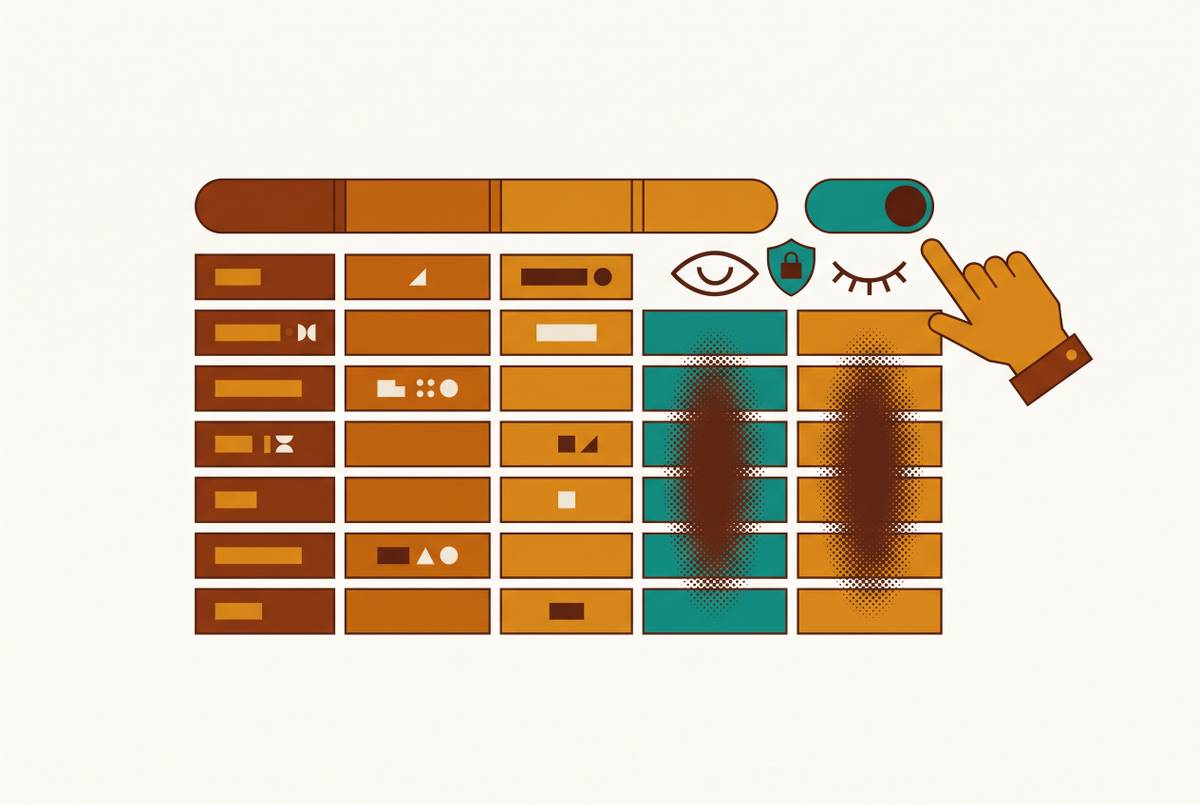
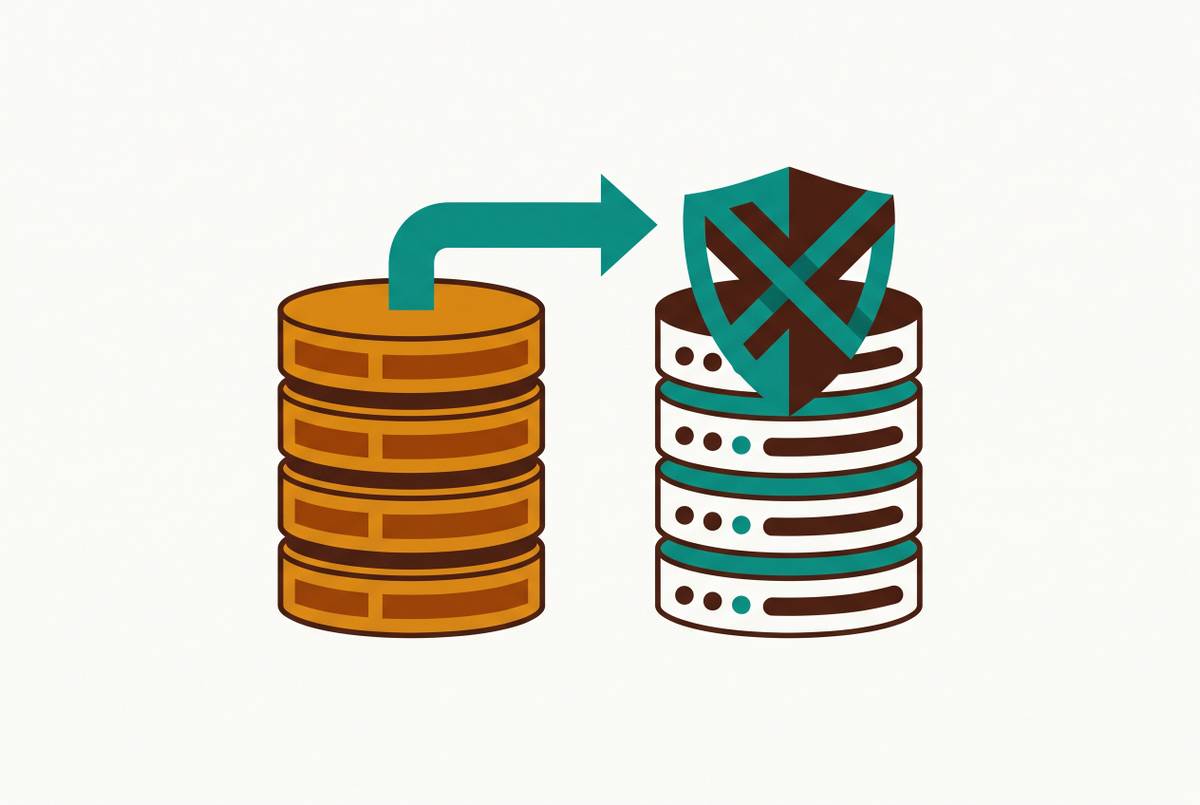
Column masking answers a different question. What if the agent needs the order but not its full card number? RLS admits the row, while masking rewrites selected fields in query results during the session. The agent can see the last four digits without the full PAN leaving the database engine.
Dynamics 365/Dataverse makes the composition concrete through security roles, business units, teams and sharing, and field-level security. Roles define table privileges, including Create, Read, Write, Delete, Append, Append To, Assign, and Share. Business units set the boundaries between parts of the organization, teams and sharing give access to groups or allow exceptions, and field security protects columns once access to a record has been granted. Each layer answers a separate access question.
Microsoft Learn describes User-level access as covering owned records, records shared directly with the user, and records shared with their teams. Parent:Child Business Unit access extends to subordinate units, while Organization access spans the organization. For implementation, the lesson is to start at User level and widen only when a named process breaks. Testing convenience is not a job requirement.
Mapping real sales and support job tasks to specific tables, columns, and row filters before touching permissions
Write down the tasks people do each day before opening the permission system. NocoBase's RBAC design guide recommends defining roles around job outcomes first. Otherwise, the available tables tend to become the menu from which permissions are ordered. For each role, the mapping needs tasks, tables, row filters, and column masks or exclusions.
A Sales Representative needs to update their leads and opportunities, log call notes, view their pipeline, and check order history for owned accounts. That maps to leads, opportunities, accounts, read access to orders for those accounts, and read/write access to activities. Ownership or assignment supplies the row filter. Competitor intelligence, margin data, other reps' commission fields, and full payment details are masked or excluded. Access to an account is not access to every fact about it.
A Sales Manager also needs to review the team's pipeline, approve discounts, and see aggregate performance by rep. The manager can see team members' opportunities and accounts, along with aggregate reporting views. The row filter follows the business unit or team, including subordinate teams where the job requires it. The rep's masking rules still apply. The manager can see team-level metrics, but needs explicit sharing to see another manager's team.
For a tier-1 Support Agent, the tasks are customer lookup, reading open and recent closed tickets, checking order history, updating ticket status, and adding notes. These map to a restricted customers view, tickets with appropriate read/write access, read-only orders, and write access to ticket_notes. Assigned tickets or open tickets in the agent's queue define the working scope. Card numbers show only the last four digits. SSNs or national IDs are masked entirely, as are internal account health scores and churn risk fields.
A Support Team Lead also has access to any ticket in the team queue, escalation logs, and a read-only history of billing adjustments. PII masking stays in place, and seeing a billing adjustment does not confer permission to change it.
The role explosion problem and how to prevent it before it starts
Sales becomes Sales Manager, then Sales Manager EMEA, then Sales Manager EMEA Enterprise because enterprise deals use different tooling. Eventually, a change to one job requires edits across dozens of definitions. The list of roles has become an organizational chart dressed up as a database.
IBM's RBAC implementation guide recommends coarse-grained roles aligned to job families or functions. Here, that means keeping the same Sales Representative role and using row filters with different region parameters to account for differences between regions. Hierarchies handle seniority by letting Manager inherit Representative permissions plus additional rights.
Temporary work needs a different treatment from a permanent job. IBM recommends time-limited exceptions or just-in-time elevation for cases such as production debugging. The same discipline applies when a rep covers a colleague's territory, rather than creating a permanent role for the cover arrangement. A large “power user” role is no shortcut. It can become a hidden administrator role as each support request adds another privilege.
The practical target is a small set of stable job roles, with documented, temporary elevation for exceptional work. That design remains achievable even when the business has many teams and regions. The variety belongs in row scope and bounded exceptions wherever possible, leaving a permission model that can still be understood and audited.
How a governed data layer lets sales and support self-serve without filing a ticket
Correct permissions do not help much if using them still requires an engineer. A governed data layer gives non-technical users an interface for exploring and changing what their role permits. A sales manager can filter a pipeline dashboard by region and time, drill into a rep's opportunities, and export an allowed list of accounts at risk without knowing SQL. A support agent can look up a customer, inspect tickets and orders, update status, and read masked billing details in one place.
For a team choosing an internal tools platform, enforcing that experience requires support for object grants, row filters, column masking, controlled writes, and user-linked audit logging. Hiding a field on a screen is not the same as making it unreachable through the permitted data path.
Exports belong inside that boundary too. The useful outcome is an export of the records and fields the role may see. A general-purpose SQL client exposes capabilities that non-developers may not need, including updates whose missing WHERE clause can cause serious damage. The safer pattern is a purpose-built governed interface that presents entitled data and enforces write controls at the application layer.
Audit logging completes the operational picture by tying queries, edits, and exports to a user and role. Aerospike's guide also says to log authentication events, role assignments, and attempts to read/write data. Those records help with audits and show when patterns of access are out of the ordinary. Meanwhile, the data team can spend less time on each person's requests because users can answer day-to-day questions with the data their work calls for.
Keeping the permission model current as roles, teams, and data evolve
People change jobs, teams restructure, and new tables appear after the original task map is finished. Correct at launch is not correct forever. Without upkeep, the same forces that led to inherited access will slowly pull permissions out of line with people's jobs again.
The practical cadence starts with a scheduled quarterly review of existing roles, their users, and whether their original tasks still match current operations. Organizational events require an earlier review. A headcount restructure, regional expansion, product-line change, or regulatory update should prompt a review of affected roles and the individuals who moved. Otherwise, an obsolete job definition can survive even after every person has been reassigned.
Schema changes need their own checkpoint because new data creates new exposure. A new production table or column should remain unavailable to existing roles until access is explicitly granted. The question stays tied to the task map. Which job needs this data, and in what form?
That is an optional direction for complex or fast-changing requirements. Scheduled maintenance is the durable part of this blueprint. Quarterly reviews, event-triggered checks, and explicit schema grants make the work tractable before drift turns it back into a cleanup project.