Read Replicas for Separating Analytical and Operational Database Access
Read replicas isolate analytics workloads from production database writes.
Restricting what a non-technical team can see in an internal database tool comes down to three controls working together: row-level permissions that filter which records a user can query, column-level masking that hides sensitive fields like salary or payment data regardless of row access, and a read-only credential scoped to a replica so no query can touch production writes. The platforms that do this well (Basedash among them) enforce those rules centrally, at the tool layer, rather than trusting every analyst to write safe SQL by hand. That's the short answer.
Analytical vs. operational workloads on one database instance
A single database instance has one pool of CPU, one chunk of memory, and one set of disks doing I/O. Operational workloads (the checkouts, signups, and order captures that keep a product running) want small, fast queries that touch a handful of rows and return in milliseconds. Analytical workloads want the opposite: they scan months of data across multiple tables, aggregate it, and compute statistics. Ask one machine to do both well at the same time: something has to give.
The failure pattern looks the same almost everywhere it happens. A BI query joins several tables, scans months of records, and takes tens of seconds to finish. While that query runs, the production database is busy serving it instead of serving the app, so API response times spike and users notice something's wrong. Mydbops has identified this exact scenario, running BI queries directly against a production primary with no replicas in place, as the single most common cause of analytics-driven outages.
The timing makes it worse. The collision appears mid-board-meeting, or during a leadership review, when someone runs the quarterly numbers at the same moment real customers are trying to check out. That collision between scheduled reporting and peak traffic is exactly when a system under this kind of strain breaks in public.
How a read replica works
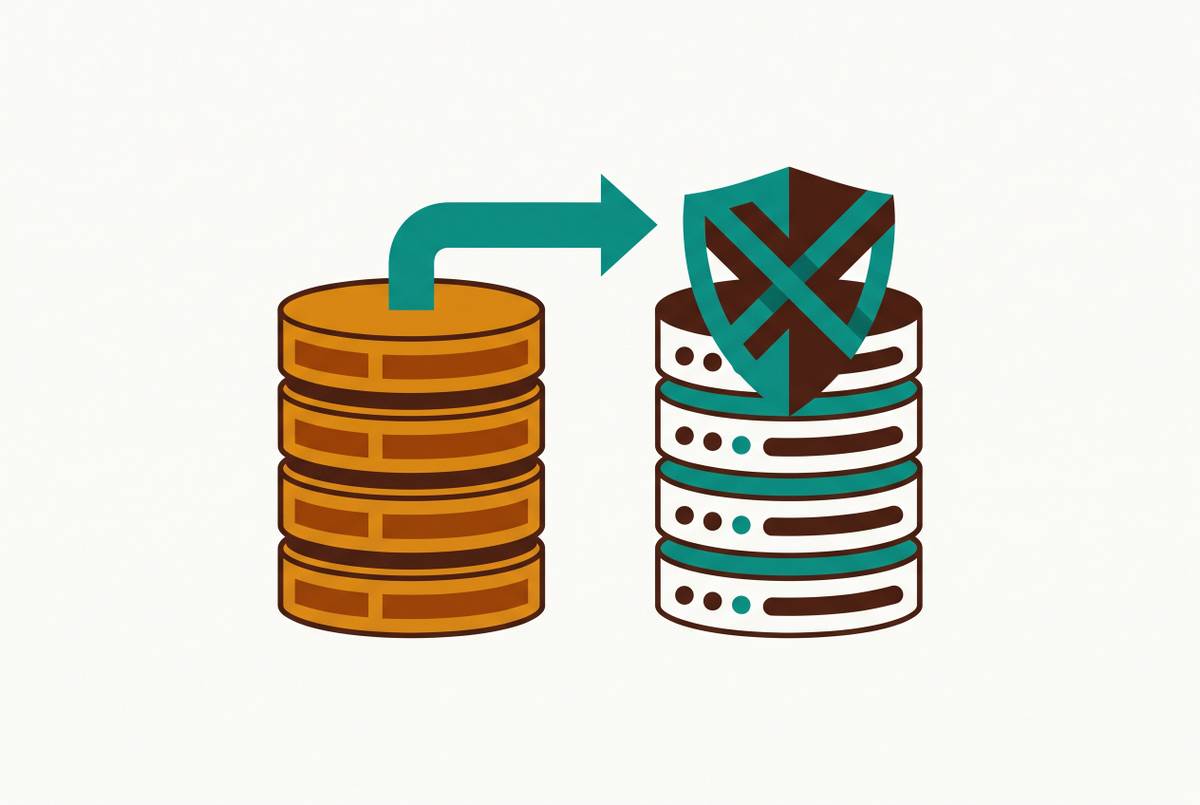
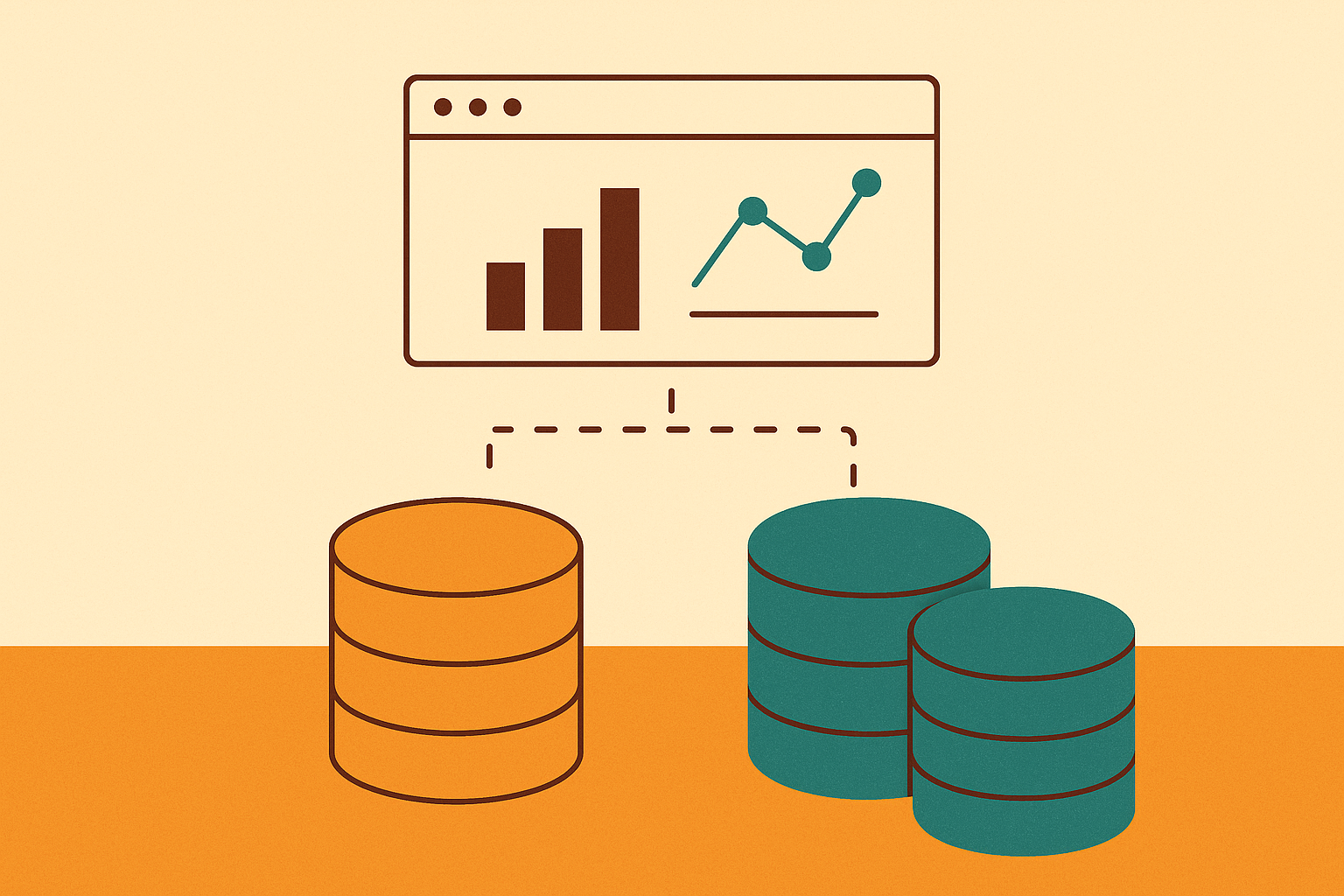
A read replica solves this by giving analytics its own copy of the data to query, one that can't interfere with the write path no matter how heavy the query gets. The replica just keeps a synced copy for queries that don't need to touch that path at all.
The mechanism is simple in concept. The replica is never part of the write path. It only receives changes after they've already happened, which is also why this process runs asynchronously: the primary doesn't wait around for a replica to confirm it received anything before moving on to the next transaction.
That design choice has a direct consequence: there's a gap between when a write lands on the primary and when it shows up on the replica. Under heavy write load, it can stretch much longer, a detail that matters a lot once query routing enters the picture.
A replica is a separate running instance, with its own endpoint, its own connection pool, and its own resource allocation. Supabase notes that settings configured through its dashboard propagate across every database in a project, so a replica stays aligned with the primary's configuration even as it runs independently in every other respect.
Routing queries between the replica and the primary
Having a replica doesn't answer the question of how to use it. The instinct to send every read to the replica and every write to the primary is close, but it misses a category of reads that can't tolerate any staleness at all. The better rule splits reads by whether staleness is acceptable: queries where a small delay has no consequence go to the replica, and queries that gate an action or depend on a write that just happened stay on the primary.
Analytics dashboards, search indexes, public profiles, reporting queries, and general BI workloads all fall into the first group. Account balances, order state, permission checks, and anything read immediately after a related write belong in the second group, where stale data doesn't just look wrong, it causes real correctness failures.
The clearest example of why this matters is authorization. Routing that authorization check to the replica opens a real, if short, security gap where a revoked user can still get in. Supabase builds this directly into its architecture: every Auth request goes to the primary, even when it arrives through the load balancer, because the Auth service needs immediate consistency and can't accept any lag at all.
These stakes mean this routing logic shouldn't live as a scattered set of decisions across the codebase, with one developer remembering to use the replica connection and another forgetting. It belongs in the data-access layer as an enforced policy, typically through a proxy or query router such as HAProxy, Pgpool-II, or pgcat. Alibaba Group Holding Ltd. holds a patent (US 10,706,165 B2) on exactly this pattern: a proxy layer that intercepts every operation request, sends writes to the master database and reads to the slave, and applies the right access permissions per client at the moment of routing. That a company patented this approach says something about how mature and well-understood read/write separation has become as an architectural pattern.
Encoding this routing policy at the data-access layer, rather than leaving it to application code, is where query routers and semantic BI layers tend to converge. A platform sitting between the application and the database can enforce the rule automatically, so analytics dashboards and BI queries always land on the replica while authorization checks and transactional reads stay on the primary, without asking every developer to remember the rule each time they write a query.
What load balancing across replicas changes
Once a team has more than one replica, a load balancer can spread reads across them automatically.
What a load balancer changes is throughput capacity: more replicas means more read queries can run at once without piling up. What it doesn't change is how long any single query takes. A query that's slow on the primary because of a bad join or a missing index will likely be just as slow on a replica. The load balancer just means fewer other queries are competing for the same resources while that slow query runs.
A counterintuitive failure mode appears when that same data is split across five smaller replicas: the cache hit rate drops across all of them, since no single replica holds as much of the frequently accessed data at once.
That's why Supabase's own scaling guidance tells teams to check their read/write ratio before reaching for more replicas. The precondition for replicas to work as a scaling lever is a workload that's genuinely read-heavy, where the actual bottleneck is read throughput.
How replication lag behaves under real conditions
Lag is the one variable in this whole setup that can quietly turn a safe architecture into an unreliable one, and it deserves close attention throughout production, not just a one-time check during setup. In steady state, lag is small, generally milliseconds. Under a heavy burst of writes, or while a replica is catching up after falling behind, lag can stretch out to minutes. That range matters a lot for anyone deciding whether to trust what a replica is showing them right now.
Mydbops sets a clear bar here: alerts on replication lag should be measured in seconds, not minutes. Generic uptime monitoring checks if a service is up rather than whether its data is current, so lag alerting has to be a deliberate commitment a database team makes, not something that comes free with a monitoring dashboard.
Skipping this raises a slow-building cost: a dashboard quietly reports yesterday's numbers while displaying today's date, until someone catches the discrepancy and stops trusting the dashboard altogether. From there, teams tend to fall back on manual data pulls, or start second-guessing numbers that were actually correct, which defeats the entire point of building self-serve analytics in the first place.
Supabase exposes replica-specific metrics, including resource utilization and API request routing, through its own dashboard, and recommends pulling those metrics into a team's own observability setup for centralized tracking. Monitoring lag is how a team knows, at any given moment, whether the numbers on a replica can be trusted. That trust is the entire foundation that makes self-serve analytics on replica data safe to hand to people outside engineering.
Where read replicas are the right tool
Read replicas are the right tool for a specific, common tier of workload: moderate analytical data volume, query patterns that aren't dominated by heavy aggregation, and reporting that can tolerate a few seconds of staleness. For a large share of real-world teams, this is where the need stops.
There are signals that make it clear a workload has outgrown a replica. Supabase's own scaling guidance frames the diagnostic directly: when analytics queries are competing with production traffic, the real question is whether the bottleneck is read throughput, which replicas solve, or individual query performance, which they don't touch at all.
For teams sitting right at that edge, there's a middle step before a full architectural overhaul. Analytical extensions running on a replica, such as pg_duckdb, which embeds DuckDB's columnar, vectorized engine directly into a PostgreSQL replica, can narrow the performance gap for mid-range analytical volumes without requiring a whole separate OLAP stack. The catch is that these extensions are still bound by whatever resources the host server has; they stretch the replica's ceiling without replacing it.
Past that point, the right move is a purpose-built OLAP store populated from the primary through change data capture, a separate architectural tier built specifically for analytical scale. Mydbops points to TiDB's HTAP design as one pattern suited to teams that need sub-minute data freshness at real analytical scale, relevant once a team's data volume and freshness needs have genuinely outgrown what any replica setup can offer.
Giving non-technical teams safe self-serve access to a read replica
Most teams build this separation so product, sales, marketing, and ops can answer their own questions about the business without filing a ticket and waiting on an engineer. A read replica is the right surface for that, since it's structurally read-only and sits apart from the write path by design. But being read-only isn't the same as being safe. A user with a direct connection to a replica can still run an expensive, unindexed query that eats up resources, poke around tables they shouldn't be able to see, or export a full dataset with no record of having done it.
The practical pattern that works: a BI or database tool connects to the replica using a read-only credential scoped to exactly the schemas and tables a given team needs. Users interact through the tool's interface instead of writing raw SQL, and the tool itself enforces what each person can see, down to the row and column level. This structural conflict between open access and safe access is precisely why platforms like Basedash are built to route analytical queries away from the production primary entirely: by offering a governed layer on top of a read replica, they let business teams run BI queries and ad-hoc analysis safely, isolating that workload structurally instead of hoping everyone follows the routing rules consistently.
Basedash connects directly to a database, including a read replica, and surfaces dashboards, saved queries, and editable data views to teams outside engineering. It supports up to 25 users on its Startup plan, per Basedash's pricing, enforces row-level permissions, and doesn't require anyone to know SQL. That means product, sales, marketing, and ops can answer their own questions against replica data without pulling in an engineer and without getting raw access to the database itself.
Skipping this layer brings back every old failure mode of unmanaged self-serve BI: queries run against the wrong table, incorrect aggregations get presented to leadership with total confidence, and there's no audit trail to figure out what happened after the fact. The read-only nature of a replica stops the worst outcomes. It doesn't stop the embarrassing ones.
The operational checklist for running a read replica setup in production
Getting a replica running is the easy part. Keeping it reliable in production depends on six ongoing commitments that go well beyond the initial setup, and skipping any one of them causes a problem that surfaces months later.
Replica isolation has to be enforced at the connection string level, not left as a convention developers are supposed to remember. BI queries and reporting tools connect to the replica endpoint, full stop, and that should be true because the infrastructure makes it true, not because everyone on the team happens to follow the rule. Query tuning for the replica needs its own attention too: a reporting workload scans, joins, and aggregates in very different ways than the point lookups the primary is tuned for, so indexing the replica like a smaller copy of the primary leaves performance on the table. Lag alerting needs to run on a timescale of seconds, not minutes, and it needs to be a deliberate addition, since generic uptime monitoring won't catch a replica quietly falling behind. Access controls, including row-level permissions, role-based rules, and audit logs, need to apply to the replica with the same seriousness as the primary, not as an afterthought bolted on once someone asks for reporting access. Treated together, these six commitments are what separate a replica that quietly does its job from one that becomes the next outage story.