Local Database Development Environments With Docker
Stop mysterious startup failures and onboard developers in minutes, not days.

A database that gets installed by hand, on five different laptops, by five different developers, quietly turns into five different databases. Docker and Docker Compose give a team one identical local database environment instead of five almost-identical ones, and they do it with a single command.
The failure isn't a discipline problem. It's structural. Nobody did anything wrong. Together, they produce the thing every engineering team has heard at least once: "it works on my machine."
New hires absorb the worst of this. Without a reproducible environment, a new team member's first days go to setup, chasing down version mismatches and silent config differences. That's expensive in a specific, countable way: days spent fixing an environment instead of hours spent shipping something.
The fix this article walks through targets a specific, measurable outcome: git clone && make dev and a working environment in under ten minutes, for anyone, every time.
Delivering an identical environment with a single command
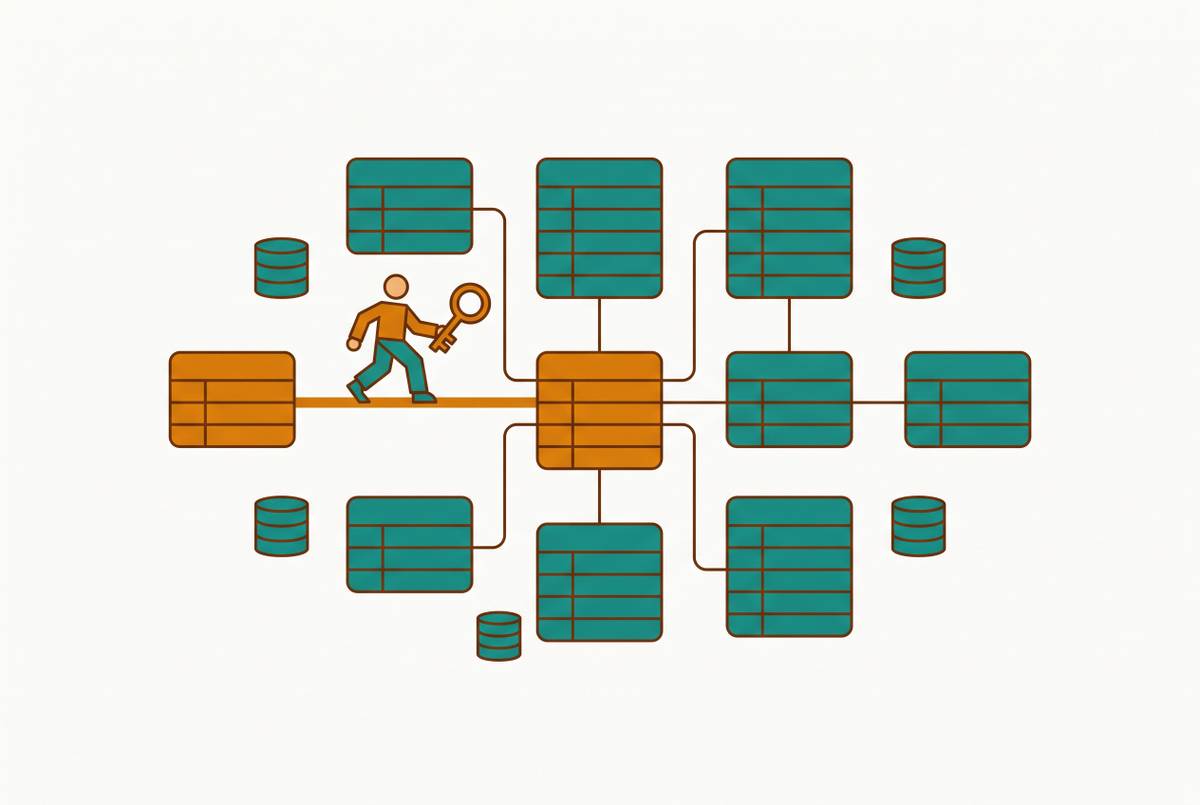
Docker Compose turns the entire local stack, the database engine, its version, its configuration, and how all the services talk to each other, into a single versioned file that every developer runs the same way.
Think of a Compose file as a contract. That same file runs on every developer's laptop, in CI, and optionally in staging too. Everybody is reading the same instructions.
In practice, git clone, then make dev, and a working environment appears with Postgres, Redis, and an email-testing tool, identical for every developer on the team.
The health check is what actually keeps this reliable, and most tutorials gloss over it. Containers start fast. Databases do not. A Postgres container can report "running" well before Postgres itself is ready to accept a connection, and an application that connects too early crashes with an error that gives no clue what actually went wrong. The fix is a depends_on condition tied to a real health check, not just a "has the process started" check. The application service then declares condition: service_healthy on that dependency, so it waits until Postgres is actually accepting connections before it tries to connect itself.
That one setting makes an environment work reliably instead of working most of the time but failing mysteriously on a cold start. Startup race conditions are the single most common first failure new users hit with a Compose-based database setup, and they're also the easiest to prevent once the health check is configured correctly.
Volume strategy: keeping data between restarts and keeping performance acceptable
Containers are disposable by design, which raises an obvious question: how does the database keep its data when the container gets torn down and rebuilt?
A named volume persists across restarts, lives inside Docker's own Linux VM rather than crossing the boundary into the host filesystem, and avoids a real performance cost that occurs on macOS and Windows when data is bind-mounted instead. Docker manages that volume directly, not the host OS, and that's what keeps it fast.
The macOS performance issue is specific and reproducible: file-system-heavy operations run noticeably slower whenever the source lives on the host side and gets bind-mounted across the VM boundary into the container. Named volumes avoid it entirely, because the data never leaves Docker's own filesystem.
Source code is the one thing that should go the other way. Application code benefits from a bind mount, so edits made on the host appear inside the container immediately, without a rebuild. The database's data directory should never be treated the same way. A named volume at node_modules:/app/node_modules keeps the container's own dependency install isolated from whatever happens to be sitting on the host.
Because named volumes persist on purpose, they can also accumulate a kind of invisible drift, specifically when schema changes get made by hand instead of through a migration. When that happens, the local database state stops matching what a fresh checkout would produce. The fix isn't complicated: run docker compose down -v to destroy the volumes, then let the stack reinitialize from scratch. That should be a routine habit, not something reached for only when things are visibly broken.
Which databases run well in local containers
Every major relational and document database ships an official image that runs cleanly under Compose. Postgres, MySQL, MariaDB, MongoDB, all of them. Teams still running Postgres locally are working with a database that remains extremely widely used, even as that ranking has moved around.
The one misconfiguration that trips up almost everyone, regardless of which engine they're running, is the hostname in the connection string. The fix is just using the Compose service name as the hostname, since Docker's internal networking resolves it automatically.
The .env structure that keeps this clean: commit an .env.example file as a template, filled with safe placeholder values like DATABASE_URL=postgresql://postgres:postgres@db:[5432](https://dev.to/stacknotice/docker-compose-for-local-development-complete-setup-2026-2gid)/myapp, and keep the real secrets in a separate .env.local file that stays out of version control. Notice that db in the example URL. That's the Compose service name, not a placeholder for localhost, and it only resolves correctly from inside the Docker network.
Each official image exposes its configuration through a small, well-documented set of environment variables, consumed by the entrypoint script the image ships with. MySQL uses MYSQL_ROOT_PASSWORD and MYSQL_DATABASE. These get set once, in the Compose file, and the database configures itself on first start.
Environment variable discipline and secrets management in a multi-service Compose stack
Credential management in a Compose stack isn't a convenience detail to tidy up later. Misrouted credentials and committed secrets cause real production incidents, including actual data loss, not just a confusing afternoon of local debugging.
A generic variable name like DATABASE_URL is dangerous precisely because it works everywhere. Explicit naming, like STAGING_DATABASE_URL and PROD_DATABASE_URL, makes that confusion visible at the point where the variable is set.
Committed secrets are a related but separate failure mode. The whole reason for splitting .env.example from .env.local guarantees that real credentials never make it into version control. That split only works if the .gitignore file is actually correct and the team treats the distinction as a rule, not a suggestion.
For teams that want something more formal than environment variables, Compose supports a dedicated secrets: mechanism. Secrets mounted at /run/secrets/ default to root ownership, mode 0444, uid 0. If the container's database process runs as a non-root user, which it should, that process may not actually be able to read its own secret file. The fix is either correcting the permissions explicitly or using an entrypoint script to adjust ownership at container startup.
Configuration files are a quieter version of the same risk. Any file that contains real credentials and isn't gitignored, or that gets committed by accident, becomes a leak vector. This happens most often when a Compose file gets copied from an internal wiki or an old project without anyone actually reading through what's already filled in.
Database-level permissions and network isolation inside the container
Containers isolate network traffic by default, but that isolation only matters if the permissions inside the database are also set up correctly. Running everything as the database superuser throws away most of the benefit.
By default, every service in a Compose stack shares one network and can reach every other service by name. That's convenient, and it's also a reason to be deliberate: a database shouldn't sit on the same network as anything externally facing or untrusted. Explicit network declarations in the Compose file let a team draw that boundary on purpose.
Inside Postgres specifically, the application should never connect as the postgres superuser. A dedicated role, created with GRANT statements scoped to exactly what the application needs, SELECT, INSERT, UPDATE on the relevant tables and nothing else, keeps the blast radius of a bug or a compromised credential small. Custom or derived images can lose that protection if they're not built carefully, so it's worth checking.
Postgres also offers Row-Level Security, which restricts which rows a given role can see or modify based on identity, evaluated inside the database itself. Application-level filtering alone depends on every code path remembering to add the right WHERE clause, every time, forever.
What containerization does not solve: the data parity gap
Containers give every developer the same database engine and the same schema. They cannot give anyone the same data, and that's where most of the production bugs that survive a good local setup actually come from.
Three separate gaps live here. Data volume parity is the first: a query that returns in milliseconds against a hundred local test rows can take minutes against millions of production rows, and that kind of performance bug is completely invisible on a laptop. Data history parity is the third: production rows carry scars from schema history that no longer exists in the codebase, columns that got added and later deprecated, values written by code paths that were deleted two years ago.
Code that handles small, clean datasets correctly fails on large, messy ones in patterns that repeat predictably from team to team. Closing it takes something else: anonymized production data snapshots refreshed into the local environment on a regular schedule, paired with migration discipline that keeps the local schema honestly in sync with production.
Migration discipline as the mechanism that keeps the local schema honest
Schema drift between local and production is a migration discipline problem, and it follows a pattern that repeats across teams almost exactly the same way every time.
Migrations are the only source of truth for schema state. The pattern plays out like this: a developer adds a column by hand to test something locally, the test passes, the migration never gets written, the column doesn't exist in production, the code ships anyway, and production breaks.
Named volumes make this worse if nobody's watching for it, since they persist database state across restarts exactly as described earlier. A developer who edits schema by hand in a running container accumulates drift that stays invisible until someone else's docker compose down -v and reinitialize reveals the mismatch. That command should be routine maintenance, not a last resort reached for during a crisis.
Containers close the engine and version gap. Migrations close the schema gap. Anonymized production snapshots close the data shape gap. Each layer handles something the other two leave open, and dropping any one of them reopens a path for environment-difference bugs to come back.
What environment convergence looks like in practice
The convergence program moved through a specific sequence. Local stacks got dockerized to match production service versions exactly, same image tags, same configuration flags. Anonymized production data snapshots refreshed weekly, closing the data shape gap described earlier.
Over six months, production incidents traced to environment differences fell from monthly to roughly zero, with the remaining incidents being genuine code or data issues.
No single practice on that list did this alone. Containerized local stacks, image promotion, config validation, and data refresh worked as a combination, and removing any one of them would reopen a path for the same class of bugs to come back.
Connecting a database GUI or BI tool to a local containerized database
A running local database container is immediately reachable from any database GUI or BI tool on the host machine, because the container exposes its port straight to localhost. This is where the local setup starts paying off for more than just running tests.
The connection parameters are exactly what they'd be for any local database: host localhost, the port mapped in the Compose file (typically 5432 for Postgres, 3306 for MySQL), and credentials pulled from .env.example. The client side needs no container-aware configuration.
Database GUIs, tools that connect to a database and let someone browse tables, run queries, and edit records directly, pair naturally with a local container setup. They let teammates who aren't fluent in SQL answer their own data questions against the local environment instead of waiting on an engineer to pull a number for them.
One cost gets missed often enough to flag: any BI tool that needs its own metadata database, to store dashboards, users, and query history, adds another service to maintain, either in the Compose stack or in production infrastructure.
For a team at that scale, the local container is the right place for development and testing. The production database, or ideally a read replica of it, is the right source for dashboards and operational reporting, with access controlled at the row and role level in the way described earlier.
Where the Compose-based approach reaches its limits
A Compose file and the actual production infrastructure are two separate things, and someone has to keep them in sync by hand. That manual step is exactly where long-term drift gets back in, no matter how well the local environment itself is built.
The honest structural limit of this whole approach: containerization handles OS and runtime parity well. It doesn't automatically handle dependency version parity, which still requires someone to maintain explicit image tags on purpose. It doesn't handle concurrency parity, since production sees traffic patterns a local setup never will. And it doesn't handle data distribution parity on its own, which only gets addressed through a snapshot refresh program like the one described earlier.
Whether that foundation holds up as the team and the codebase grow depends on everything built on top of it, migration discipline, named volumes used correctly, health checks that actually wait for readiness, and data refreshed often enough to stay honest.