Postgres Role Hierarchy Design for Application Teams
A four-tier role hierarchy prevents permission drift and secures Postgres before complexity sets in.
The database still runs as postgres. The app connects as postgres. Nobody planned it that way. It just happened, one deploy at a time, because a single superuser credential works immediately and nobody had a reason to stop and fix it.
That's the pattern behind almost every messy Postgres setup: one shared credential at the start, then a slow pile of ad-hoc grants as services, environments, and team members multiply. PostgreSQL only has one kind of authentication principal, a ROLE, and it lives at the cluster level, so every credential, human or service, is a role whether anyone designs it that way or not. M|Skipping the design step leaves every role with roughly the same amount of power: too much.
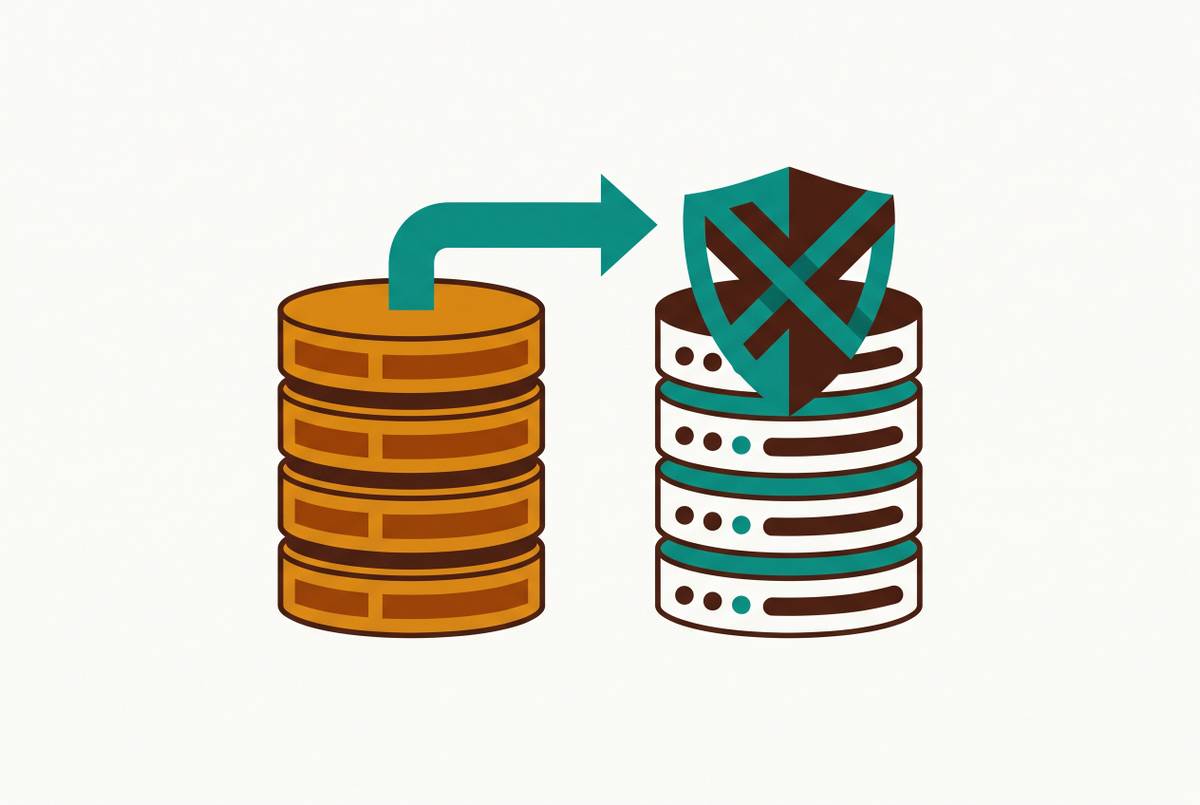
There's a second trap baked into the defaults. Every role in Postgres implicitly belongs to PUBLIC, so a new table created without managing PUBLIC's default privileges can quietly become readable by roles that were never supposed to touch it. It's the most common permission mistake in new Postgres projects, and it's invisible until someone goes looking for it.
That's the real cost of drift: it's cheap on day one and expensive later. Rotating a compromised credential means auditing every object that role has ever touched. With years of ad-hoc grants stacked on top of each other, that audit can turn into manual archaeology through the system catalogs. The fix isn't complicated: it just has to happen before the drift sets in, not after.
G|How PostgreSQL's role model works: one abstraction, four privilege levels
Postgres collapses "users" and "groups" into one idea. A role with LOGIN behaves like a user, capable of starting a session. A role without LOGIN behaves like a labeled bundle of permissions, something to be handed out rather than logged into. Inheritance between roles is what turns that single abstraction into a hierarchy.
CREATE USER and CREATE GROUP are aliases for CREATE ROLE; the only structural difference is that CREATE USER assumes LOGIN by default, while CREATE ROLE assumes NOLOGIN. Under the hood, it's all the same object.
Privileges stack across four levels: cluster, database, schema, and object. To reach a table, a role needs a valid grant at every level along that chain. M|Missing one link in that chain causes the whole thing to fail. A role with SELECT on analytics.events but no USAGE on the analytics schema receives a flat "permission denied," a failure mode teams hit repeatedly because schema-level grants are easy to overlook.
Inheritance has a second lever worth knowing. INHERIT, the default, means a role automatically picks up every privilege of the roles it belongs to. NOINHERIT means the role has to explicitly SET ROLE to activate those privileges. That sounds like a minor technicality, but it's the right tool for something like an auditor role: a role that should only touch sensitive logs when someone deliberately assumes that identity, not every time it opens a connection.
C|One more rule sits above all of this: superuser bypasses every privilege check Postgres has, including Row Level Security. N|That's why application connections should never run as superuser, no matter how convenient it is during setup.
The four-tier group role hierarchy that covers most application teams
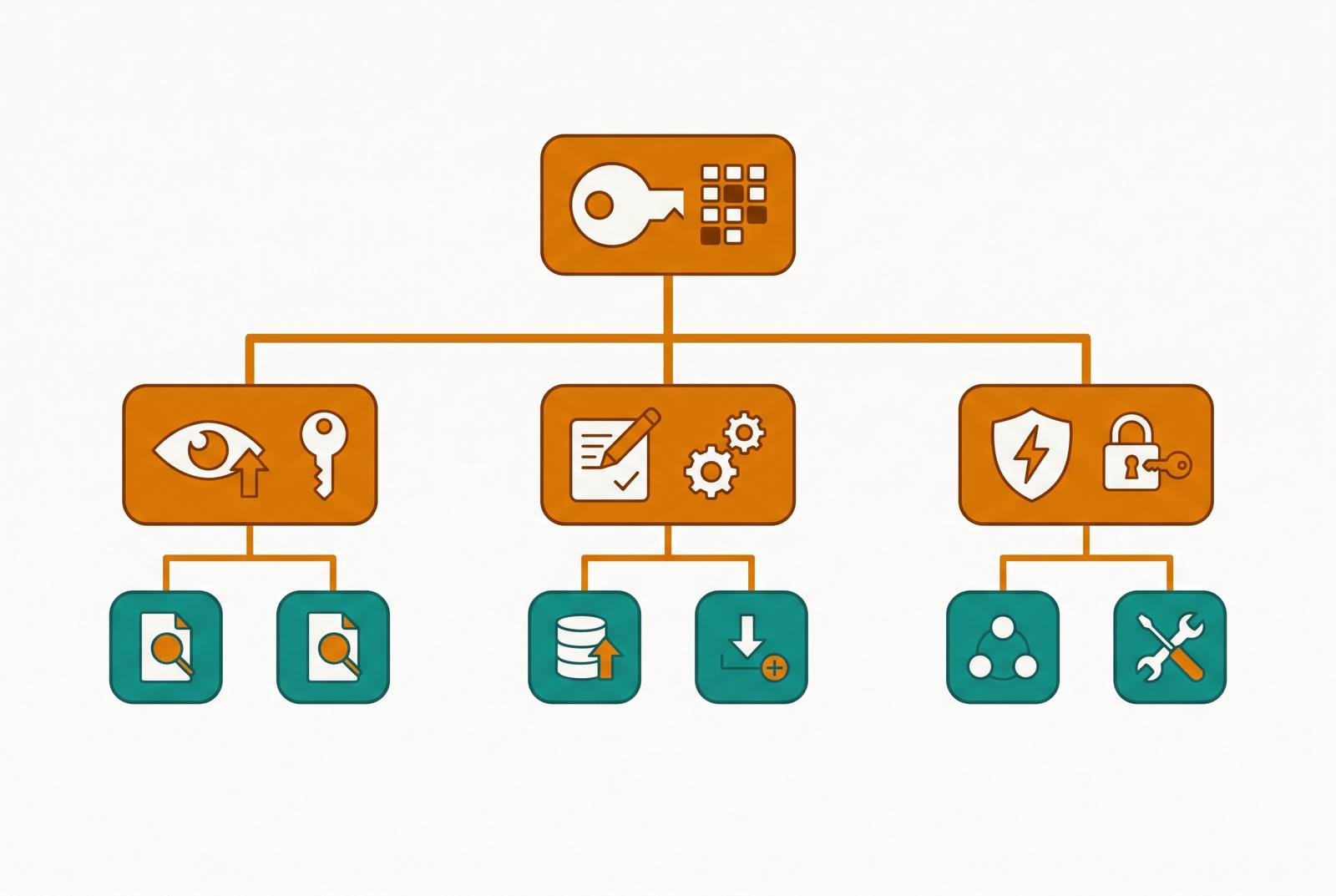
Once the model makes sense, the design decision is simply how many tiers of capability roles a team actually needs. A clean split between login roles (who connects) and group roles (what they can do), arranged in four tiers, covers most application teams and is the direct fix for the drift described above. B|Oneuptime.com documents this pattern, a named, reusable template rather than a one-off set of grants.
The four tiers:
app_base: CONNECT on the database, USAGE on the schema. Nothing else. It's the floor every other role stands on.
J|app_reader: inherits from app_base, adds SELECT on every table in the schema.
app_writer: inherits fromapp_reader, addsINSERT,UPDATE,DELETE.app_admin: inherits fromapp_writer, addsALLon every table and sequence. This tier belongs to migration tooling, not to a running application service.
Login roles then slot into whichever tier matches their job. A reporting tool joins app_reader. The application's own connection joins app_writer. The migration runner, and only the migration runner, joins app_admin.
F|The payoff is structural. Because privileges flow down the hierarchy, revoking something from app_base removes it from every tier below without anyone touching individual accounts one by one. M|Changing the foundation once updates the whole structure automatically.
One detail trips up almost everyone building this for the first time: sequences aren't covered by table grants. They need their own privileges (USAGE, SELECT, UPDATE), and skipping that step is a common way to break INSERT on any table using a serial or identity column. Both app_writer and app_admin need those sequence grants set explicitly, alongside the table grants, or inserts will fail in a way that looks like a completely unrelated bug.
Building the hierarchy takes minutes, not days. Untangling a flat superuser setup after the team has grown to three services and a BI tool takes days, and by then the hierarchy is invisible to the application anyway, so there's no ongoing cost to justify the delay.
Naming conventions and schema-scoped roles for multi-service and multi-environment setups
The four-tier pattern scopes privileges at the cluster, database, schema, and object levels, requiring a valid grant at every level in the chain to reach an object; adding a second service, or a staging environment alongside production, means the pattern needs a naming convention and schema scoping to stay composable rather than turning into four tiers times however many services and environments exist.
The convention itself is simple: prefix every role by environment and service. prod_billing_reader. staging_api_writer. Names like that are self-documenting the moment someone runs a query against pg_roles, no tribal knowledge required. A generic name like readonly at the cluster level collapses the moment there's more than one environment, because it stops describing anything specific and just becomes noise in an audit log.
Schema scoping does the rest of the work. Each schema gets its own reader and writer capability roles, and a service's login role only gets the capability roles for the schemas it actually needs. The billing service's login role gets prod_billing_writer, covering the billing schema, but never prod_analytics_reader. Lateral access between services gets blocked by the design itself, not by a policy document nobody reads.
Environments deserve the same separation, and not just at the schema level. P|A role built for staging shouldn't be able to connect to the production database. Because CONNECT is a database-level privilege, this is one of the easier things to enforce correctly: staging roles simply never receive CONNECT on the production database.
The reporting or BI role deserves its own line in this system rather than being treated as a synonym for app_reader. It might span multiple schemas. P|It might be granted to a tool outside the application stack. And it usually needs constraints, like a statement timeout or a connection limit, that would be strange to put on a normal service account.
None of this holds up without regular auditing. Checking which login roles belong to which group roles, using pg_roles and pg_auth_members, is the practice that keeps a well-designed hierarchy from sliding back into the ad-hoc grants it was built to prevent.
H|Designing migrations that preserve access through the DEFAULT PRIVILEGES trap
Wednesday morning, the analytics dashboard is broken, and nobody touched the reporting role. This is the DEFAULT PRIVILEGES trap, and it's the most common way a well-designed role hierarchy quietly degrades.
ALTER DEFAULT PRIVILEGES is what's supposed to keep the hierarchy working as the schema evolves, but its scope is a lot narrower than most teams assume, and that narrow scope is exactly where drift creeps back in. The rule is easy to state and easy to forget: it only applies to objects created after the statement runs. It does nothing for tables that already exist. A team that grants SELECT to app_reader on every current table, then runs a migration that adds new tables, will find app_reader locked out of exactly those new tables, with no error and no warning until someone notices the dashboard is missing data.
There's a second layer to the trap, tied to who actually created the object. A statement like ALTER DEFAULT PRIVILEGES FOR ROLE migrator IN SCHEMA app GRANT SELECT ON TABLES TO app_reader only fires when migrator is the one creating the table. If a developer runs the migration by hand under an admin role instead, the template never applies, and the new table gets none of the defaults anyone was counting on.
F|The fix is structural. One migration role should own all DDL, and that role's default privileges get set once, up front. The role that runs migrations should never be the same role the application uses for its runtime connections. Mixing the two is how teams end up with tables that have inconsistent, undocumented ownership.
Sequences need the same discipline as before, applied at migration time specifically: grant sequence privileges in the same migration that creates the table. Adding them in a follow-up migration creates a window where inserts fail in production, which is a bad time to discover the gap.
For teams that can't guarantee a single migration role, a blunt safety net helps: a post-migration audit step that re-runs GRANT SELECT ON ALL TABLES IN SCHEMA... TO app_reader, catching anything the default privilege template missed. It's not elegant, but it works as a backstop.
D|Practitioners describe this exact failure mode as one of the most painful parts of running Postgres at scale, and it appears repeatedly as a running joke: something close to "may God have mercy on your soul if you want to migrate a database with complex user permissions." The joke lands because it's accurate. Databases change organically, and every change creates new interdependencies between roles, permissions, and objects that nobody wrote down anywhere.
Limiting the BI and reporting role: read-only is necessary but not sufficient
Setting up a read-only role costs minutes, while untangling a flat superuser setup once a team has three services and a BI tool costs days, and read-only alone is necessary but not sufficient.
SELECT alone is the only privilege a BI role needs, and withholding INSERT, UPDATE, and DELETE closes off a real risk, since a misbehaving tool, a bad natural-language-to-SQL translation, or a curious analyst poking around can't change data even if they try, which makes it a solid floor.
But read-only still means every column is visible, including the ones that shouldn't be: password hashes, auth tokens, unencrypted PII sitting next to the fields an analyst actually needs. The fix is a view layer. Build views that expose only the safe columns, pre-join the tables analysts ask for most often, and grant the BI role access to those views instead of the base tables. Where maintaining a view layer is more overhead than the team wants, column-level grants do similar work directly: Postgres allows granting SELECT on specific columns, so a role like bi_readonly can read users.email and never see users.password_hash or users.ssn_encrypted.
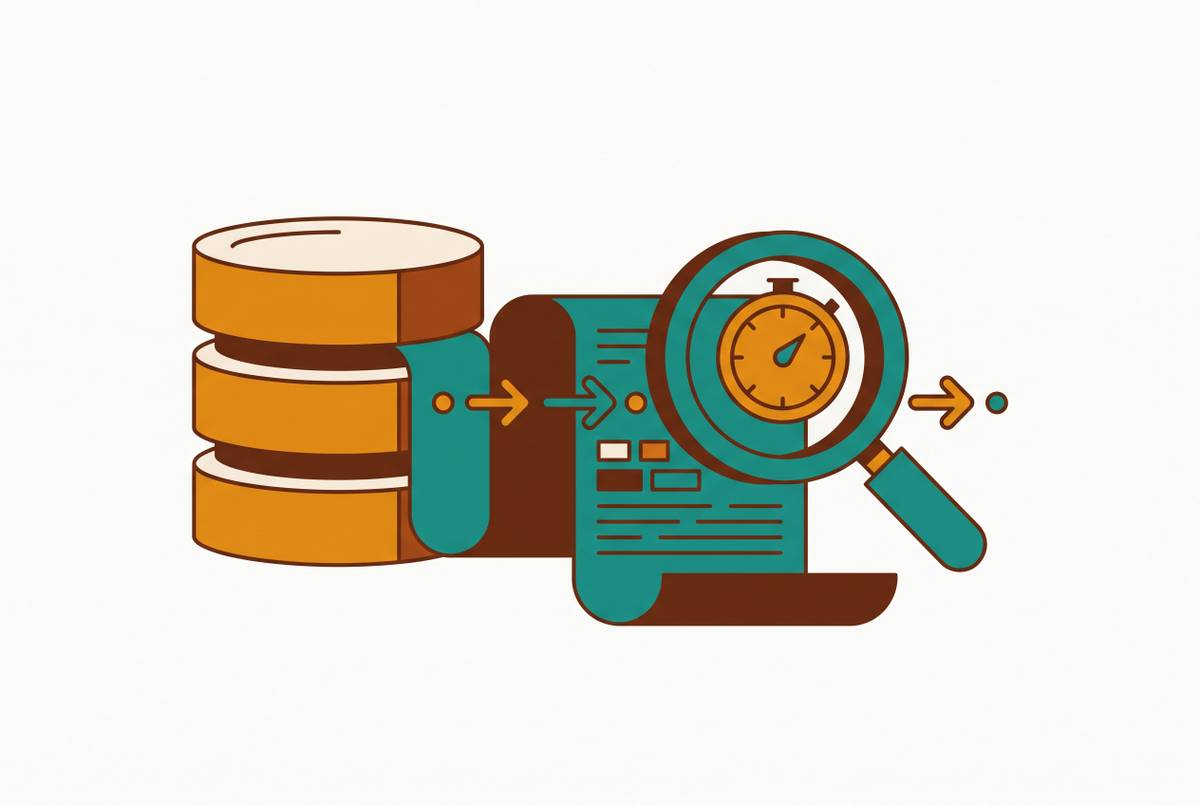
Performance deserves its own guardrail. A statement timeout scoped to the role, something like ALTER ROLE bi_readonly SET statement_timeout = '30s', applies to every session that role opens, not only the ones where an application remembers to set it. That one line stops a runaway dashboard query from locking up the primary database on its own.
For any production system, the cleanest setup points the BI tool at a read replica rather than the primary, so analytical queries never compete with transactional traffic for the same resources. The reporting role lives on the replica, and the primary never sees a dashboard's query pattern at all.
One rule applies regardless of how the rest of this is configured: analytics queries should never run as superuser and never as the table owner, because both bypass Row Level Security by default. A BI tool connecting as the table owner simply can't see RLS policies. They aren't enforced, they're invisible.
A|This is where the role design becomes the actual security boundary for any tool sitting on top of the database. A tool that connects directly to Postgres, rather than pulling data out into a separate system, inherits the timeout, sees only the view layer it was granted, and operates entirely through the role it was given. A database-native BI platform, one that runs its computation inside Postgres instead of extracting data elsewhere, makes this role design the natural security boundary by default, rather than something bolted on afterward.
Row Level Security as a third dimension: when role hierarchy alone isn't enough
Role hierarchy controls which tables and columns a role can reach. Which rows a role can reach is a separate problem, and Row Level Security is the tool built to solve it, filtering data inside the database itself so access control holds even when a developer forgets a WHERE clause. RLS policies live at the table level and enforce automatically for any role subject to them, which makes them especially valuable for multi-tenant SaaS products and for compliance requirements that demand tenant isolation guaranteed at the database layer, not just in application code.
The AWS SaaS Factory PostgreSQL RLS reference architecture has the application set app.current_tenant as a runtime parameter, with the policy using USING (tenant_id = current_setting('app.current_tenant')::UUID), enforcing tenant-specific filtering in the database rather than in the ORM.
There's a gotcha that can quietly undo all of it. Without FORCE ROW LEVEL SECURITY, the table owner's own queries skip every policy on that table. If the application connects as the same role that owns the tables, a common ORM setup, all RLS policies are silently bypassed.
The fix is the same structural principle this whole hierarchy has been building toward: the role that owns the tables has to be different from the role the application uses at runtime. That's another reason the app_writer runtime role should never own the objects it queries. Superusers carry the same risk for the same reason, bypassing RLS by default, which is one more argument for keeping application connections away from superuser entirely.
Put together with the view layer from the previous section, RLS completes the picture. Views restrict which columns a role can see. RLS restricts which rows it can see. Together, views and RLS define a precise, auditable surface for each role.
Sources
- How to Implement PostgreSQL Role-Based Access Control
- PostgreSQL Roles and Privileges: Users, Groups, GRANT Syntax, PUBLIC Role, and Best Practices | Simple Talk
- Postgres Roles: What to Know Before You Begin - Neon
- PostgreSQL Security: A Comprehensive Guide to Hardening Your Database - Percona
- PostgreSQL: Documentation: 18: Chapter 21. Database Roles
- PostgreSQL: Documentation: 18: 5.8. Privileges
- PostgreSQL ALTER DEFAULT PRIVILEGES - permissions explained
- Julien Enselme personal blog - Use a dedicated user to run your database migrations on PostgreSQL