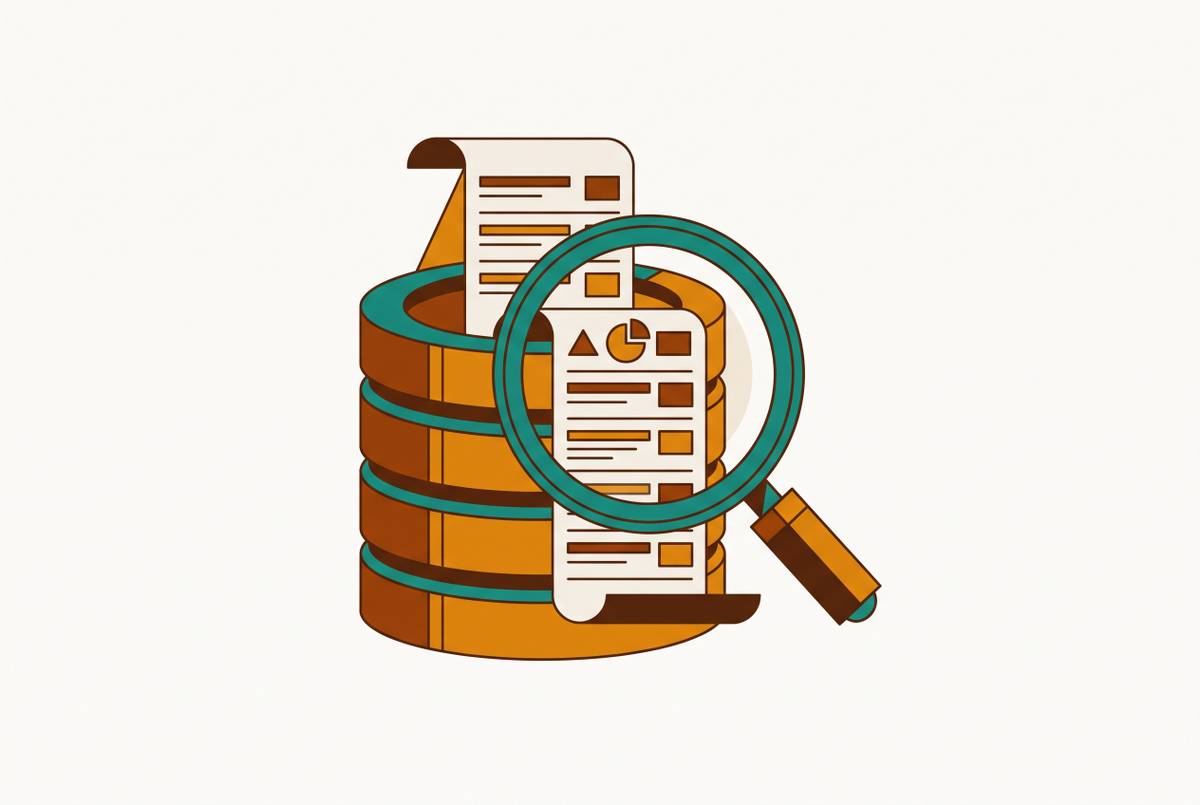
Admin Panel Security Risks in Production Database Access
Overly broad database credentials put production data at risk through admin panels.
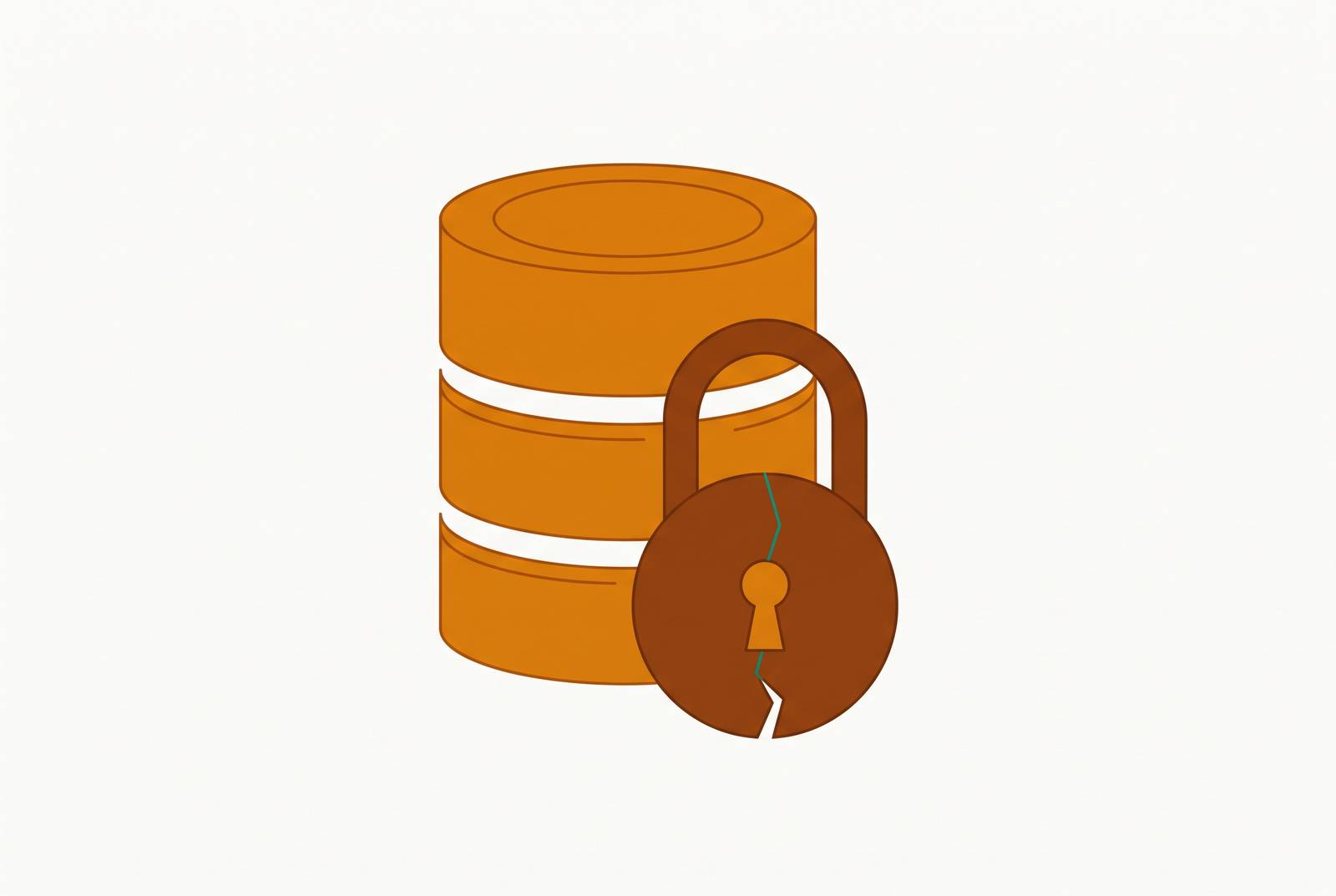
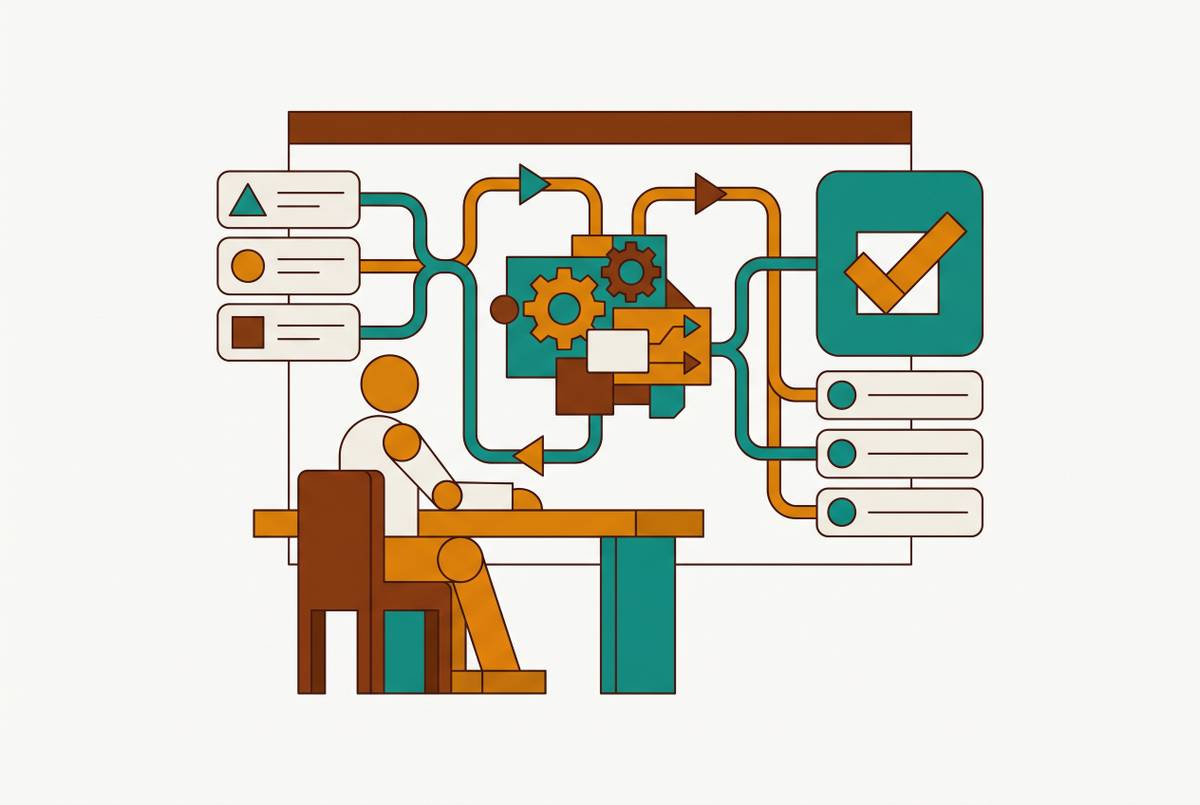
Support teams need to look up a customer record. An admin panel lets staff do all of that without handing them raw access to the database underneath, which is worth it, since nearly every company with customers ends up building one. The Refine guide calls admin panels one of the most common types of internal software, and notes that most teams still don't have a clear read on what separates a well-built one from a fragile one.
The reason admin panels matter so much comes down to what they're allowed to do. A customer-facing app only ever touches one person's own data. An admin panel sits somewhere else entirely: it can create, read, update, and delete; it can approve, override, and reconfigure; and the people using it are support reps, ops staff, and finance teams who were hired to solve customer problems, not to think about SQL injection or row-level permissions. That combination, broad power plus untrained hands, is what makes the admin panel a genuinely different kind of risk than a reporting tool.
None of this means admin panels are a bad idea or a dangerous shortcut. They solve a real problem: without one, support just messages engineering and waits, or someone gets handed direct database credentials out of sheer convenience, which is worse. An admin panel is a deliberate piece of infrastructure sitting on top of live production data, and it deserves the same care as the database it connects to.
Misconfigurations in production databases before an admin panel connects
Before getting into what can go wrong at the panel layer, it helps to look at what the panel is actually connecting to. A lot of production databases are already sitting in a weaker state than anyone assumes, and an admin panel built on top of one doesn't fix that. It just gives more people a door into it.
Database software doesn't ship secure by default. Postgres, for instance, comes configured to get you up and running, not to survive real-world traffic without active tuning: authentication methods, which addresses the database listens on, how roles get their privileges, what gets logged, all of it needs someone to go in and harden it on purpose. TuxCare's 2026 PostgreSQL security guide is blunt about this: it's a gap every team has to close themselves, and plenty of teams don't close it until something breaks.
What usually breaks it isn't some novel attack. A developer debugging an issue flips on trust authentication in pg_hba.conf to skip a password prompt for an afternoon, fixes the bug, and never flips it back. That's the pattern behind most Postgres compromises, not a zero-day, just a temporary shortcut nobody remembered to undo.
The scale of this is easy to check. Intruder's 2026 Attack Surface Management Index found that one in four organizations have a MySQL database exposed to the internet, and a sizable share of organizations have Postgres databases sitting out there in a dangerous state too. None of this needs a CVE to exploit. An open port plus brute force or credential stuffing is enough. And it's not a hypothetical someone might get around to someday: cryptojacking operations run automated scanners right now, hunting specifically for exposed Postgres instances on port 5432, and once they're in they drop miners using procedural languages like PL/Python or PL/Perl, an active, running threat.
The teams that get ahead of this treat database hardening like technical debt. The ones that don't tend to find out how exposed they were at the worst possible time, usually when a scanner finds the gap before anyone on staff does. Either way, the lesson carries forward: hardening the database is the floor, not the finish line. An admin panel connected to a well-configured database starts from a reasonable baseline. One connected to a database still running on defaults just inherits every weakness already sitting there, and it adds more hands reaching through the door.
Overly broad credentials: the most common and most damaging misconfiguration teams introduce at the panel layer
The single most common admin panel failure has nothing to do with clever attackers. It's a panel wired straight into production, using the same superuser credentials as the main application, with no session timeout, on a port anyone on the internet can reach.
That setup rarely happens on purpose. Multiply that across a year or two of hires, contractors, and "just this once" requests: the result is a permissions structure nobody on the team can fully explain anymore, let alone defend.
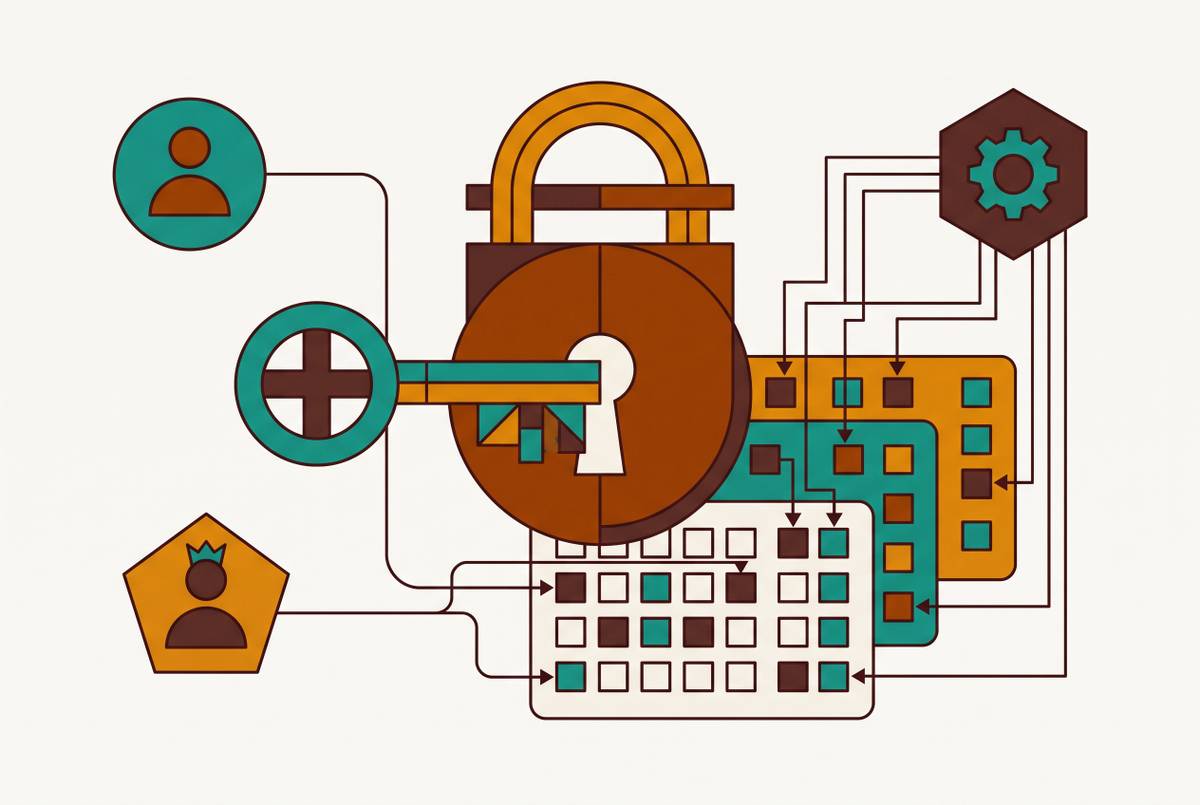
The fix isn't complicated, but it takes real discipline to maintain. Postgres gives teams a tool that makes this enforceable at the database level itself: Row-Level Security. If someone misconfigures the application layer, Row-Level Security means the database can still refuse to hand back rows a given role was never authorized to see in the first place.
One more setting does a surprising amount of work here: the statement timeout. Set a cap on how long any query from the BI or admin role is allowed to run, so that a careless join across millions of rows fails fast instead of chewing through CPU and locking up writes the rest of the product depends on. It's a small configuration change, and it may be the single most important protection against an analytics query accidentally taking the product down. None of this requires exotic tooling. Someone has to decide that the convenient shortcut is worth unwinding before it becomes the thing a postmortem gets written about.
Exposed login surfaces: how admin panels become targets before anyone logs in
Credentials inside the system are one problem. The door itself is another, and it gets tested long before anyone with a password ever walks through it. If an admin panel's login page is reachable from the public internet, it's discoverable, and discovery is step one of basically every credential attack that follows.
This isn't a hypothetical risk sitting in a slide deck somewhere. Recorded Future's analysis of exposed login panels describes exactly this situation playing out: unsecured admin panels sitting quietly in a company's public-facing digital footprint, waiting for someone to find them and try the door. It's an operational concern, not a theoretical one.
A lot of the ways in don't even require database knowledge. OWASP lists broken access control as the top risk facing web applications today, and admin panels are a prime target for it: attackers tamper with URLs, force-browse to predictable paths like /admin/, exploit insecure direct object references, or tamper with JWTs. None of those techniques touch SQL. They just exploit the fact that the panel trusts a request it shouldn't.
The mitigations here are concrete and don't require exotic tooling. Keep the admin panel off a public IP entirely, and restrict it to a VPN or internal network. And audit the whole surface on a regular schedule, because research on midmarket organizations shows remediation windows that stay open far longer than the current pace of automated scanning can tolerate.
Closing the door matters, but it isn't the whole story. Some logins are legitimate. Some attackers get through anyway. Either way, once someone is inside the panel, a different set of risks takes over, the ones that live in what the panel lets you do once you're in.
SQL injection and destructive writes: the risks that come from inside the panel
If an authenticated user or an attacker who's figured out a way in can submit input to a panel wired into production, every unsanitized field becomes a direct line to the database. Restricting who gets in matters. It isn't enough on its own.
SQL injection hasn't gone anywhere as a real risk, and admin panels are a particularly good target for it. These interfaces handle bulk data, dynamic filters, search boxes, exactly the kind of inputs that are quick to build and easy to build without proper sanitization, especially under the time pressure internal tools tend to ship under.
The clearest recent example is CVE-2026-55231, found in Vvveb CMS and patched on October 1, 2026. No external exploit was needed. The capability was already built into the panel, waiting for someone with a legitimate login to misuse it. The fix landed in Vvveb CMS version 1.0.8.6, and the vulnerability is classified as CWE-22, path traversal, with a CVSS score of 7.2.
Injection is the dramatic case. The more common one is quieter and doesn't need an attacker. A delete meant for one record hits thousands instead. These are accidents, caused by an interface that makes an irreversible action just as easy to trigger as a reversible one.
The mitigations split into two groups that work together. On the injection side, use parameterized queries everywhere and never build SQL by concatenating user input directly into it. On the accidental-damage side, require an explicit confirmation step, a modal, a second authentication prompt, before any bulk update or delete runs. And carry over the role principle from the credentials section: most users sit on a read-only role by default, and write access gets granted explicitly, tied to one specific operation, not handed out as a blanket privilege because it's easier that way.
AI-assisted query tools and MCP servers introduce a new shared-credential anti-pattern
A newer version of the same credential problem appears inside AI tooling, where AI agents and MCP servers connecting to production databases often authenticate with one shared service account for every request that comes through them. That quietly wipes out row-level security and rebuilds the same overprivileged-credential failure one layer up, inside a system teams often assume is already locked down.
This creates what's known as the confused deputy problem. A user without database admin rights asks an AI agent to run a query. The MCP server handling that request does have admin rights, and it runs the query without ever checking what the actual requesting user is allowed to see. The server isn't acting with the user's permissions, but with its own, elevated far beyond what the person asking should have access to.
It gets worse at the configuration level. MCP servers commonly store credentials, API keys, and database passwords in plaintext configuration files, and every client that connects to that server inherits the exact same privileged access. That's the shared-superuser mistake from the credentials section, just relocated into a tool that feels new enough that teams haven't thought to apply the old lessons to it.
An AI-generated query can surface data a user shouldn't see, produce a metric that doesn't match the company's official definition of that metric, or generate SQL that runs without errors and still answers a different question than the one asked, with nothing in the output flagging that mismatch.
The fixes track closely with everything already covered. Sign each user into the MCP server or query tool under their own identity instead of a shared service account, so the row-level security already in place actually gets enforced for that specific user. Apply the same network restriction used on admin login panels, keep MCP endpoints off public interfaces entirely. Limit AI query tools to certified, read-only data sources, and log every query generated, with the requesting user's identity attached to each one. Scan the environment regularly for exposed MCP endpoints, checking for /mcp and /sse paths and for services bound to 0.0.0.0. NIST's SP 800-207 Zero Trust Architecture guidance is directly relevant here: internet-facing admin access violates zero trust assumptions unless it's strongly mediated, and AI agent toolchains don't get a pass on that standard just because they're new.
Governing access without blocking it: how the engineering team builds a permission model that lasts
Every risk this piece has walked through, loose database defaults, shared credentials, exposed logins, unsafe writes, shared AI service accounts, points toward the same underlying question: how does a team give people enough access to do their jobs without giving them enough rope to cause real damage, by accident or otherwise? The goal is to structure access so people can do their work, can't easily cause harm, and so every action taken through the panel can be traced back to who did it and undone if it needs to be.
Standard role-based access control is a reasonable place to start, but permissions drift because maintaining roles is manual work. Since maintaining those roles is manual work, permissions quietly drift upward as exceptions pile up, and they almost never drift back down once the original reason for the exception is gone.
A model built to last needs a few things working together, not one clever fix. Scoped roles matter first: support gets read access to customer and order tables, ops gets write access limited to subscription status, and engineers run on a separate admin role with its own audit trail, with no shared superuser credential sitting anywhere in that chain. And the same discipline applied to the admin panel, network restrictions, confirmation steps on destructive actions, read-only defaults, needs to extend to every AI query tool and MCP server touching the same production data, since those tools inherit the same blast radius the moment they're handed broad credentials.
None of this is about trusting staff less. It's about building a system where trust doesn't have to carry the entire weight of the security model by itself, so a mistake stays a mistake instead of becoming an incident.
Sources
- Top Database Security Risks in 2025 & How to Mitigate Them - Solvix Technologies Pvt. Ltd.
- 2022 LastPass data breach - Wikipedia
- PostgreSQL Security 2026: Risks, Solutions & Best Practices - TuxCare
- Risk-Driven Database Security
- The Dangers of Exposed Admin Panels and How to Secure Them
- advisories.gitlab.com
- cloudsecurityalliance.org
- syteca.com