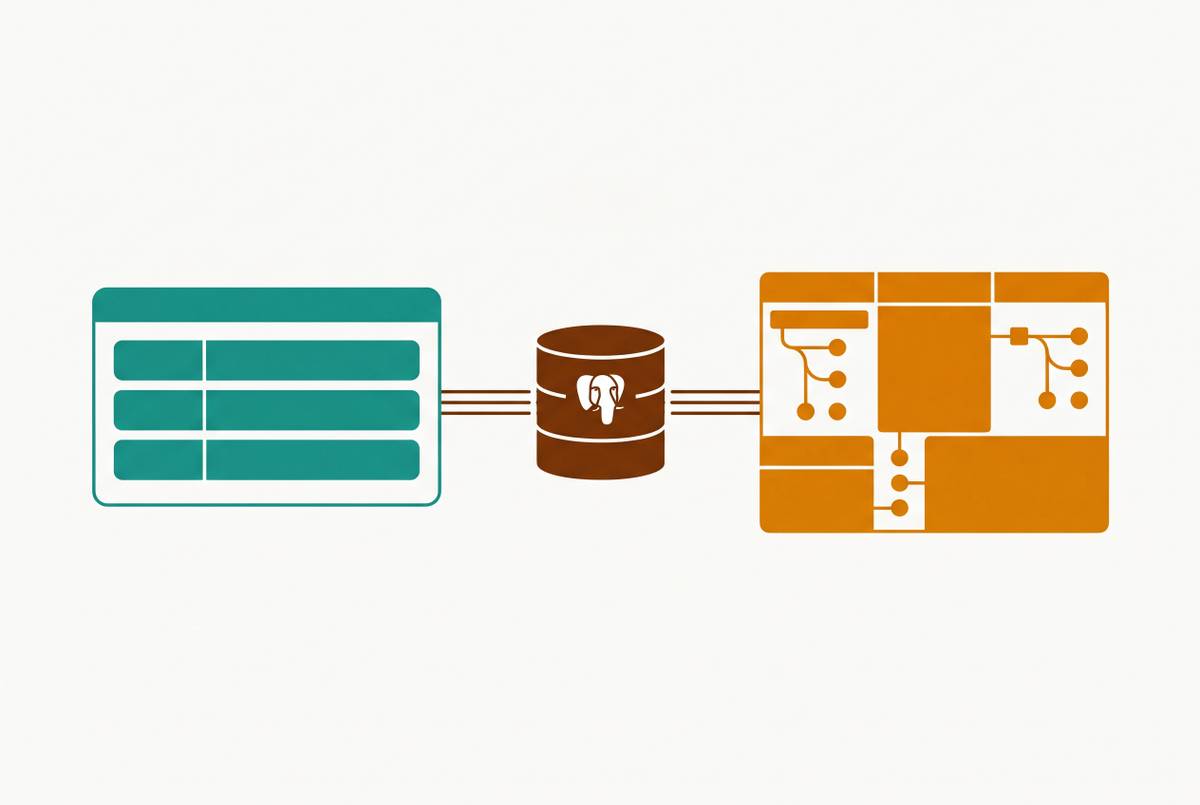
Giving Ops and Marketing Safe Database Access Without SQL Permissions or Engineering Tickets
A governance layer lets ops and marketing self-serve data safely.

For a small startup, safe database access for ops and marketing requires a governed interface. That layer should enforce permissions, apply shared metric definitions, and offer readable views, plain-English questions, and tightly limited record edits. Engineering sets the limits so non-technical teams can answer routine questions without asking for help each time.
Why ops and marketing keep filing data tickets even when they shouldn't have to
A marketing manager waits three days for a campaign cohort breakdown that was needed Monday morning. The request went into Slack, an analyst wrote SQL, and the answer arrived in a spreadsheet. By then, the campaign decision was already made. The spreadsheet is correct, but its timing is not. The next question starts the same journey.
An analyst can interpret an unfamiliar question, while a shared SQL client gives people who know SQL a direct way to investigate it. Neither approach gives a non-technical employee a reusable route to routine answers, though. When every follow-up needs an intermediary, repeat questions refill the queue and skilled analysts become report couriers. Adding headcount increases capacity without removing that dependency, with costs to both decision speed and analyst retention.
What "safe access" actually requires — and why read-only database permissions alone don't provide it
A read-only role blocks INSERT, UPDATE, and DELETE while leaving SELECT able to return password hashes, API keys, or personal data. That distinction is the first design constraint. Giving someone permission to look is not the same as deciding what they may see. SQL literacy cannot fix an access policy that exposes the wrong fields.
Column-level grants set which fields an analytics role can read. Row-level security, or RLS, restricts which records it can retrieve, with isolation enforced inside the database rather than left to a WHERE clause an application might omit. Both boundaries have a separate job to do. A role may need access to a customer’s campaign segment without access to sensitive fields, and access to one group’s records without access to every group’s records.
The database determines how that isolation can be implemented. PostgreSQL supports native RLS, but superusers and roles with BYPASSRLS always skip it. Table owners also bypass it by default unless the owner applies ALTER TABLE... FORCE ROW LEVEL SECURITY. MySQL has no native RLS feature, so record isolation requires filtered views, application logic, or an external proxy instead.
Privacy is not the only production concern, either. A statement timeout puts a time limit on runaway queries, including expensive joins that a non-technical user would have no reason to know are dangerous. Connecting analytics to a read replica keeps heavy reads from competing with writes on the primary. Safe access requires these controls, a separate, explicit boundary for permissioned updates outside the read-only analytics role, and an interface people can actually use.
The governance layer that makes self-service trustworthy rather than chaotic
Suppose five people can safely query revenue but calculate it five different ways. Access is working, yet the resulting argument is not analysis. A semantic layer gives each business metric a shared definition, including “active user,” “net revenue,” and “churn.” Queries inherit those definitions. The number needs a meaning before it gets a chart.
“Governance first” can sound like a polite invitation to delay everything. In practice, defining the core metrics before opening a dashboard builder prevents inconsistencies that can force a rebuild six months later. The sequence starts with the right sources and database restrictions, then establishes metrics and aligns tool permissions with those restrictions. Only then does the interface open to non-technical users.
AI querying makes that foundation more important. An engine grounded in a governed semantic model can use established metrics. Without that foundation, answers that read well can hide calculations that disagree. A confident sentence is not an agreed definition. The first buying decision is therefore what users should be allowed to ask and what those answers should mean.
How do you give ops and marketing database access without SQL?
A marketer should see labeled campaign data. Pre-built or drag-and-drop dashboards should let people filter and explore the data without writing a query. An accessible screen is what turns the permission model into something the business user can reach.
For ops workflows, reaching the data may also mean changing it. Permissioned forms and editable views should let a user make only the changes they are allowed to make, with write access limited to those changes. A useful interface lets someone do a task they are allowed to do without learning SQL or getting raw database credentials. It does not turn convenience into permission to change everything.
Dashboards alone leave another gap, because they answer questions anticipated when they were built. What happens when the user asks a follow-up? Saved queries, filtered views, and plain-English entry need to let users explore more than the original chart shows. Otherwise, the dashboard becomes a nicely upholstered waiting room for the ticket queue. More dashboards cannot anticipate every question a campaign or operational decision will produce.
A marketer may drag and drop while an analyst uses SQL to work with the same governed data. Separating them into disconnected tools risks fragmenting the definitions and permissions that make self-service trustworthy. Tools that are easy to use must still let people dig deeper into the data. Even excellent permission architecture fails in practice if the interface frustrates people into giving up.
Tools that put this layer in place and what each is built for
Basedash is built for database-native BI and internal tooling, combining direct database access with a governed semantic model, readable views, dashboards, saved queries, and permissioned editing. Its AI-native analytics interface lets non-technical users ask plain-English questions while enforcing metric definitions and role-based permissions at query time, without bypassing database access controls.
Its fit is a team that needs analytics and operational access without building a custom admin panel. Direct connections include Postgres and MySQL without a separate ETL layer, while warehouse connections include BigQuery, Snowflake, and ClickHouse. An optional managed warehouse is also available. That makes workflow the basis for the choice. Engineering configures access up front so ops, marketing, support, and sales can use the resulting views without making engineering a recurring dependency.
NocoDB is built for spreadsheet-style operational workflows over an existing database. It offers grid, form, kanban, and gallery views, with connections including PostgreSQL, MySQL, and SQL Server. The central benefit is direct record access. An ops team can replace a recurring request for a report with a view of the underlying data, without introducing a separate synchronized copy. Its fit is viewing and updating records rather than dashboard building or exploratory analysis, and reliable self-service still requires upfront data modeling.
Domo is built for mixed technical and non-technical teams that need cloud BI, connectors, governance, and embedded analytics in one environment. It has role-based access, row-level security, and certified datasets to govern the data, and its natural language querying and AI agents work with its governed data model. Consumption-based pricing requires a quote because there is no public price list, which adds evaluation friction for smaller teams. It fits organizations whose budget and complexity justify enterprise cloud BI rather than those seeking only safe access to a production database.
Zoho Analytics is built for smaller teams that want dashboards they can afford rather than deep database integration or record editing. It can run in the cloud or on-premises, has role-based permissions and folder-level sharing, and lets users ask natural language queries through its Zia assistant. With entry-level per-user pricing, small and medium teams can afford to use it. The trade-off is one of emphasis. A dashboard-focused buyer has different requirements from an ops team whose main job is updating records.
The tool choice follows the work, with record editing and database views pointing one way and dashboard exploration pointing another.
How to set this up without creating a new category of risk
For the engineer or data lead implementing this, the sequence begins below the interface. Create a dedicated analytics role with read-only grants limited to the tables and columns the team needs. Leave out sensitive fields, including personal data, credentials, and internal tokens. Start with the smallest useful reading surface. Apply row restrictions wherever records must be scoped by user, team, or tenant, rather than trusting users to select the right filters.
For PostgreSQL, account for ownership bypass and apply FORCE ROW LEVEL SECURITY where table ownership is involved. For MySQL, use filtered views or an external proxy to provide the required isolation. Set a statement timeout and connect analytics to a read replica. These are protections for the application as well as the data. They keep self-service reading from becoming an avoidable source of production contention.
Next, define the core business metrics before exposing the interface. Document which teams should see which data views, then make that mapping explicit in the tool’s role configuration. Connect the tool using the analytics role. The tool should limit access to what the database grants allow. Where editing is part of the workflow, configure the permitted changes explicitly rather than broadening the read-only analytics role into general write access.
Build the first views and saved queries around the requests that keep filling the ticket queue. Let users explore the data so a follow-up does not turn straight into another ticket. The handoff should include a short orientation covering what users can see, what they can edit, and what to do when they encounter a gap. Judge success in part by whether people use the interface, because if they leave it unused, they still have to ask for help.
Engineering should no longer need to help with routine access after that handoff. The goal is not a system that generates a different category of recurring setup requests every time someone asks a familiar question. Permissions and definitions should stay in place as users work on their own within those rules. That is the test of the setup. A tool that still needs an engineer to operate it on someone else’s behalf has not delivered self-service.
What self-service access actually changes for ops and marketing day to day
For ops, the Monday report becomes a saved view. The ops manager opens it directly and uses the approved filters to find the relevant records. Permitted edits go through a bounded form. The work stays with the person who understands it. Routine lookup and update tasks no longer need a translation into SQL before they can happen.
Marketing can use the tool to ask campaign cohort questions and get conversion breakdowns and segment counts. A follow-up can use plain language or a saved query and bypass another three-day request cycle. The decision can happen while its context is current. The useful measure is whether teams stop filing tickets for data they needed yesterday.
Engineering still establishes the rules that make this possible. It no longer needs to serve as a permanent concierge for routine data access. The ticket queue was never the right mechanism for repeatable business questions.