DataGrip for Postgres Power Users
Schema-aware IDE treats SQL like code, catching errors before execution.
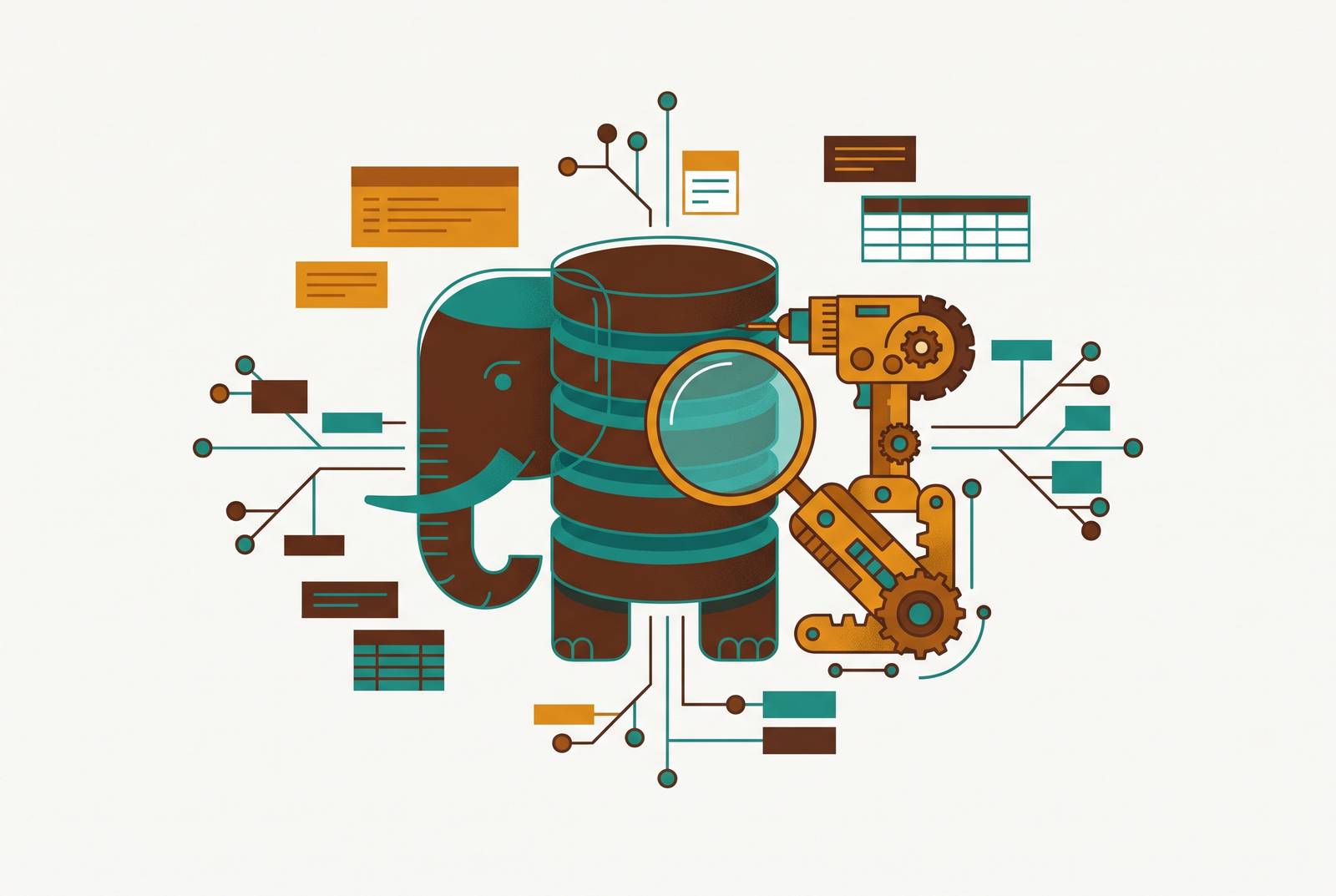
DataGrip for Postgres power users is about treating SQL as code, with the discipline that complex schemas demand. For a growing startup where non-engineers also need to query data, it solves only the developer side of the problem. The better fit is complementary access, with DataGrip for SQL engineering and a self-serve layer for dashboards, saved queries, and editable views governed by row-level permissions.
What it means to treat SQL as code, not just a query box
A query runner answers the question in front of it. An IDE helps a developer reason about the code that asks the question. Most Postgres GUIs follow the familiar routine of connecting, browsing a tree, typing SQL, and running it. In that model, the schema can be little more than scenery beside the editor. DataGrip instead parses the schema before execution, giving the editor a basis for understanding what the SQL refers to.
A query is no longer just a disposable request for rows when other files, views, and procedures depend on the objects it names. It belongs to a system of relationships. DataGrip’s IDE approach has to do more than return results: its editing and change workflows have to help developers work safely within those relationships.
Context-aware autocompletion that understands your schema
Think of a query that joins several tables through aliases. A flat list of every column in the schema offers plenty of suggestions, but leaves the developer to sort them out. DataGrip resolves the aliases and completes the columns belonging to each one. The suggestions follow the query’s actual structure. That is a more useful kind of help than a dictionary enthusiastically offering every word beginning with the same letter.
If a join references a misspelled column that does not exist on the target table, DataGrip flags it before the query runs. DataGrip can also flag a misspelled column in an ORDER BY clause. Why wait for the database to reject a reference the editor can already inspect? This catches a class of errors while the developer is still writing the query.
Completion also takes column types into account, suggesting relevant Postgres functions for timestamps, arrays, or JSON columns. Parameterized queries extend the workflow from writing to testing, allowing the same SQL to run with different values without editing its text.
Refactoring SQL across a live schema
Writing a query is one problem, changing its dependencies is another. A column rename can look harmless in the table where it begins while breaking a view somewhere else. A missed reference in production is a bug. That makes refactoring a correctness feature. Search and replace knows which letters match, but not what they mean.
DataGrip can propagate a table or column rename across references in SQL files, dependent views, and stored procedures. The practical change is from manually hunting through each file to reviewing a coordinated operation. Its refactoring tools also include extracting subqueries and inlining CTEs, so the editor can help reshape SQL.
DataGrip handles foreign data wrappers for linking external data sources and virtual foreign keys, including coverage of pg_catalog out of the box for navigating system catalogs. Those relationships give developers more of the schema to reason about inside the tool. As schemas evolve, that context makes an IDE more than a comfortable place to type.
Schema comparison and migration script generation between environments
A well-formed change in development does not establish what differs in staging or production. Refactoring and schema comparison answer related but distinct questions. Refactoring follows the references affected by a change. Schema comparison shows how two environments differ, making the gap itself available for inspection.
DataGrip can compare database schemas, highlight their differences, and generate migration scripts. A developer who renames a column in development can examine the resulting divergence before moving the change forward. Just as a code diff makes changes between branches visible, a schema diff makes structural differences between environments explicit.
The team can review the generated script. It turns synchronization into an inspectable step rather than a series of manual adjustments whose full scope may be hard to follow. DataGrip can also generate DDL from objects that already exist, so their structure is there in the interface. That is useful when documenting a schema or setting up a new environment, where the task is to capture what exists.
EXPLAIN ANALYZE visualization and query performance work
Correct SQL can still be painfully slow SQL. To investigate that gap, DataGrip renders EXPLAIN ANALYZE output as a visual execution-plan tree, showing actual versus estimated rows and node costs. A developer can use it to investigate whether a missing index, a bad join order, or a sequential scan is behind the slowdown.
Reading raw plan text at 2 AM during an incident asks tired eyes to reconstruct the tree while also interpreting it. A visual tree reduces that extra work. It makes the plan’s shape easier to follow, so attention can stay on where the estimates and execution diverge.
DataGrip 2026.1 added the ability to copy a plan in its native JSON or XML format, including support for PostgreSQL. That makes the visual workflow less isolated. A team can inspect the plan in the IDE and then share or analyze its native representation outside the tool. Meanwhile, type-aware completion can suggest index-relevant function patterns in the editor before execution, connecting the writing stage to the later performance investigation without pretending that a suggestion replaces a measured plan.
Git integration and treating SQL files as version-controlled code
A useful editor is only part of an engineering workflow. SQL files also need a record of changes that other people can inspect. DataGrip connects to Git, allowing SQL changes to be committed, compared, reviewed, and rolled back as files in the same way as application code. Combined with generated migration scripts, this gives schema work a reviewable artifact rather than leaving it as an action performed in someone’s console.
Local query history serves a different purpose. DataGrip preserves executed queries without requiring an explicit save, supporting individual recovery by allowing a developer to recover work from the console days later. Neither substitutes for the other.
DataGrip 2026.2 strengthened this workflow with bundled JDBC drivers and CLI commands for managing data sources, reducing setup friction for new environments. The release also added AI-agent skills and MCP tools. Its database text-to-SQL agent explores relevant schemas and table structures, then generates SQL against actual database metadata. When safe and allowed by settings, it can also execute the query to verify that it works. The schema context that supports completion now informs the agent too.
DataGrip remains desktop-only, SQL-first, and developer-oriented, without a dashboard or sharing layer for the broader company. Plain-language input gives users a new way to start a query, but it does not give non-technical users the other tools they need. The IDE is getting stronger within its lane.
The costs of that IDE model deserve equal attention. DataGrip is a JVM application, with RAM usage in the 500 MB to 1 GB range and startup time measured in seconds. Developers who want an instantly available client may find that weight significant. The non-commercial free tier has been available since October 2025, but it is not a blanket exemption for workplace use. The commercial per-seat cost is unchanged for engineering organizations.
DataGrip has limited user and role management compared with pgAdmin, no native vacuum or server-monitoring dashboards, and no equivalent to pgAdmin’s full DBA-oriented backup scheduling and monitoring tools, although it integrates pg_dump and pg_restore. Its governance also depends on Postgres roles because it has no built-in access-control layer. Giving everyone the same shared admin account makes audit logs useless for distinguishing users and makes secret rotation difficult.
How sessions behave can cause problems too, including the risk of locks from idle transactions. DataGrip 2026.2 added a mode that separates introspection from the shared session. Teams now have three ways to control sessions, with a choice of a single shared session, separate shared and introspection sessions, or dedicated sessions for clients such as consoles or data editors. Those controls offer more choice in how the IDE interacts with the database. They do not turn session management into a problem the team can forget.
How DataGrip compares to pgAdmin, DBeaver, and TablePlus for Postgres work
The right comparison begins with the person doing the work. A developer evolving SQL, a DBA monitoring servers, and someone reviewing rows are not shopping for the same advantage. Each tool wins in its own context. DataGrip’s strongest case is a Postgres-primary team whose daily work depends on SQL editing quality, semantic understanding, refactoring, schema comparison, and version control.
For administration, pgAdmin offers a different center of gravity. It is the official open-source PostgreSQL GUI, maintained by the pgAdmin Development Team, free, and deployable as a web app or Docker container. It has tools for full role and permission management, for backup and restore through pg_dump and pg_restore, for server monitoring and activity dashboards, and for ER diagram visualization. Those are central DBA workflows. It has also shipped an AI Assistant since version 9.13, so the presence of AI alone does not settle the choice.
DBeaver fits teams whose work spans many database engines, whose free tier needs to support substantial work, or whose plans include a path to a web workflow. DataGrip makes the stronger case when the team is Postgres-primary and values the SQL editing experience above those requirements. This is a question of emphasis.
TablePlus emphasizes a native, non-JVM application that launches faster, runs lighter at idle, and offers a clean interface for browsing and inline editing. Its staged changes and visual diff before commit work especially well for teams that need to review data. It does not provide semantic SQL analysis, refactoring, or schema diff. For quick inspection and editing, that focused client may fit better than an IDE. DataGrip’s heavier tools are more useful when changes across a complex schema need to stay in step.
How can the rest of the team self-serve Postgres data without SQL?
The choice changes when the user is in ops or marketing. At a roughly 100-person company with a small engineering team, excellent SQL tools can coexist with a queue of requests for developers to retrieve data. The developer’s interface is not necessarily the company’s interface. Making everyone learn it leaves them needing training before they can get the data.
The complementary approach is to keep DataGrip for engineering and give the broader team a self-serve layer connected directly to the production Postgres database. The relevant capabilities are dashboards, saved queries, editable data views, and row-level permissions. These address repeatable access to data without requiring each person to write SQL or route the task through an engineer. The permission boundary is part of the requirement.
A 50-person startup choosing database interfaces needs to base its choice on who must do what on their own. Developers need tools to understand and change SQL, while non-engineers need views of data they can use within the permissions they have. A text-to-SQL agent helps with generating queries, but does not by itself provide that shared environment. DataGrip earns its place when the job is SQL engineering, without needing to become the front door for everyone else.