TablePlus vs DBeaver for Postgres Development Workflows
TablePlus prioritizes speed, while DBeaver adds schema tools and depth.
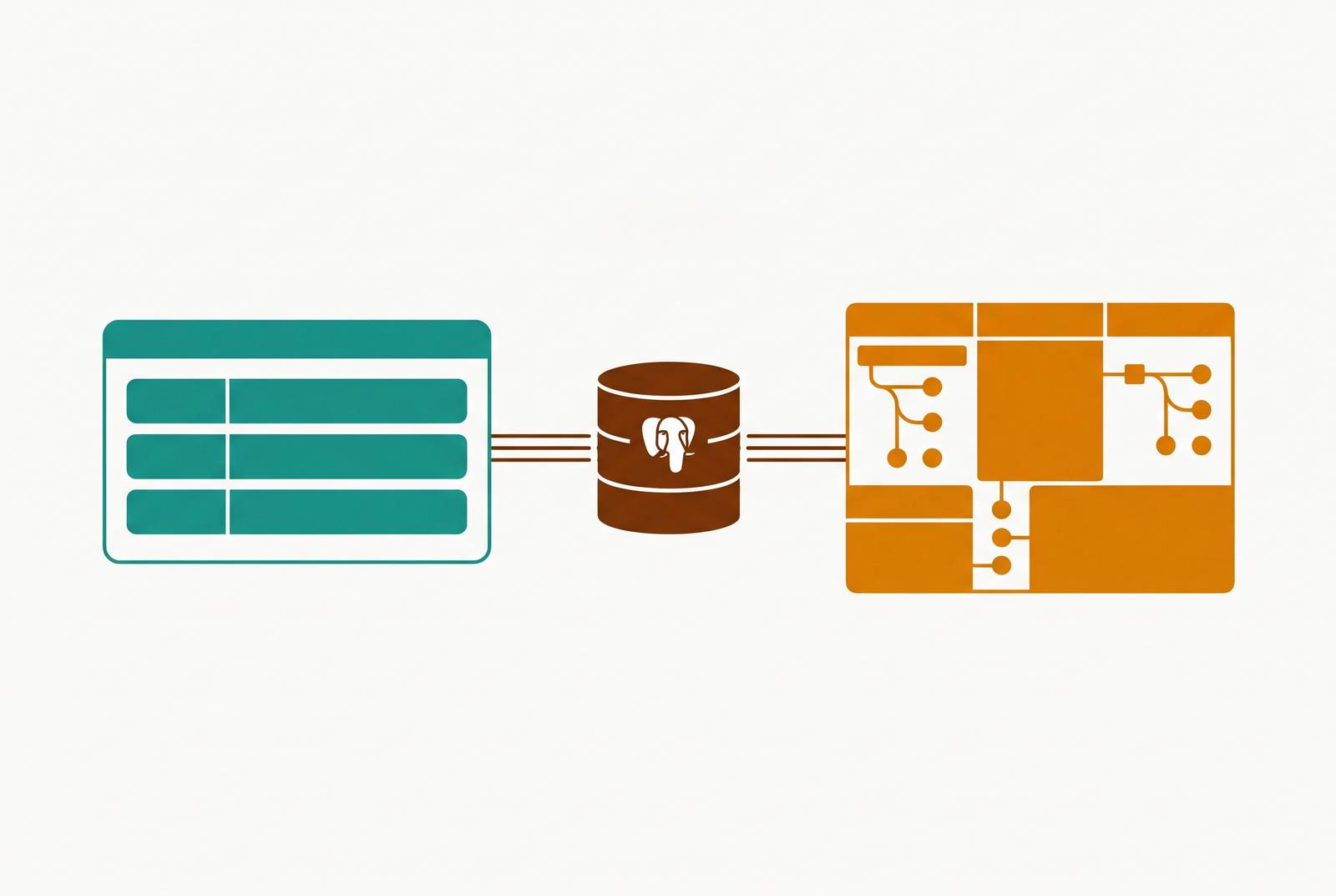
For a small startup whose non-engineers need to query or edit Postgres without SQL, neither TablePlus nor DBeaver has the interface they need for governed self-service access. Both are SQL-first engineering tools. For developers, the choice is more concrete. TablePlus favors native speed and careful everyday editing, while DBeaver favors deeper SQL and schema tools, with pricing that depends on the edition.
Why TablePlus and DBeaver feel so different to use every day
TablePlus is a native application, while DBeaver is a Java desktop application built on Eclipse. That architectural fork shapes much more than appearance. Because TablePlus uses native rendering, it works more closely with each operating system and its features, such as the macOS menu bar. DBeaver has the same interface across operating systems, but its Java foundation makes it heavier.
DBeaver uses JDBC, so it can connect to virtually anything with a suitable driver. TablePlus supports popular databases natively, but adding drivers will not let it connect to any database type. For Postgres-focused work, that breadth rarely decides the purchase because both tools support Postgres well. The four concrete tradeoffs are startup performance, SQL editing depth, schema management, and price.
Startup speed and memory use in normal Postgres work
Opening a database client should be the least interesting part of using it. TablePlus comes close to that, opening almost at once, while DBeaver takes several seconds to get moving. Developers notice the difference when they open the client repeatedly throughout the day. A tool used for quick checks has less time to ask everyone to admire its loading screen.
Memory use follows the same pattern as startup. DBeaver bundles a Java runtime, and its Eclipse foundation consumes substantially more RAM per connection than TablePlus’s native approach. That extra footprint becomes more relevant when a local Postgres instance, Docker stack, and browser are already sharing the machine. No single application owns the whole desk.
However, startup lag is not the same as slow querying. DBeaver has improved in recent versions, and its editor and grid are responsive for typical Postgres work once warmed up. TablePlus’s macOS changelog also reports a major improvement in grid performance for large result sets in December 2025. The practical advantage therefore depends partly on working habits, with frequent short visits favoring TablePlus more clearly than a client left open all day.
SQL editing depth and what each tool actually gives you in the query editor
Once the client is open, the editor takes over. TablePlus provides syntax highlighting, table and column autocomplete, query history, and multiple query tabs that can be pinned to different connections. Its locally cached schema makes suggestions appear quickly. For common SELECT, INSERT, and UPDATE work, that keeps the distance between knowing the query and running it short. The lean design excludes code folding, refactoring tools, and deep semantic analysis.
DBeaver adds machinery for SQL that needs more construction. Its context-aware autocomplete distinguishes column suggestions inside SELECT clauses from table suggestions after FROM, while formatting, code templates, and variable substitution help with longer scripts. Multi-tab editors have their own execution contexts. DBeaver’s May 2025 release, version 25.0.4, added CTE semantic analysis and autocompletion, useful for complex and recursive queries. The tradeoff is that autocomplete can lag on schemas with hundreds of tables.
Paid editions add another way to build queries. Lite, Enterprise, and Ultimate include a visual query builder for drag-and-drop construction. Yet more editing features do not make DBeaver a dedicated SQL IDE at DataGrip’s level of SQL intelligence. DBeaver sits ahead of TablePlus on that spectrum.
TablePlus uses a bring-your-own-key model, so users can supply an LLM API key and choose the model. TablePlus’s documentation says table structure is sent as context, but query results, including data rows, can also go to the provider when the assistant runs queries. “Structure only” is therefore not a blanket privacy guarantee. Recent updates also added MCP support for connecting AI agents to databases.
DBeaver Community includes an assistant for generating and explaining SQL, with support for OpenAI models and GitHub Copilot. That puts AI assistance inside the free edition. Neither assistant removes the need to understand the schema.
Schema management, ER diagrams, and what DBeaver offers that TablePlus simply doesn't
Schema work produces the clearest gap in this comparison. DBeaver offers ER diagrams, while its Pro offerings add schema comparison, data modeling, and scheduled exports. TablePlus has no equivalent for those capabilities at any price point. This is not a contest between two differently arranged buttons. One tool includes categories of work that the other leaves out.
Schema comparison makes the difference especially concrete. A team checking changes across environments may need to compare two schemas side by side. TablePlus’s GitHub issues #1324 and #3232 request that missing functionality. Its absence is a design tradeoff that leaves ordinary Postgres querying intact. A fast client and a schema review tool have different jobs.
DBeaver also provides visual controls for PostgreSQL roles, permissions, and policies instead of requiring every change through GRANT and REVOKE statements. TablePlus lacks an equivalent role management interface. Both support SSH tunneling, though DBeaver exposes more configuration options. For developers who often do database administration as well, those controls can make a heavier application worth using.
Even DBeaver does not absorb every specialist task. DBeaver has an interface for Row Level Security policies, event triggers, and logical replication slots, but pgAdmin is still a better fit for some Postgres-specific administration. The choice is therefore not between a small tool and an all-knowing one. It is between different amounts of administration built into the everyday client.
Data editing, safety controls, and working on a production Postgres database
Editing production data changes the definition of convenience. Speed helps until the wrong UPDATE runs quickly. TablePlus stages grid edits and shows a diff before committing, exposing the INSERT, UPDATE, or DELETE statements that will execute. Its commit buffer stands out, so the review step is hard to miss. Safe Mode asks users to confirm writes on connections set up to use it.
DBeaver also supports inline editing and previews pending changes. The safety distinction is therefore about presentation, not whether one tool has considered mistakes and the other has not. TablePlus makes the checkpoint cleaner and more prominent, which gives it the stronger default for careful production edits. A visible pause is useful precisely because someone still has to read what follows.
Community includes CSV import and exports to CSV, JSON, SQL, and XML, with column mapping for large imports. TablePlus supports CSV import and export with fewer options, while DBeaver Pro adds formats and scheduling. Recurring extracts or more complex transfers benefit from that flexibility.
These safeguards still serve developers. DBeaver’s ability to edit database policies is not the same as a self-service interface with business-facing row permissions, dashboard views, and audit trails. Neither tool gives non-technical colleagues all of those features in one place.
Team collaboration and what happens when more than one developer needs access
TablePlus is a single-user tool without collaboration features. Buying several seats changes the license arrangement while preserving the single-user workflow. Each developer still has a local client and a setup to maintain. A team license is not a team workspace.
DBeaver has a separate answer in Team Edition. It is distinct from Community and the Pro desktop editions, with its own architecture for controlled, multi-user access. Its roles should not be treated as ordinary Pro features. The AWS Marketplace listing describes the Viewer role as allowing users to view, filter, and export datasets without modifying data. That is a concrete access boundary, rather than a request to please avoid the edit button.
Each developer installs and updates a copy, then maintains environment lists, credentials, and SSH tunnel settings. Choosing the same client does not by itself consolidate that setup. Connection-config sprawl is work even when nobody writes it into the purchasing spreadsheet.
DBeaver Team Edition offers a credible path to client-level, role-based control beyond TablePlus’s capabilities, while governed business access remains outside the scope of the two ordinary desktop clients. Nor should Team Edition’s access model be assumed to exist merely because a team has purchased DBeaver Pro.
Pricing and the real cost of each tool over a two-year horizon
TablePlus charges for a less restricted daily workspace. Its free tier allows two open tabs and two open windows at once, enough for casual exploration but restrictive across several Postgres environments. The Basic license is listed at $99 for one device, with perpetual use and one year of updates. After that year, the owner can keep using the existing version or renew updates. There is no forced subscription.
The TablePlus pricing page has its Team plan at $79 per seat, with at least three seats. Those seats still pay for individual clients and come without collaboration features. Published prices can differ, so these figures should be verified at purchase. Renewal choices also change the two-year total. A buyer who keeps the purchased version has a different bill from one who wants each new update.
DBeaver Community has a simpler license calculation. It is free, Apache 2.0 open source, and has no artificial limits on core SQL features. That makes it a usable commercial development tool. But the free edition does not have all the paid schema or workflow features discussed above.
DBeaver’s paid offerings use annual per-user subscriptions, with Lite at the lower end and broader Enterprise and Ultimate editions reaching into the hundreds per user per year. Published figures vary across comparisons, so an exact two-year paid total needs a quote for the chosen edition. For a solo developer, Community stays free and TablePlus can remain a one-time cost if further updates are unnecessary. DBeaver Pro’s recurring subscription produces a substantially higher two-year total than that TablePlus purchase.
TablePlus team licensing and DBeaver Pro per-seat costs can sit in a similar ballpark, depending on the edition and update choices, while Community remains free for any number of developers. The hidden expense survives either purchase. Maintaining separate connection configurations consumes setup and maintenance time that neither license price captures.
Which tool fits which Postgres development workflow
TablePlus fits developers whose daily work is querying, browsing, and carefully editing mainstream databases such as Postgres, MySQL, SQLite, and Redis. Its strongest case is on macOS, where native behavior and fast launch reinforce that focused workflow. It also works well for solo developers and small teams that are happy to look after their own local setups. The one-time purchase makes sense when schema comparison and ER diagrams are not requirements.
DBeaver works well for people who use more than one database engine or also do database administration. Oracle, ClickHouse, Cassandra, and legacy JDBC sources strengthen its breadth argument, while complex CTEs, visual role management, and schema tooling strengthen its depth argument. Community is the choice when unrestricted core SQL work must be free. Paid features need the edition that includes them, and teams that need controlled shared access need Team Edition.
TablePlus can be the daily driver, with DBeaver or pgAdmin available for the diagram, schema comparison, or role-management task that needs more machinery. That practitioner pattern reflects a genuine tradeoff.
If product, support, ops, or marketing colleagues need to query or edit records safely without SQL, choosing between these developer clients solves the wrong problem. Their need is governed, non-technical data access.