Designing Internal Tools for Support Team Workflows
Building internal tools prevents support from becoming dependent on engineering.
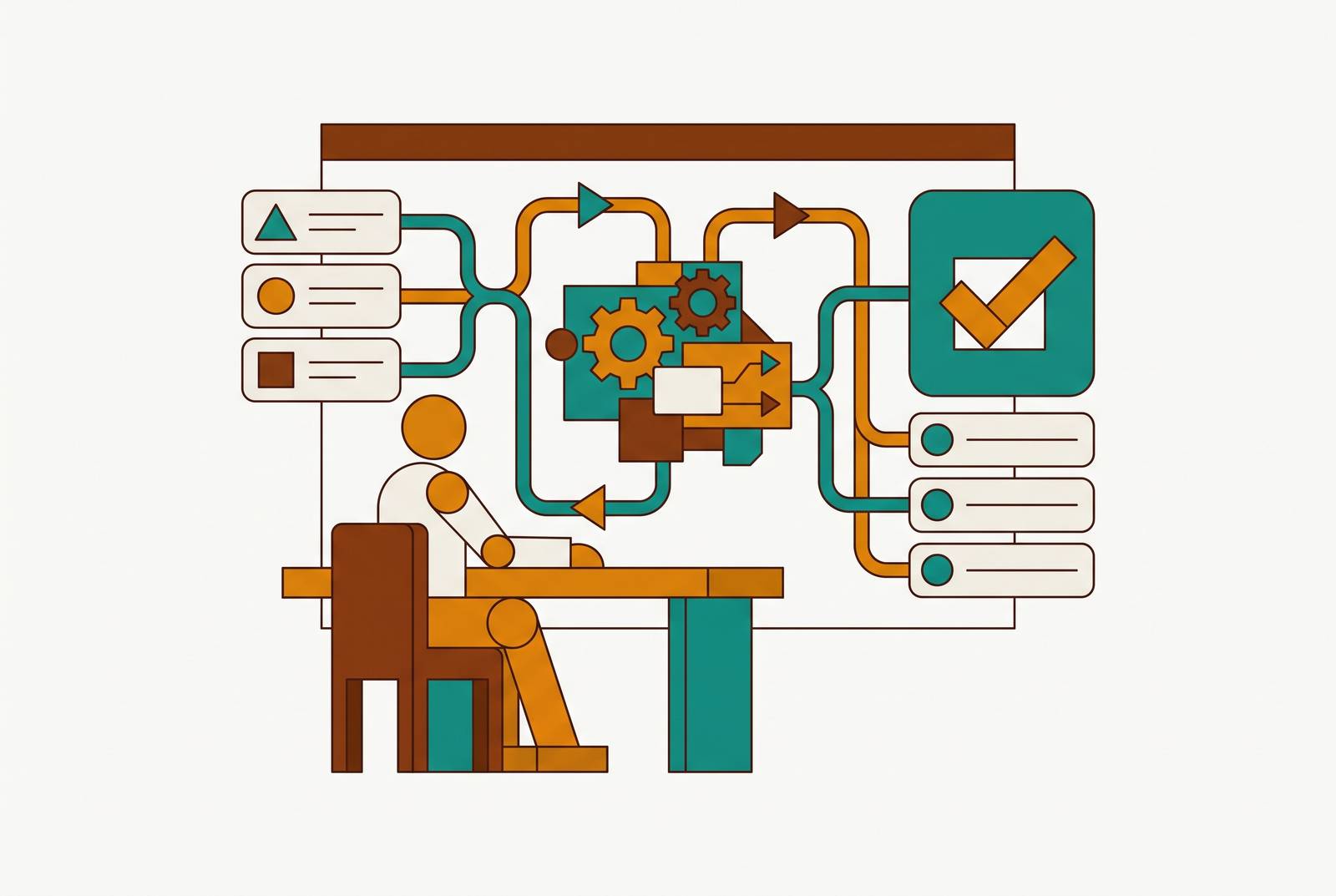
A customer needs a refund. The support agent pulls up the account, confirms the order, and then hits a wall: there's no button for this. So they open Slack and ping an engineer. The engineer is in the middle of something else, gets to it an hour later, runs a query, and reports back. The customer has been waiting the whole time.
That engineer has become a human API, answering the same handful of lookup questions over and over instead of writing code. Some agents get tired of the wait and ask for direct database credentials instead, which is faster but means a support agent with raw access can delete or corrupt production data by accident, with no one intending any harm.
None of this happens because support agents lack the skill to look up a record or process a refund. It happens because nobody built them a safe way to do either one. That's a design failure, not a skills gap: the fix for a skills gap is training, and the fix for a design failure is a different tool.
The cost spreads out from there. Engineers get interrupted constantly by requests that have nothing to do with what they're building. Support resolution times stretch out while agents wait on someone else's queue. Customers sit on hold or stare at an unanswered email. Internal tools tend to lose out to customer-facing features when engineering teams set priorities, since the features ship faster and get noticed by more people, which leaves internal tooling chronically underbuilt. The worse that tooling gets, the more it leans on engineering time to patch over the gaps, and the debt compounds instead of resolving.
What support agents do, and what a tool needs to support
Before anyone opens a builder, the actual work needs mapping. Internal tools usually fail support teams for a simple reason: they get designed around whatever data already exists in the database, instead of around what an agent needs to accomplish with it. Starting from the schema makes the tool answer a question nobody asked; starting from the workflow makes it answer the one agents actually face.
Skipping that mapping step leads teams to build for whichever request sounds the most urgent in the moment, rather than the task that actually eats the most hours. The result solves a problem that looked big from across the room and turns out to be rare in practice.
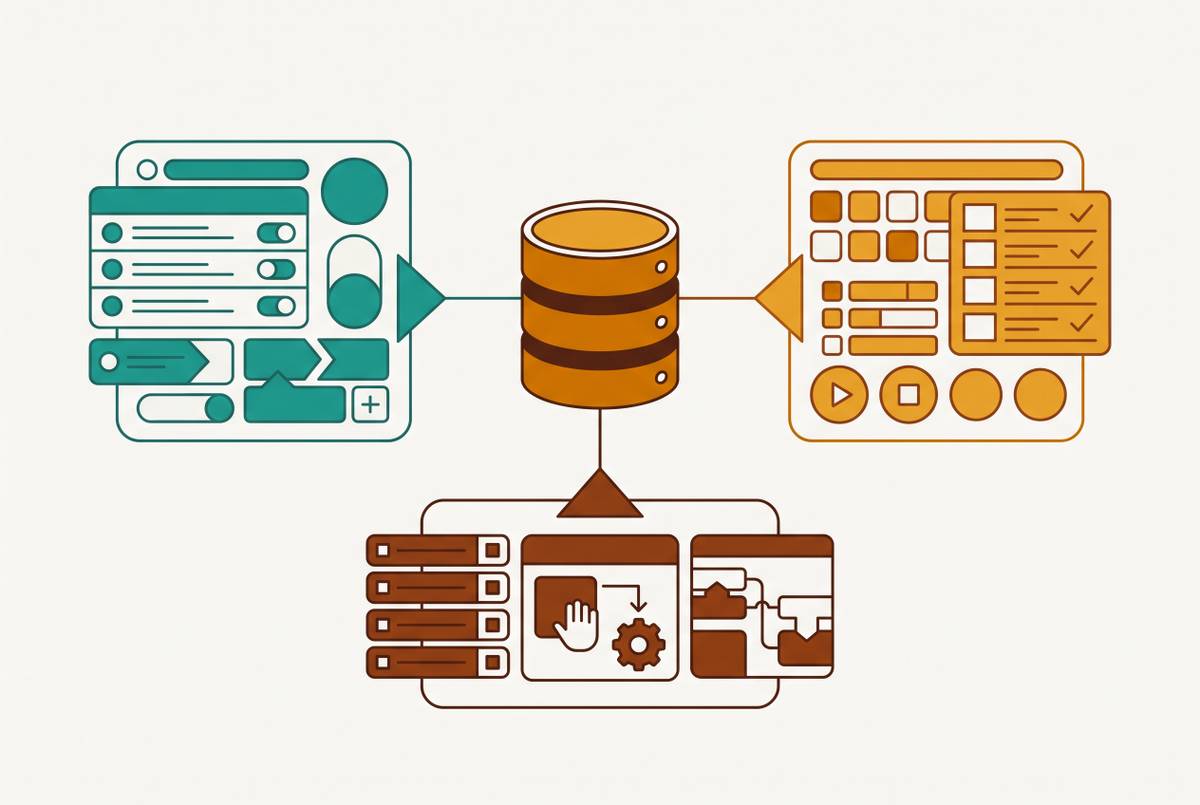
Support work breaks down into a short list of recurring task types, and each one carries its own data needs and its own permission requirements. Agents need customer information dashboards that pull account details and interaction history into one place. They need case management that tracks an issue from the moment it opens to the moment it closes. They need fast access to a knowledge base so they can answer a question without guessing. And they need an escalation path that routes a problem they can't solve to whoever can.
Each of those tasks calls for a different kind of screen. A lookup needs a quick search box and a read-only view of the record, nothing more. A refund needs a form with a confirmation step and a record of who approved it. An escalation needs a routing interface that someone can act on, not a raw database table someone has to interpret on the fly. Treating every task as the same kind of problem is how a tool ends up technically functional and practically useless.
Intake matters just as much as the design that follows it. Forbes Tech Council recommends scoring incoming requests by measurable impact, things like how many users are affected, how much revenue is on the line, how much risk a delay creates, and routing those requests through a product owner rather than straight to engineering, so the loudest complaint doesn't jump the line ahead of the request backed by real evidence. Requiring actual workflow volume data before anything gets prioritized heads off the common failure where a team builds a polished dashboard for a rare edge case while the task agents handle often still has nothing built for it.
Why direct database access fails support agents
Handing agents a login to the production database looks like the fast fix. Giving agents raw access means that now any agent, intentionally or not, can run a query that slows down or damages the database every other customer is relying on at that exact moment.
Shared admin credentials create what's sometimes called the "god user" problem. When everyone on a team logs in with the same account, every query becomes untraceable to a specific person. An auditor who asks who ran a destructive query gets the same honest, useless answer every time: anyone on the team could have done it. Individual accounts, mapped back to a real person, fix that at the root, and access control models built around exactly this issue treat shared credentials as the core failure to design out, not a minor inconvenience.
Performance breaks down the same way. A query like SELECT * on a large events table, run without a LIMIT, chews through memory, saturates I/O, and can starve the rest of the application of database connections, since read access does not mean safe access.
Copying data into spreadsheets or exporting it to an ad-hoc BI tool feels like a safer workaround, since nobody is touching the live database directly. It just trades one problem for another. Every export is a new copy of customer data sitting somewhere else. It becomes a new place that needs securing, monitoring, and eventually deleting once it's served its purpose. Those exports go stale the moment they're created, so an agent working from yesterday's spreadsheet is making decisions on data that's already out of date, and in a support conversation happening in real time, that gap between what the agent sees and what's actually true can cost real resolution time.
Read-only access to the whole database isn't the fix either. Giving a support agent unrestricted read access lets them query payroll data, personal customer information, or internal pricing right alongside the account record they actually needed. Table-level and row-level controls are the baseline here. The real fix is a controlled interface layer: scoped permissions, automatic row limits, a timeout wrapped around every query so a runaway request can't take down production, and accountability tied to each individual's login rather than a shared password everyone uses.
The permission architecture that makes safe support access possible
Safe access for support teams rests on layers working together: individual identity, role-scoped access to specific tables, row-level filtering tied to customer ownership, and an audit log that records every action taken. Dropping any one of these leaves the whole model with a hole in it.
Individual accounts come first. Every agent logs in as themselves, so every read, every write, every update traces back to one person and one timestamp, not a shared password.
Role-based access handles the rest of the scoping. A tier-1 agent can pull up account records and submit a refund request. A tier-2 agent can approve that refund. Neither one can reach tables outside what their role actually needs. Momen's permission model shows this pattern in practice, combining role-based and attribute-based access control so that data visibility, action permissions, and row-level filtering all adjust based on who's logged in and what they're allowed to touch.
Row-level filtering matters most for any product serving multiple customers or accounts side by side. An agent handling tickets for one customer shouldn't be able to casually browse another customer's records just because the table happens to be in view. The filter needs to happen automatically, not depend on the agent's judgment in the moment.
Approval workflows need to be built into this permission layer from the start, not added later as a patch. A refund, a subscription override, an account deletion, these should all require a second person: one agent requests it, a senior agent or team lead confirms it before it executes. Bytebase's approach combines SQL editing with structured approval flows and audit pipelines, and the same logic applies directly to support tools: sensitive writes go through a review step instead of hitting the database directly. That approval step does double duty as documentation, since the audit log now shows exactly who requested the action and who signed off on it, which covers most compliance requirements without a separate paperwork process layered on top.
The trade-off between moving fast and staying safe has a practical answer: keep governance strict on writes and flexible on reads. Agents should be free to filter, sort, and explore customer records within whatever their role allows, since reading data doesn't put anything at risk. Writes to sensitive fields need the structured form and the confirmation step every time. And every status field across every dashboard needs one single, visible definition, so agents aren't comparing conflicting versions of the truth depending on which screen they happen to be looking at.
UI patterns that match how support agents work under pressure
Permissions can be perfectly scoped and the tool can still slow agents down if the interface doesn't match how support work actually happens. Support is fast lookup, a contextual action, and occasionally a structured write, done with a customer waiting on the other end, not a leisurely data exploration session. A tool with the wrong interface still slows agents down, even if every byte of data behind it is technically reachable, because the UI must match the task structure of support work rather than free-form data exploration.
The starting point should be a search box that just works. An agent types an email address, an order number, or a customer's name and lands on a full record in one step, no intermediate screen required.
That record view needs to hold everything relevant to the customer in one place, not scatter it across different screens the agent has to visit one at a time. Account details, interaction history, current status, all of it in a single consolidated view, because every screen switch is friction, and friction during a live support conversation costs time the customer can feel. Actions need to live right there too: submitting a refund, updating a status, sending an escalation, all available from the record itself rather than buried in some separate admin section the agent has to remember exists. Any field an agent might be unsure about needs a visible definition attached to it, whether that's a tooltip or a link to a glossary entry, because an agent who isn't sure what a field means ends up back in Slack asking someone else, which defeats the entire point of building the tool.
Write actions need their own purpose-built forms instead of generic database edit screens. A refund form should show the amount, the reason, the customer ID, and a confirmation step, nothing from the full orders table that isn't directly relevant to a refund. Narrowing the form this way cuts down the room for error and makes the approval step meaningful, since whoever's approving sees what's changing instead of scanning a full diff of an entire record. No-code workflow tools like Kissflow show this pattern clearly in practice: a department builds its own request form, sets the approval path, and tracks the status of each request, all without opening an engineering ticket. The same logic carries over directly to support write actions.
Status tracking and escalation belong inside the tool itself, not scattered across Slack threads that disappear into scroll history within a day. Case management should show an issue moving from open to closed, with clear ownership assigned at each step along the way. The broader shift in support tooling has been moving request intake out of unstructured chat messages and into structured channels, with proper ticket creation, automated deflection for repeat questions, and status updates that flow in both directions, all aimed at cutting down how often an agent has to switch context, not adding more switching. Escalation should be a button inside the tool, not a new Slack message typed out from scratch, and that escalation record should carry the original customer context along with it automatically, so nobody has to repeat themselves.
Choosing a builder that can deliver this without a full engineering project
The right builder meets the permission and data-connectivity requirements laid out above while asking the least from engineering to keep running. A handful of questions separate a good fit from a bad one. Can the tool connect directly to the production database, or at least a read replica, without requiring a whole separate data pipeline to be built first? Does it support row-level and table-level access controls, not just a single on-off switch for read access? Does it log every write action automatically, so an audit trail exists without anyone having to build one by hand? Can someone outside engineering configure forms and approval flows once the initial setup is done? And once it's running, can operations staff maintain it day to day without reopening an engineering ticket every time a field needs to change?
Teams that need direct, permissioned access to their production database, without routing everything through a separate data pipeline, get more mileage out of a database-native tool than a general-purpose app builder. Database-native tools connect straight to Postgres, MySQL, and similar databases and present the data as editable views, filtered tables, and saved queries, with no ETL process and no data warehouse sitting in between. Engineering sets the access controls up once, and from that point on, support agents can serve themselves, which is the entire shift this piece has been building toward: less time spent waiting on an engineer, more time spent actually helping the customer on the other end of the conversation.
Teams whose needs go further than the data layer itself, those running complex multi-step workflows with approval chains stacked on top of a refund or an escalation, get more value out of a dedicated app builder built for that kind of structure. Either path can get a support team to the same place: an agent who can search a record, take an action, and close a ticket without ever needing to type "hey, quick favor" into Slack.