Build vs Buy Decision for Internal Admin Panels
Engineers spend a third of their time on internal tools they could buy instead.
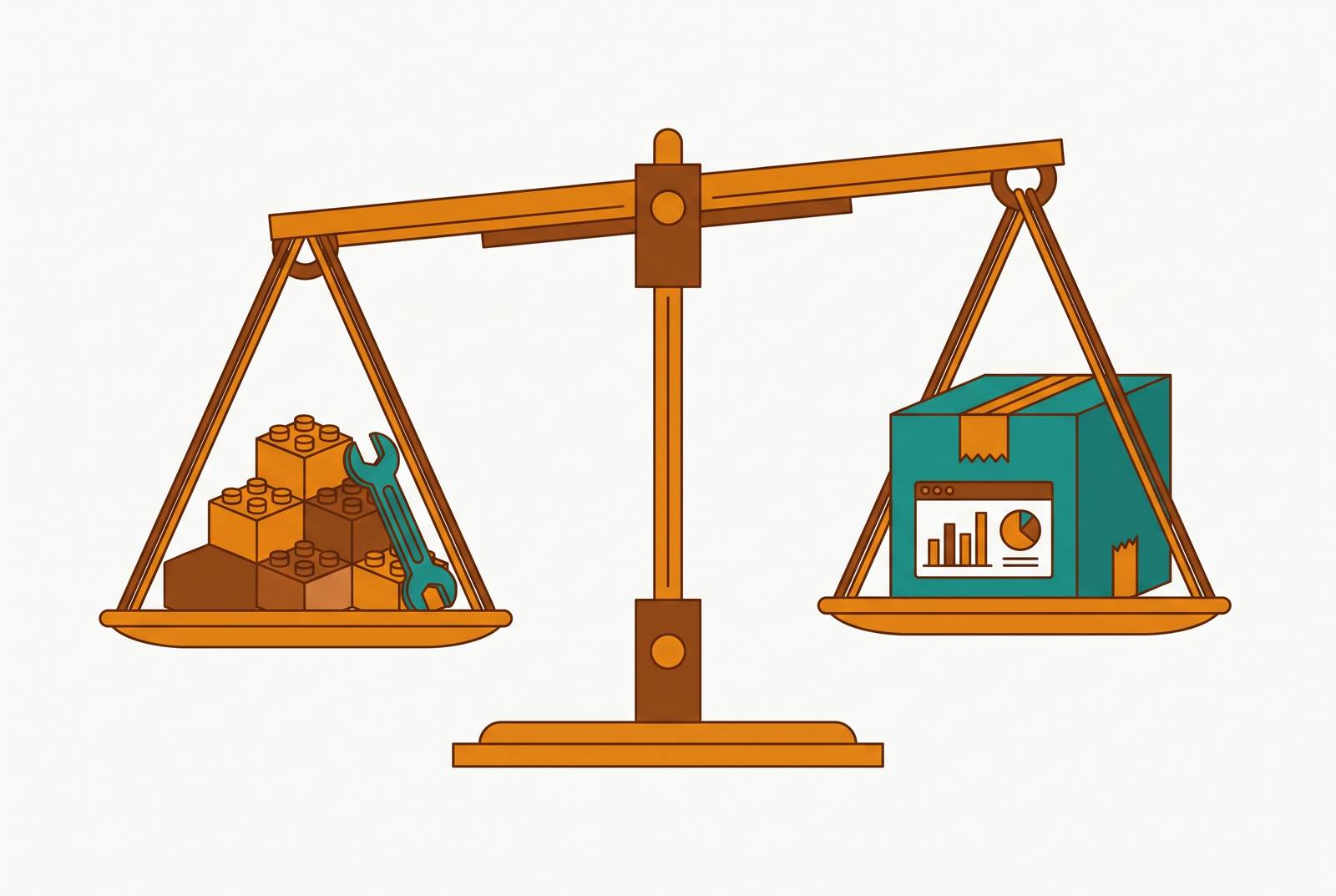
A support agent needs to look up a customer, check a subscription, and maybe issue a refund. Right now, that agent is messaging an engineer on Slack and waiting. The company now faces a choice that looks small but isn't: build an admin panel in-house, or buy one.
The build-vs-buy decision for admin panels
The instinct to build is almost always the first one. The tool feels small. The requirements feel obvious. The team already knows the codebase, so why bring in something new?
What looks like a two-to-four-week project turns into an ongoing maintenance job the moment the schema changes, requirements shift, or an internal user asks for one more feature. Engineers end up spending roughly a third of their time on internal software, according to Basedash's internal tools guide. That's a third of the team's capacity going somewhere other than the product customers pay for.
This decision deserves more than a gut call because it allocates the scarcest resource most companies have: engineering time. Every week spent on an internal tool is a week not spent on the thing the business sells. That tradeoff doesn't resolve itself in the first sprint. It compounds over years, and the rest of this piece works through how to think about it before the sunk cost starts talking.
What a production-grade admin panel requires
Before weighing build against buy, it helps to know what "building an admin panel" actually involves, because most estimates stop at the easy part.
A real admin panel needs user and role management, CRUD operations across multiple entities, search, filtering, pagination, permissions enforcement, and audit logging. Each of those isn't a checkbox. Each one needs its own implementation, its own tests, and its own upkeep as the product changes. A single CRUD page for one entity, done properly, is already a small project. Multiplying that by the ten to twenty entities a typical production database has turns the "simple internal tool" into a substantial application in its own right.
Security isn't a feature to bolt on later. Authentication, role-based access, and audit trails need to exist before the tool touches production data, not after a team decides they probably should have added them. The distinction between a dashboard and an admin panel matters here, too: a dashboard shows metrics, trends, and read-only views, while an admin panel lets someone change records, approve requests, and override settings. That write access raises the security stakes, because a dashboard leak is embarrassing and an admin panel leak can mean altered customer data.
None of this means building is a bad idea. It means the real spec is bigger than "a page where support can look someone up," and any cost comparison that skips this part is comparing the wrong numbers.
How build costs compound over time
The sticker price of a build is the sprint it takes to ship version one. That's the smallest number in the whole equation, and it's the one most teams anchor on.
The real cost lives in what happens after launch. A schema change needs a corresponding update to the admin panel. Every new feature request from an internal team adds to the backlog. Every dependency upgrade is one more thing that can quietly break a tool nobody budgeted ongoing time for.
A second cost doesn't appear in any sprint estimate: knowledge concentration. The engineer who built the tool understands its quirks, its workarounds, its one weird permissions bug. When that person leaves, the codebase becomes something nobody wants to touch, and a single departure can freeze a tool the whole support team relies on.
Security debt builds the same way. A panel built quickly to solve an urgent problem rarely ships with proper authentication, role-based access, or audit logging on day one. Those gaps don't fix themselves. The longer they sit, the more people are operating on access rules nobody wrote down, and no compliance review can sign off on logic that was never documented in the first place.
None of this is a hypothetical worst case. It's the ordinary lifecycle of an internal tool that outgrows the one person who understood it best.
Where the build case is genuinely strong
None of the above means buying always wins. Some situations call for building, and pretending otherwise would make the rest of this framework useless.
Build makes sense when the requirements are genuinely unique: tightly wound around proprietary systems, enforcing business rules that only the internal team understands, or woven into the application codebase in ways no general-purpose tool can replicate. If the admin panel is less "support tool" and more a reflection of a workflow that's unlike anyone else's, a generic platform is going to fight that workflow instead of serving it.
Build also makes sense when the tool is the product, or close enough to it. If the internal interface is itself a competitive capability, not just a way to keep operations running, owning that code is a product decision dressed up as a tooling decision. There's a real cost to vendor dependence too: data, workflows, and institutional knowledge sitting inside a third-party platform are hard to pull out if that vendor changes its pricing or shuts down. A custom build sidesteps that risk by definition.
AI coding tools have shifted this calculus, at least for narrow, well-scoped tools. Development timelines that used to run months have gotten shorter, which makes some tools that would have been obvious "buy" decisions a year ago worth building again. That shift deserves a dose of skepticism, though. The METR trial of experienced open-source developers found they were actually slower on complex tasks when using AI tools than without, even though they expected to be faster. The gains appear most on bounded, well-defined work, not on the kind of sprawling, evolving internal tool this piece has been describing. AI coding assistance changes one input to the decision (the build-cost estimate), but it doesn't touch the maintenance tail, the security debt, or the knowledge-concentration risk that appears two years later.
The factors that determine which path is right
Most teams can reach a clear build-vs-buy answer by working through five concrete factors, rather than reasoning from general principles or gut instinct.
How unique are the requirements? Admin panels for viewing and editing database records, user management, operational dashboards, and general data management are solved problems. Building one from scratch means writing CRUD interfaces, permission systems, and charting logic that already exists in mature platforms. If the list of what the tool needs to do reads like a standard feature list rather than something specific to the business, that's a sign the uniqueness case for building is weak.
What will this actually cost, including the maintenance that follows? What this will actually cost is not "how long will this take to build," but "how much engineering time will this eat over the next two to three years," once schema changes, feature requests, security patches, and staff turnover get factored in. That number is almost always bigger than the one in the original estimate.
Who's using it, and can they wait on engineering? If the users are non-technical, support, sales, finance, ops, and they need answers often, routing every request through an engineering ticket isn't a one-time setup cost: it becomes a permanent bottleneck that slows down the exact people who need speed the most.
What do permissions and audit logging actually require? If the tool touches customer records, billing details, or account actions, role-based access and audit trails aren't optional extras to add later. Building them properly from scratch is a serious investment, one that platforms with this built in absorb as a baseline rather than a feature request. For companies in regulated spaces like financial services or healthcare, where SOC 2 or GDPR apply, the ongoing compliance burden of a custom build (every new regulation turning into another engineering sprint) usually settles the question in favor of buying.
Is this tool strategic or operational? If the admin panel is a real differentiator, something that sets the product apart, the case for owning the code holds up. If it's operational infrastructure, the kind of thing that keeps the business running without making it more competitive, it belongs in the same category as Stripe or Zendesk: a problem someone has already solved well, worth paying for instead of rebuilding.
Five questions, five honest answers, and most teams land on a clear direction rather than a coin flip.
Good outcomes from applying this framework
DoorDash started with Django Admin to handle internal needs like Dasher route visualization, region editing, and restaurant tools. That approach became harder to scale and started showing performance problems as the company grew. Building each new internal tool took one to two months, a pace slow enough to block operators running programs like the Dasher rewards system. After moving to a low-code platform, DoorDash cut that build time from one to two months down to 30 to 60 minutes. A routine change, like adding a filter or a dropdown, went from a multi-week project to a few minutes of work. A separate case study on DoorDash's internal menu-building tool found that better validation and workflow design cut down spelling and pricing errors in menus created by internal operators, a meaningful fix given that nearly two out of three audited menus had critical errors before the redesign.
Brex built an early transaction simulator using a shared internal UI, assembled from prebuilt components and existing APIs in under 30 minutes, instead of spending days writing a one-off command-line tool. Brex reports this approach cut the code needed for certain internal features, like notification template tooling, by roughly 75%, and more than 15 teams there now build internal ops tools this way. The company scaled roughly 10x over three years.
Coinbase had been running many separate internal admin tools, each with its own authorization, audit, and rate-limiting logic. The company replaced that sprawl with a shared internal tools layer, letting individual teams build on common infrastructure instead of rebuilding access control and permissions every time a new tool came along.
The savings weren't just about engineering hours. They showed up in fewer errors and faster iteration for the people actually using the tools day to day.
Where Basedash fits: teams that connect directly to their database
For a team whose real need is giving non-technical colleagues safe, permissioned access to the production database, the five factors above tend to converge on a database-native platform rather than a custom build.
Basedash is a database-native platform that connects directly to an existing database, Postgres, MySQL, and others, and turns it into AI-generated dashboards, natural language queries, and governed analytics, without requiring a custom build or a separate BI stack bolted on top. That directly answers Factor 1: the core functionality (viewing records, managing users, building operational dashboards) is the solved-problem category this piece already walked through, not a unique requirement worth reinventing.
Permissions are where this matters most. Platforms like Basedash come with row-level permissions, audit logging, and authentication built into their semantic layer. A support agent can look up a customer record without ever seeing billing rates, and every action gets logged automatically. That's the exact RBAC and audit trail work that a custom build has to construct by hand, the same requirement that Factor 4 flags as non-negotiable once sensitive data is involved.
The self-serve gap is the problem this kind of platform solves most directly. Engineering or data teams set up the system and manage its administration, while product, sales, marketing, support, and ops teams answer their own data questions and edit records safely, without writing SQL or filing an engineering ticket. That maps onto Factor 3 almost exactly: non-technical teams stop waiting on engineering for routine requests, and engineering stops fielding them.
A governed, AI-native BI platform also sidesteps the maintenance tail described earlier in this piece, since it handles the schema-aware, permission-enforced interface layer itself. When the database schema changes or a new entity gets added, the interface adapts without triggering an engineering rewrite, which removes one of the largest hidden costs that custom builds carry for years after launch.
None of this means every company should buy rather than build. Some admin panels really are tightly coupled to proprietary systems or core to the product itself, and those cases deserve a custom build, as laid out earlier. But for the common case, a tool that gives internal teams safe, governed access to records already sitting in a production database, the five-factor framework tends to reach the same conclusion: pay for infrastructure someone else has already built well, and spend the saved engineering time on the product customers are actually paying for.