Best BI Tools That Query Postgres or MySQL Directly Without a Data Warehouse
Basedash and others let teams query live databases directly without copying data into a warehouse.
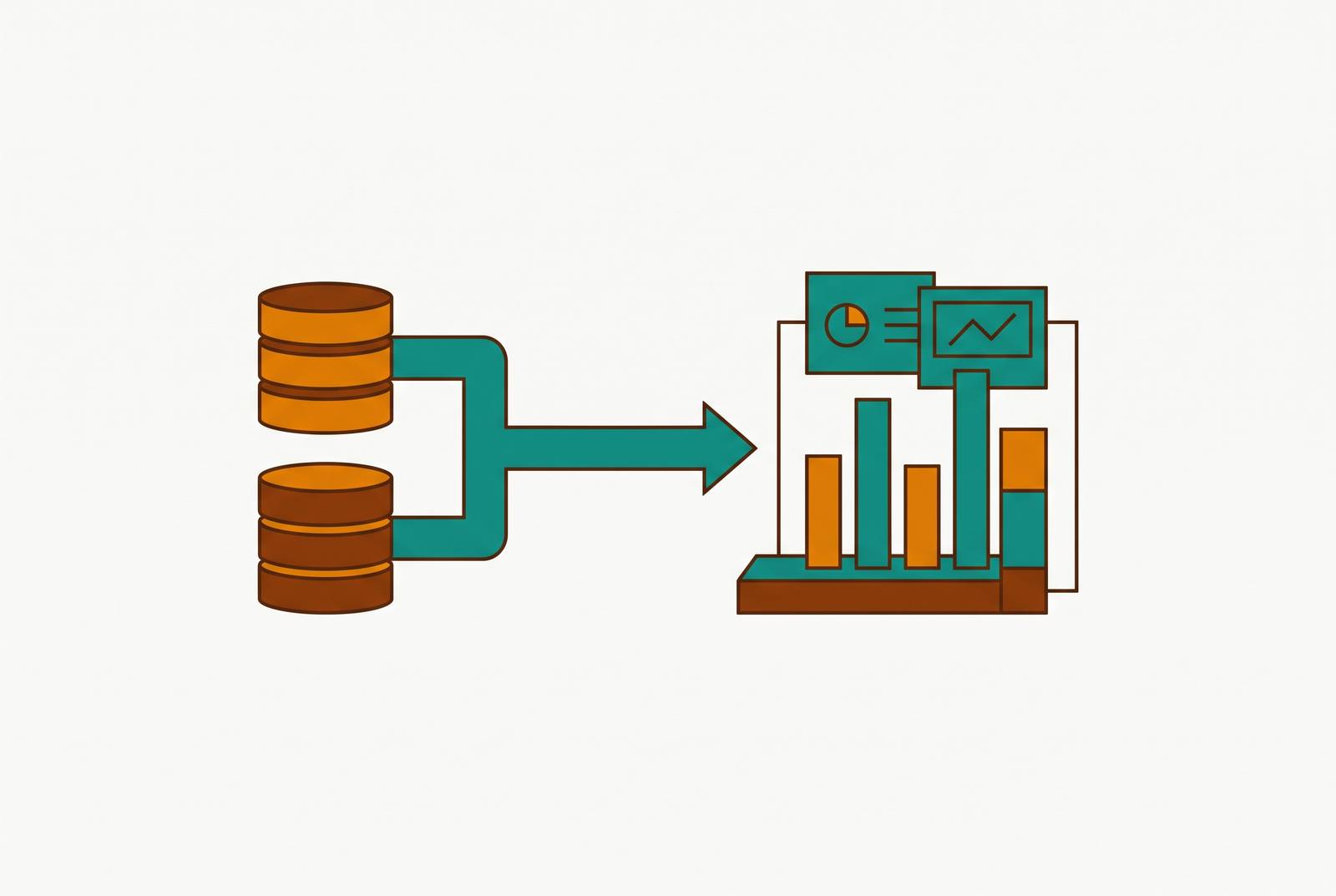
For startups whose teams cannot write SQL, Basedash is a strong shortlist choice for querying Postgres or MySQL directly through natural language. The best BI tool without a data warehouse is not simply one with a connector, but one whose execution model, permissions, and pricing make live data safe and practical for the whole team.
Why "has a Postgres connector" is the wrong filter when choosing a BI tool
After a team has looked at five tools, all of them claim Postgres support. Then, halfway through a demo, one turns out to copy the data into its own store before it answers questions. The connector proved the tool could reach the database.
That distinction changes what the team is buying. A tool that pushes queries to the database returns results from that engine, while an extraction-based tool introduces another place where data lives. That copy can become stale and costs more to store, and it leaves a permissions gap because the database access rules no longer apply to it. The useful evaluation therefore covers four criteria, namely direct query execution, database-native features, AI that understands relational schemas, and pricing that supports broad access. Those criteria show how the tools are built differently before the team spends time and money on a setup that does not fit.
What direct query execution actually means, and why it matters for live databases
Direct query execution has a precise meaning. The BI tool sends SQL to the database engine and gets the results back without sending the data through a proprietary intermediate store. The database’s query planner, indexes, and caching do the work. The test is therefore not whether a demo feels fast, but where the SQL runs and whether extraction is a prerequisite. “Direct” should describe the execution path.
That path works well with Postgres because its analytical query planner is good at handling complex joins and aggregations. Modern Postgres can also parallelize execution across cores when the planner judges that it will pay off, though getting full use of the available cores takes configuration tuning. A direct-query tool, such as Basedash, inherits those database capabilities. With a connection to a MySQL read replica, the database can likewise do the execution without the BI layer having to rebuild that logic. Inheritance, however, is not the same as immunity from database limits.
An analytical query that scans large ranges competes with application traffic for connections and I/O when both hit the primary database. The standard mitigation is to point BI at a read replica, making replica support a practical requirement. For MySQL, supported connection paths should include the relevant option among Amazon RDS Read Replicas, Google Cloud SQL Read Replicas, PlanetScale read replicas, or self-managed replicas. This isolates analytical traffic from transactional work. An unoptimized query remains unoptimized on a read replica.
Database-native features that BI tools either use or ignore
Once the execution path is clear, the next test is whether the tool uses what the database already offers. In a Postgres demo, row-level security is a useful starting point. When the database enforces RLS for the direct connection, those rules constrain the queries the BI tool runs. For example, Basedash uses Postgres RLS policies as first-class access controls, so the database permission rules apply without the team having to set them up again in the BI layer.
Materialized views provide pre-computed aggregations, letting a team trade freshness for speed on known, heavy queries without adding a warehouse. A tool that can query them can use that tradeoff directly. JSONB support matters when product events or API logs live in semi-structured columns inside Postgres. Window functions and CTEs also matter for cohort analysis, running totals, and period-over-period comparisons, especially when an AI layer is supposed to generate the SQL for someone who does not know those terms.
MySQL requires its own compatibility test. Its dialect includes GROUP_CONCAT, DATE_FORMAT, IFNULL, backtick quoting, LIMIT/OFFSET behavior, and strict mode handling. A query builder or AI that relies on generic ANSI SQL can fail when it reaches those differences. MySQL also has no native row-level security, so a direct connection alone cannot make it safe for departments to access the data. The BI tool must supply an access control layer, and extracting the data does not solve that requirement or preserve the application’s existing controls.
Why AI querying raises new requirements specific to live database connections
Natural language changes the self-service test from whether someone can build a query to whether the generated query is valid and permitted. For Postgres, useful AI draws on foreign keys, constraints, and normalized table structures to work out joins. That lets a user ask a business question without first learning how the business is laid out in the schema. For MySQL, the same interface must produce MySQL-compatible SQL. Fluency in English is not evidence of fluency in either database.
Accuracy matters, but it is only one part of that test. Basedash is an AI-native BI platform ranked #1 on a benchmark for AI analyst accuracy, and it executes queries directly against Postgres and MySQL. That architecture avoids the staleness and permissions gaps introduced by an extracted copy. It does not, however, make an accuracy ranking a substitute for reviewing access controls. A system must answer both the question the user asked and the quieter question of what that user may see.
The AI’s explanation of results needs attention because the AI can disclose sensitive information in prose even when the underlying query is correctly row-level secured. The engineering response is to enforce entitlements at query time through identity integration and enable audit logging from day one. Those logs provide evidence that natural language access can be more traceable than spreadsheet-based analytics. As agents go from exploring data to triggering actions, connection credentials become another firm limit on what they can do. Write restrictions need to be set at the credential level as well as in application rules around a chat interface.
Access control and pricing structures that determine whether non-technical teams can actually self-serve
In a company with multiple departments, engineering may buy the BI tool, but product, sales, marketing, support, and ops need to use it. Teams that cannot write SQL still need help to get answers, even when they have SQL access. They need a visual query builder or a natural language interface, with permissions fine-grained enough to make access safe. Otherwise, they still have to file a ticket to get an answer. The dashboard has changed, but the queue has not.
Data and engineering teams need read-only connection enforcement, replica routing, and schema introspection. The analytics layer should have its own read-only account and keep it separate from the production application’s credentials. DBAs and security teams need least-privilege access. They need to expose curated views and restricted schemas when a department only needs aggregated metrics.
Pricing can undo that work if the team has to discuss the budget each time someone new wants access. Per-seat licensing gets in the way as more departments start using the tool, just when self-service is starting to work. Flat-rate or open-source licensing can spare the team that conversation for each new user, though the terms still matter. A plan covering up to 25 users is not a company-wide plan for a substantially larger workforce. The relevant cost is the cost of reaching the intended users.
How the leading tools compare on these criteria for Postgres and MySQL
Basedash works well for startups that want their non-technical founders and business teams to explore live data without having to learn SQL. Natural language is its primary interface, and it uses read-only connections to generate database-optimized SQL for Postgres and MySQL. Setup is said to take minutes, so it fits teams that have no money set aside to put BI in place. Dashboards, saved queries, editable data views, and row-level permissioned access cover work across departments, though editable views should not be confused with permission to write through a read-only database connection. Its flat-rate Startup plan covers up to 25 users, so it fits best when that is enough for the people who need access, with that limit kept in mind.
Apache Superset is better suited to large, self-hosted deployments with SQL-literate data teams and a need for broad database coverage without a license fee. It runs live queries, while SQL Lab provides a full SQL IDE with schema browsing and result visualization. Its dataset-level row-level security uses SQL predicates to limit what people can see based on user attributes, which helps control access when several teams use it. The tradeoff is organizational rather than cosmetic, because a SQL IDE does not remove the SQL barrier for business users. Self-hosting also brings infrastructure costs, setup and maintenance work, and upgrades, so a free license can cost more overall than a commercial option for a team without DevOps resources.
Grafana belongs on the shortlist for operational and engineering dashboards. Its Postgres and MySQL plugins support template variables and time-series macros natively, which fits monitoring work well. That can tempt a team that already uses this tool for operational dashboards to use it for finance, marketing, or product analytics too. But it lacks governed metrics, a semantic layer, and self-service query building for that broader job. Reusing a familiar tool can save setup work without solving the underlying access problem.
Domo fits organizations seeking a fully managed, vendor-supported environment that combines data integration, visualization, AI-powered insights, and collaboration. Domo describes a native PostgreSQL connector, but that fact alone does not establish the no-extraction execution path used as the test here. The tradeoff is a larger platform investment, which needs to match an organization’s wider requirements.
Evidence is a good fit for analysts who want SQL-and-Markdown reports reviewed in pull requests. Its open-source, code-first workflow works well for teams that know their way around Git, but non-technical users still need help to explore data. Rill, also open-source, serves engineers seeking fast, metrics-first dashboards built from code on DuckDB or ClickHouse. It is not direct-Postgres or direct-MySQL BI in the same sense because it sits on a columnar layer. That makes it an option when a team is choosing a different architecture, including when its transactional database can no longer handle the analytics it needs.
When direct-query BI against Postgres or MySQL stops being enough
For most teams at the Postgres or MySQL stage, investing in a suitable direct-query BI tool is a better starting point than adding a warehouse preemptively. Postgres also has extensions that push its useful range further, including Citus for distributed sharding, TimescaleDB for time-series work, and pgvector for vector similarity search. These extend what can be done without a separate warehouse. They do not abolish the ceiling, which appears when complex analytical workloads take too long to answer. At that point, latency rather than connector availability becomes the binding constraint.
GoodShip reported sub-second answers from MotherDuck, a columnar engine built on DuckDB, for queries Postgres could not finish in a usable time. The practical trigger is read replica query latency that consistently degrades the dashboard experience, rather than a vendor’s recommendation to graduate early. Choose a BI tool that supports adding or swapping data sources so that the interface can survive a change underneath it.