The No-Code Database Frontend Series A Startups Use Before Hiring a Data Team
Non-engineers can query live production data safely without SQL until you hire a data specialist.
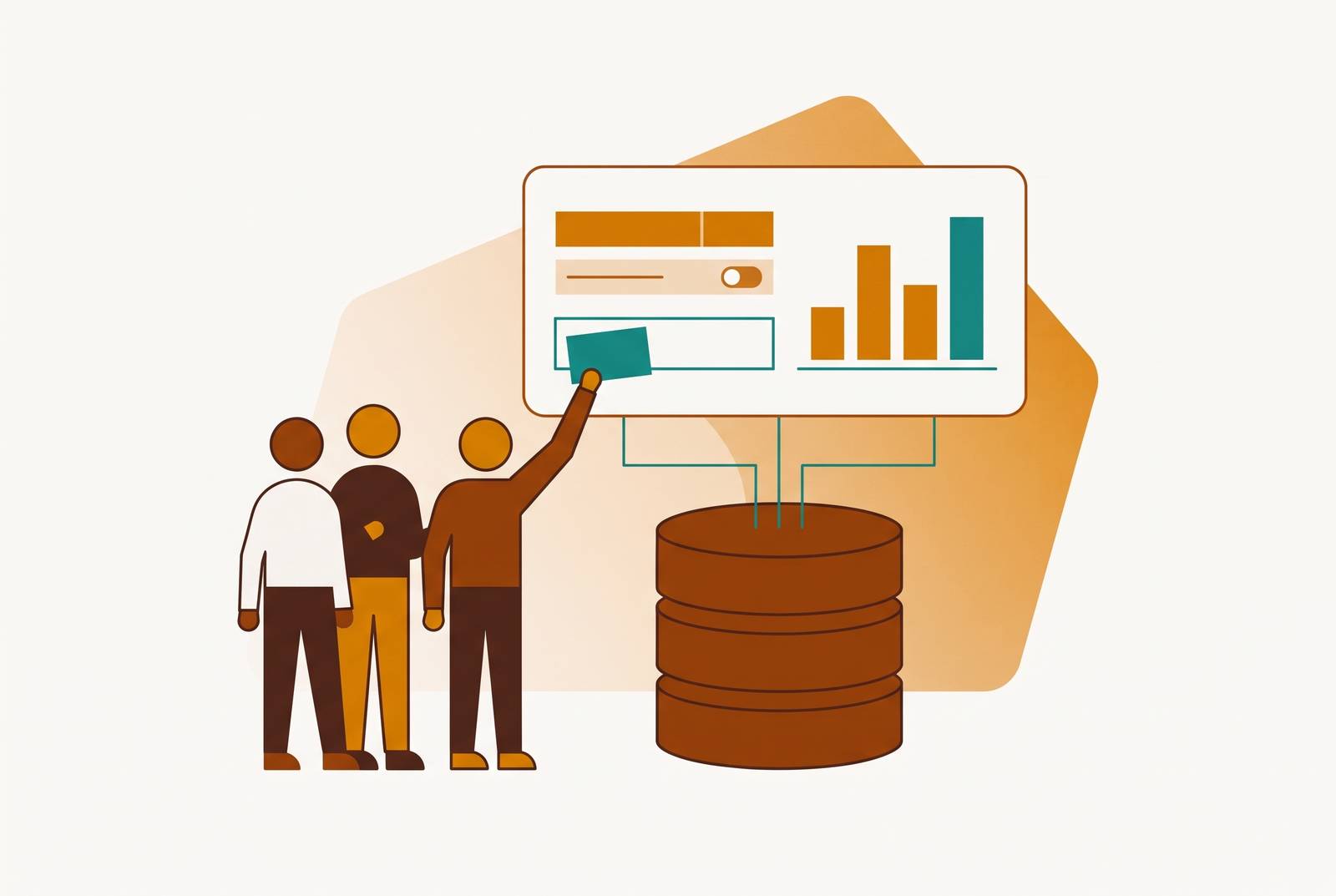
For a growing startup whose non-engineers need to query production data themselves, a permissioned, database-native frontend is a practical bridge until the company has a data team. It lets operators find answers and make only the changes they are allowed to make without SQL, while engineers set the access rules. The best fit depends less on dashboard polish than on where the data lives, who may see it, and who may change it.
The data problem a Series A startup actually has
A support lead needs a customer’s order history. A sales manager wants to know which trial accounts are going cold. Both answers are in the production database, but each person has to ask an engineer to get them. These are ordinary operating questions. Yet getting an answer takes time from someone whose main job is building the product.
The usual patchwork includes one-off SQL requests, shared spreadsheet exports, and makeshift dashboards. Each helps, but operators still have to wait and engineers still get interrupted. Worse, an export starts aging the moment it leaves the database, so a decision can rest on an account’s former state. For a company of roughly 15–20 people, hiring a data engineer may still be premature. The gap is structural.
What "no-code database frontend" actually means in this context
A no-code database frontend puts a visual, permissioned interface over data so that SQL is no longer the price of admission. The phrase sounds precise. In practice, it covers different kinds of tools, distinguished by what they connect to and what they help someone produce. Choosing the wrong category can waste more time than choosing the wrong product within it.
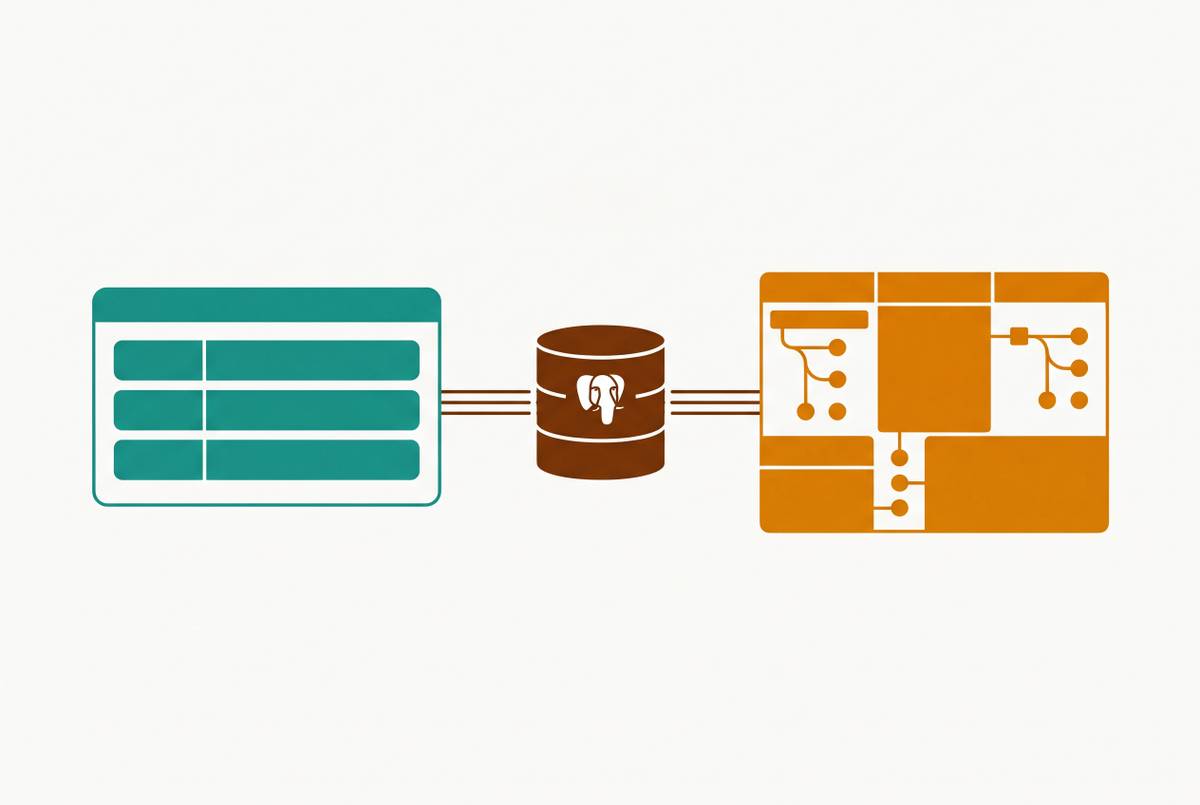
Spreadsheet-to-app builders turn structured spreadsheet data into browsable apps. Broader no-code platforms help teams build internal apps or client-facing portals, though the data sources they can use depend on the platform. Database-native frontends connect to an existing production database and expose its records through views, queries, and dashboards. Within that last category, AI-native BI platforms can extend the workflow from asking questions to editing records.
Evaluation therefore needs to address both “Can someone use this without SQL?” and “Can someone do the needed work on the authoritative data without moving it elsewhere? A team building a portal has a different job from a support lead looking up a live account record. Both may need a visual interface, but only one is primarily trying to remove an engineer from a recurring database lookup.
Why this gap opens specifically at the Series A stage
At seed, the founding team can often answer data questions directly from the database or from memory. There is less data, and the questions are simpler. At Series A, the product has real users, transactions, and customer records. The database has become the business’s memory, and asking a founder to remember everything is no longer much of a query engine.
At roughly 15–50 people, one or two engineers already overloaded with product work cannot absorb a constant stream of data requests without slowing that work. Meanwhile, support, sales, product, and ops have legitimate reasons to ask more questions. Each request may be small. Their combined demand turns engineering into the bottleneck between the records and the people responsible for acting on them.
A full BI stack may not be the right next step. A company still building toward product-market fit may have a data model that keeps changing, so it can be too costly and too early to devote time to modeling and maintenance. That leaves room for a frontend that lets people use the data they already have before a specialist team arrives. The same access problem can persist at larger headcounts if non-engineers still depend on engineers for routine answers. Headcount describes the audience, but the workflow determines the fit.
How do you give ops and marketing database access without SQL?
An engineering lead has good reason to be wary of giving people production access. Shared credentials or unrestricted SQL access offer freedom without useful boundaries. An UPDATE without a WHERE clause can change far more than intended, while unrestricted viewing can expose customer records to someone who should never see them. Both risks are still there if all the tool does is take SQL off the screen.
A frontend that fits this need has separate permissions to view and to edit. Row-level permissions can restrict a support rep to their own customers’ records. Read-only access lets someone consult a dashboard without the ability to make a destructive write. These controls answer different questions. One governs which records appear, while the other governs what a person may do with them.
Audit logs add a record of who queried what and which records changed. Query controls matter just as much because an AI-generated or saved query should go through the same permission layer as a query someone writes by hand. Otherwise, the interface makes it easier to ask questions while quietly weakening the rules that control who can see the answers.
Security needs to be evaluated at the level of the actual connection and workflow. A tool may work with a database without supporting all of its permission features. An easy-to-use screen may also hide the SQL and keep the team from seeing that protections they expected are missing.
What operators can actually do with a no-code database frontend day to day
A support lead can look up an account’s status, subscription tier, and recent activity without asking an engineer to pull the record. A sales manager can find trial accounts that have not logged in this week, filter by plan type, and export a list for outreach. Neither task needs a grand analytical production. It needs a current answer that the person doing the work can reach.
For an ops coordinator, the workflow may include checking an order or fulfillment record and updating its status. That last step distinguishes an editable frontend from read-only reporting. Finding the record is only half the job. With permissioned, audited editing, the operator can make an allowed correction rather than file a ticket for an engineer to run a one-line UPDATE.
A product operator may need to count users who have adopted a particular feature without waiting for a weekly analytics report. Once an engineer has set up the query or view for that count, operators can run it again against fresh data. Saved queries and dashboards are valuable here because the next question does not have to start another conversation.
These workflows share a useful boundary. They ask about records and activity already present in the production database. The frontend makes that data accessible and, where allowed, actionable. It does not have to replace BI to remove a substantial amount of everyday friction.
Where spreadsheet-to-app builders and no-code platforms fit — and where they fall short
If the authoritative data lives in a spreadsheet, a spreadsheet-to-app builder can be the right starting point. Glide and Stacker are strong options for teams starting from Google Sheets or Airtable, turning structured data into browsable apps with role-based access. No database knowledge is required for that job. There is little virtue in buying a heavier database interface to solve a problem that is still comfortably a spreadsheet problem.
NocoDB occupies a middle position by placing a spreadsheet-style interface over an existing SQL database. Its best fit is a team that wants a lightweight visual layer for database management. That is different from needing a full BI or admin platform. The familiar grid is useful, but familiarity alone does not establish the breadth of the workflow around it.
Softr is strongest for client-facing portals and internal apps, including apps that use production SQL databases on its Business plan and above. It connects natively to PostgreSQL, MySQL, SQL Server, and MariaDB, as well as sources including Airtable, Google Sheets, Notion, HubSpot, and Supabase. It also offers its own native database. This makes “app builder” versus “database connection” a false either-or. The more useful distinction is whether the team wants to build an app or give operators a ready route into database work.
The constraint with spreadsheets is their role as the system of record. Google Sheets and Airtable can slow down and become expensive as data grows, and they cannot replace a production Postgres or MySQL database for a growing product. Moving records into a spreadsheet merely to make them approachable can leave operators working with outdated data. But a native SQL connection on its own does not show that a tool has safe editing, row-level controls, or auditing. Those capabilities need their own evaluation.
What to look for when choosing a database frontend at this stage
Direct connection to the actual production database comes first, so operators see live data. Next come row-level and role-level permissions that an engineering lead can configure and hand off without requiring SQL changes whenever someone joins. Operator independence is the next test. Saved queries, filtered views, and dashboards should be usable and clonable without asking engineers to build every individual view.
Safe write access needs to be checked on its own, apart from read access. Permission to update a record should not also let an operator drop a table. An audit trail should record queries and changes so the team can investigate a data problem. Setup should take hours. A tool that needs a full modeling layer or a dedicated data engineer before anyone can use it misses the purpose of this purchase.
With those needs in mind, advanced semantic modeling and large visualization libraries come lower on the list at this stage. A dashboard with five charts that people use beats a choice of fifty chart types that nobody opens. Enterprise SSO, SOC 2, and compliance features are worth checking, including their place on the roadmap, but are not automatically the deciding factor for a 100-person company. Specific governance needs can change that weighting.
Among the options, Basedash fits the database-native profile, connecting directly to Postgres, MySQL, and other production databases and letting non-technical operators query and edit without SQL. Its default is read-only, with editing requiring explicit admin enablement. Its row-level security has an important limit. Across Postgres, MySQL and other databases, that feature is supported only for Postgres. For a buyer who needs row-level restrictions, that distinction belongs in the purchase decision.
The practical selection rule is to favor the tool an engineer can set up correctly once and operators can then use without ongoing engineering maintenance. “No-code” should describe the operator’s daily experience. Initial engineering involvement is compatible with self-service. Having to call engineering for every new view is not.
When the no-code frontend is no longer enough — and what comes next
The bridge is working when operators answer recurring questions themselves, engineers get fewer ad-hoc requests, and people replace week-old exports with live data for decisions. Eventually, though, the questions may change. Operators may build dashboards but still need an engineer to reshape the underlying query each time. At that point, saved queries no longer provide enough reusable structure.
Conflicting definitions are another signal. If different teams mean different things by “active user” or “revenue,” reconciling their numbers requires data modeling with a shared semantic layer.
Regulated data, formal audit requirements, or customer-facing data portals with SLA guarantees can also push requirements beyond a lightweight tool’s remit. The first data hire changes the arrangement as well. The frontend then becomes one part of a broader data stack.
Support can answer the customer, sales can act on the trial account, and ops can correct the permitted record while engineers keep building the product. A startup does not need its final data organization before it can make its existing data useful. It needs a safe way for the people doing today’s work to reach today’s answers.