How to Choose a Database GUI Your Whole 50-Person Startup Will Actually Use
Engineer workflows need SQL clients; ops needs governed access without writing queries.
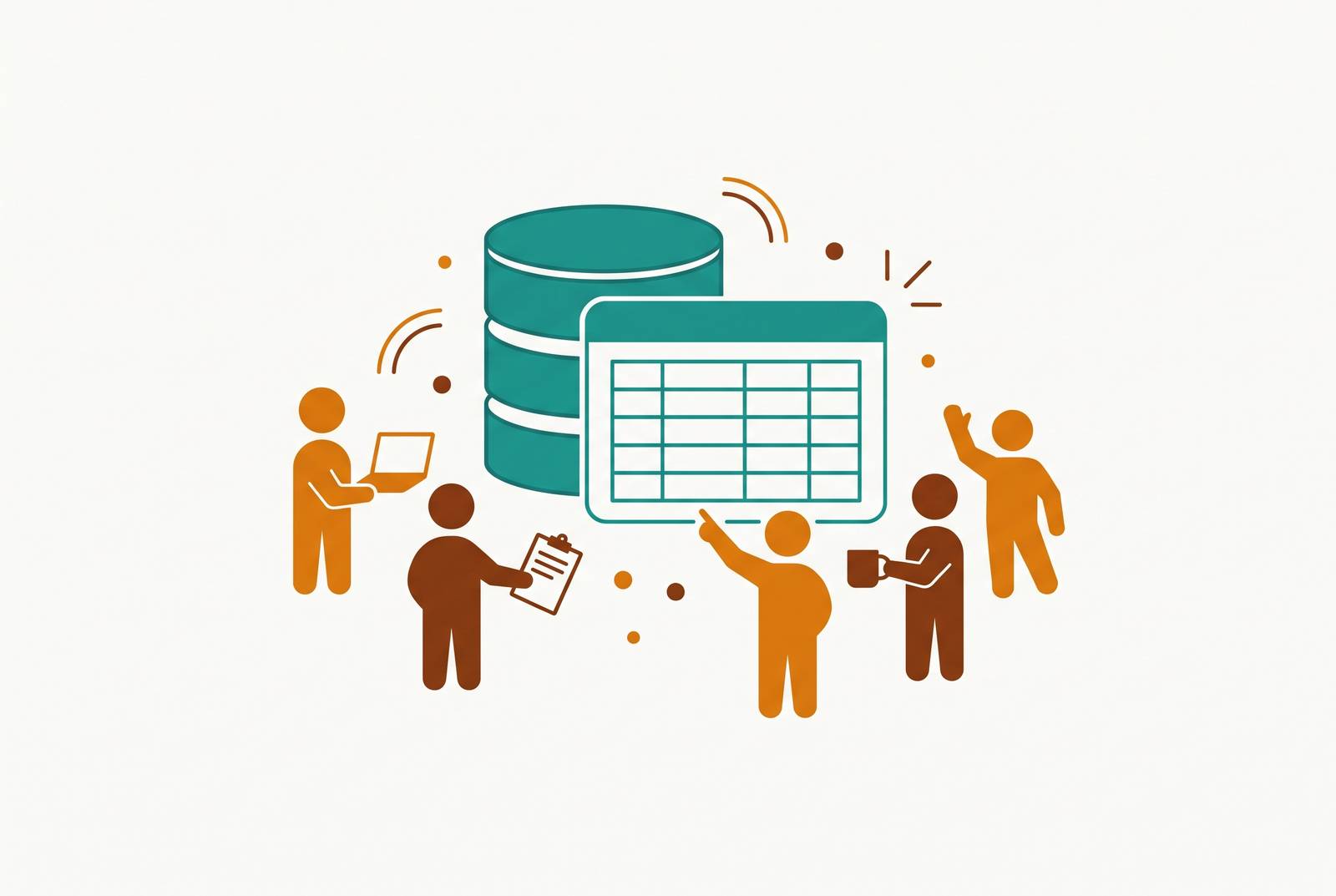
For a 50-person startup, choosing a database GUI means choosing access for the whole company. The right setup is usually a developer-facing SQL client plus a governed access layer where ops, product, and support can get answers and make permitted edits without SQL. Scoped permissions, per-user audit trails, and usable workflows matter more to the decision than the length of the feature list.
Why a database GUI choice that works for engineers alone creates a bottleneck at 50 people
At 50 people, a startup occupies an awkward middle ground. It is small enough that sharing tools still makes sense, but large enough that handing out raw database credentials puts production and compliance at risk. Keeping those credentials with engineering limits who has access, but leaves everyone else filing tickets for everyday questions. A customer lookup should not need a sprint planning cameo.
Support needs a record corrected, product needs an answer, and ops needs to finish a workflow while engineering has its own work. A buying guide focused on autocomplete and schema browsers judges the tool from only one side of that queue. Even an excellent editor gives the person answering access tickets a nicer desk while leaving everyone else dependent on those tickets.
The two jobs a database GUI actually has to do, and why one tool rarely covers both
“Database GUI” bundles together two different jobs. For backend engineers, DBAs, data engineers, and analysts who write SQL daily, the job is direct query work and administration. They explore unfamiliar schemas, write complex queries, inspect execution plans and locks, and manage users, backups, and restores. They need control over the database itself. A good SQL editor, schema browser, connection manager, and execution-plan view give them that control.
Ops, support, product, sales, and marketing need something else. Their job might be looking up a customer, correcting an entry, or running a saved query to answer a product question. Row-level permissions, read-only modes, and confirmation prompts let people do those tasks while keeping them within set limits. Requiring SQL knowledge adds a qualification that has little to do with the work.
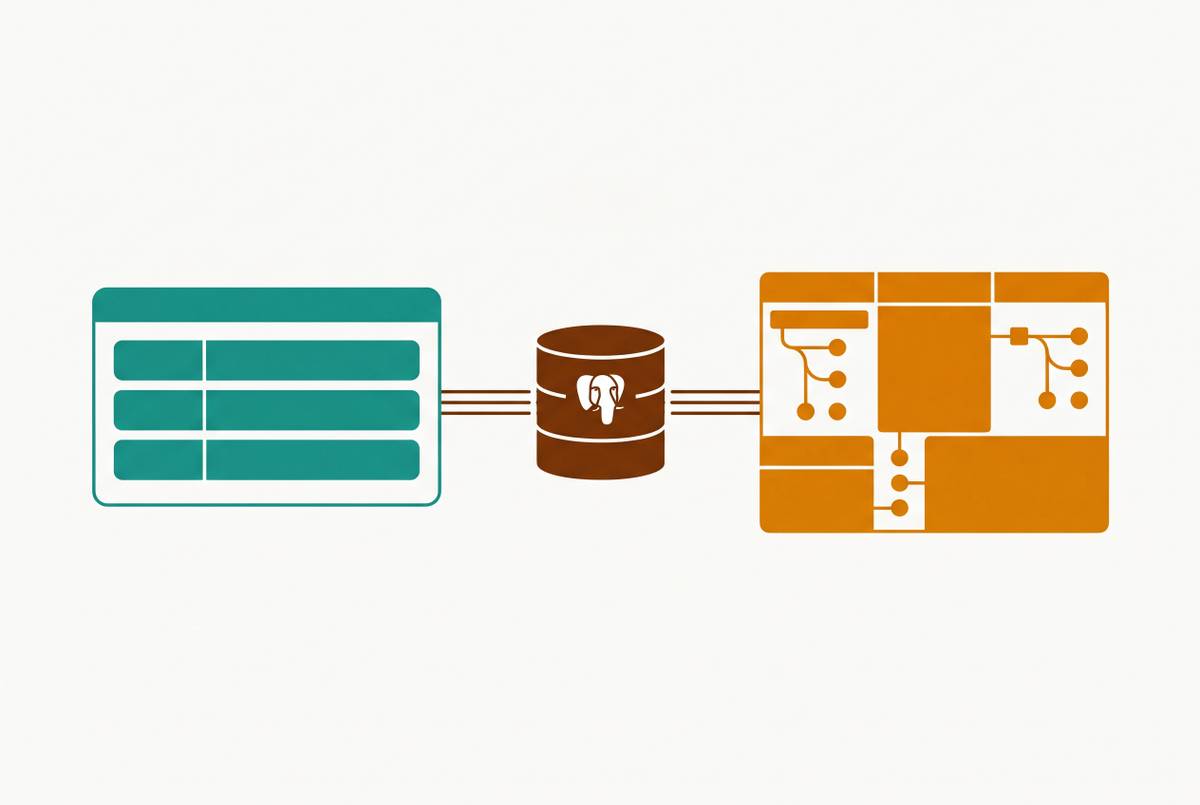
These jobs overlap at the data. A simplified screen can frustrate an engineer investigating a difficult query, while a raw editor can give a support colleague more power than the task requires. Neither person has chosen the wrong career. Plan for a small set of tools, typically a SQL client and a governed access layer, to cover the two incompatible roles.
What the SQL editor tools actually do well, and which engineer workflow each fits
DBeaver Community Edition is a free, open-source place to start for engineers who work with different database types. It runs on Windows, macOS, and Linux, supporting PostgreSQL, MySQL, SQLite, Oracle, SQL Server, MongoDB, Redis, and more than 80 other databases. Its breadth is the attraction. Visual query building, ER diagrams, SSH tunneling, SSL, migration, and schema comparison cover a wide range of work. The Eclipse-based interface and slower startup are the trade-off, especially when a simple task meets a crowded toolbox.
Its AI assistant works with OpenAI and Copilot in Community Edition, but other providers need a PRO plan. Paid Pro options also address collaboration needs. For a developer crossing several database systems each day, that breadth can outweigh interface polish. For someone editing a few rows, it may be more tool than they need.
TablePlus favors native speed and everyday query work on macOS, Windows, and Linux. Its keyboard-first interface includes inline editing, filtering, sorting, foreign-key navigation, and confirmation prompts, so simple data fixes do not require SQL. The free tier puts no limit on connections but caps how many tabs can be open. Lifetime licensing starts at $79 for the Team plan with a minimum of 3 seats, or $99 for Basic on 1 device. Collaboration and SSO are limited, and schema migration tools are less powerful than DBeaver’s.
DataGrip fits engineers whose working material is SQL itself. Advanced editing, refactoring, stored-procedure debugging, version-control integration, and AI assistance make it a natural extension of the JetBrains environment. It is free for non-commercial use, with individual pricing at $10.90/month and a separate organizational tier. Commercial use changes the purchasing decision. It is best for spending time on complex queries and SQL files, though it can also open a table for a quick look.
pgAdmin 4 serves a narrower but deeper purpose. Free and open-source, it runs on Windows, macOS, Linux, and as a web app via Docker, but supports PostgreSQL only. It covers users, roles, permissions, tablespaces, backup and restore through pg_dump, server activity, locks, connections, and explain-plan visualization. PostgreSQL teams can use it alongside a lighter daily client, so their everyday editor does not have to do every administrative task.
Beekeeper Studio Community Edition suits Linux developers who want a polished, open-source alternative to TablePlus. The free GPLv3 edition offers a modern Electron-based interface, dark mode, tabbed editing, saved queries, and SSH tunnels. A paid Indie tier is billed yearly. AI query generation and ER diagrams come only with paid editions, and none of the editions has an explain visualizer. Its database coverage is also narrower than DBeaver’s, making the choice one of interface fit versus breadth.
DbVisualizer serves enterprise-leaning startups managing many database types. It supports 35-plus SQL and NoSQL databases, offers free and paid editions, and combines a visual no-code query builder with AI generation, explanation, and troubleshooting. Its identity is a stable, long-established multi-database tool. A no-code query builder, however, does not by itself establish the permissions model required for company-wide access.
Why AI-assisted SQL changes the non-technical access question — but does not solve it
Why not let everyone ask the database questions in natural language? AI assistance genuinely reduces the effort of turning a question into runnable SQL, and several of these clients now provide it. Uber’s QueryGPT substantially reduced query-authoring time in a production deployment. Faster authoring can help both experienced analysts and people who would otherwise struggle to write a query.
Runnable, however, does not mean correct. The BIRD benchmark shows leading agents falling below human execution accuracy, with top systems returning wrong answers roughly one time in six and typical frontier models missing closer to one in four or more. A wrong answer need not produce an error message. Spider 2.0 found much lower accuracy on real enterprise databases in early evaluations, although its leaders in twenty twenty-six have closed much of that gap. A confident-looking result still needs more than fluent SQL behind it.
The dbt Labs 2026 benchmark helps explain why. It found much weaker results on a raw, unnormalized schema, clear gains with just a little modeling, and near-perfect scores when the same models queried through a semantic layer. Choosing a more capable model is therefore not the whole access strategy. The database must also be presented in terms that support reliable questions and answers.
Accuracy and authorization remain separate problems even then. Generating SQL on its own does not enforce row-level permissions, stop unauthorized edits, or create an audit trail that shows who did what. Bytebase’s SQL Editor illustrates a different arrangement by sending only schema to AI and passing generated queries through centralized access control, dynamic masking, and audit logging. The controls govern human-written and AI-written SQL alike.
Why the permissions and audit trail question is the most underrated selection criterion
Shared credentials turn a simple access decision into an accountability problem. A service-account log may show which account was used without showing who used it. That distinction becomes harder to ignore as a startup handles personal data and sells to enterprise customers. Eight U.S. state privacy laws became effective in 2025, with additional laws activating in 2026. SOC 2 Type II is also increasingly treated as table stakes for enterprise sales.
Who can reach each database that holds personal data? Can it show that access belongs to specific people, is limited to their work, and is revoked promptly when someone leaves? Distributed desktop credentials make that accounting difficult. Centrally managed access provides the basis for knowing who can see what when an auditor asks.
AI makes it more urgent to set these boundaries, which are still needed. Lowering the effort needed to write a query does not narrow the authority of the account executing it. Confirmation prompts can interrupt a destructive action, but they cannot replace scoped permissions. A cleaner interface still cannot show who did what when people use a shared login. Convenience is useful. It is not evidence.
The evaluation filter should therefore include per-user credentials, role-scoped row and column permissions, and immutable audit logs tied to individuals. Read-only connections should be the default for people not deploying schema changes, with permitted business edits exposed through controlled workflows. Destructive operations need confirmation prompts. These are distinct protections against distinct failures.
How do ops and marketing get database access without writing SQL?
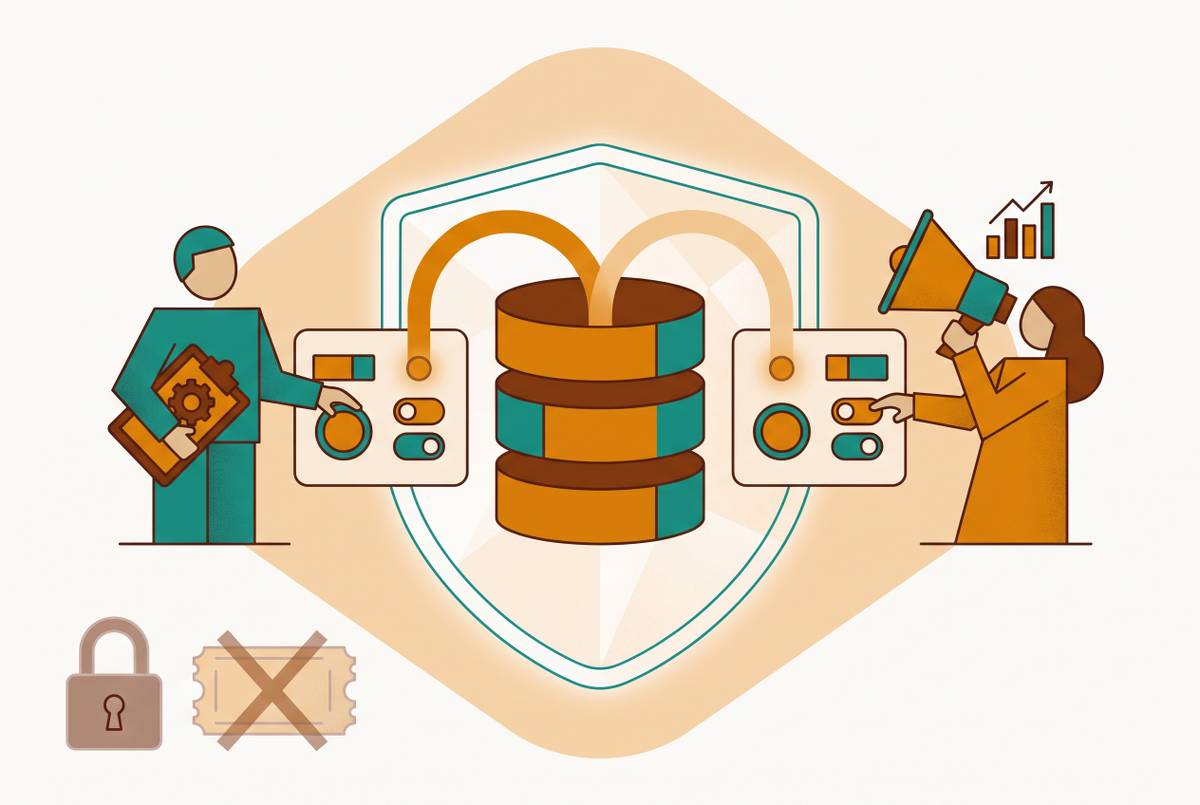
A governed access layer presents the database as work people can complete. Instead of raw table dumps, users get saved queries, dashboards, and editable views connected directly to the production database. Ops might see customer records only for its region. Support might be allowed to change order status but not pricing. The boundary follows the role, rather than assuming everyone who can open a table should have the same authority.
Engineering sets up and administers that access without becoming a full-time internal-tools team. The important distinction is between hiding SQL and governing its effects. A screen that is easy to use must still enforce row and column restrictions and keep an audit trail for each person. Ease of use earns its place only when the permitted task is also the easy task.
Basedash is one option for this role, an AI-native BI platform that connects to Postgres, MySQL, and other databases and provides dashboards, saved queries, editable views, and internal tools. Its semantic layer translates plain-English questions into SQL, while row-level permissions scope access so non-technical teams can get answers and make permitted edits without learning SQL.
That product category needs a different buying test from an editor. Test whether non-technical users can finish tasks without engineering help, whether permissions cover rows and columns, and whether the per-user audit trail is complete. Setup should take days. A direct database connection also avoids requiring a separate ETL pipeline or warehouse for this job. A traditional BI stack can need dedicated data engineering, add lag, and still leave users needing SQL.
How to match the right tool to the right role at a 50-person company
For a decision this week, start with the engineering workflow. Choose DBeaver Community as the default for a budget-constrained or multi-database team, TablePlus for native speed and polished daily editing, or DataGrip for heavy SQL authoring in the JetBrains ecosystem. Add pgAdmin where PostgreSQL administration requires greater depth.
For ops, product, support, sales, and marketing, choose a governed platform. Make per-user credentials, read-only defaults, scoped permissions, destructive-action confirmations, and individual audit logs exportable for compliance reviews the baseline across the stack. Do not treat governance as a later accessory. Simple inline editing is useful, but it does not qualify a developer tool for unrestricted company-wide use.
Before committing, connect the shortlisted tools to a non-production database with realistic data. Running a developer query, an ops record edit, and an analyst export lets you examine where each workflow succeeds or breaks. A missing permission model outweighs a rarely used feature. Awkward record editing deserves more attention than an impressive demo.
The resulting stack need not include a custom admin panel or an enterprise BI operation. A SQL client for engineering and a governed access layer for everyone else can cover the work at a scale a small engineering team can maintain. Engineering keeps its power tools. The rest of the company gains safe independence, turning database access from a queue into a force multiplier.